What features should you look for in proposal automation software?
Not all proposal automation tools solve the same problem.
Some are essentially contract management platforms with proposal functionality attached.
Others focus on helping sales teams create more engaging buyer experiences. A few try to cover the entire journey from first meeting to signed agreement.
Before comparing pricing plans, think about where your proposal process slows down today.
The features below are the ones most likely to save your team time, reduce manual work, and help deals move forward.
Personalization that doesn't create more work
Most proposal automation software can automatically insert a prospect's company name into a document.
The better platforms can go much further.
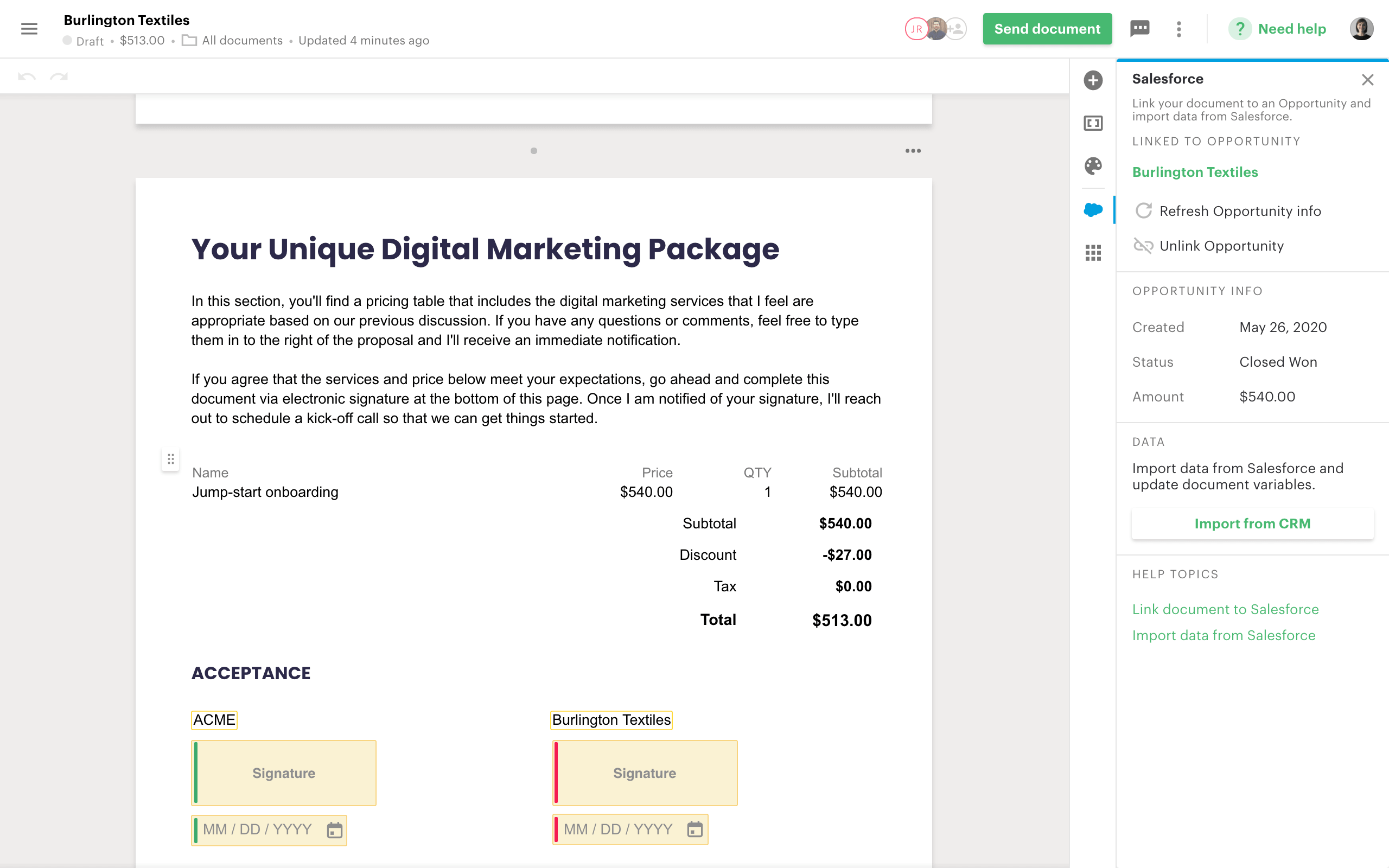
They can pull pricing information, case studies, implementation timelines, contact details, and other CRM data directly into a proposal.
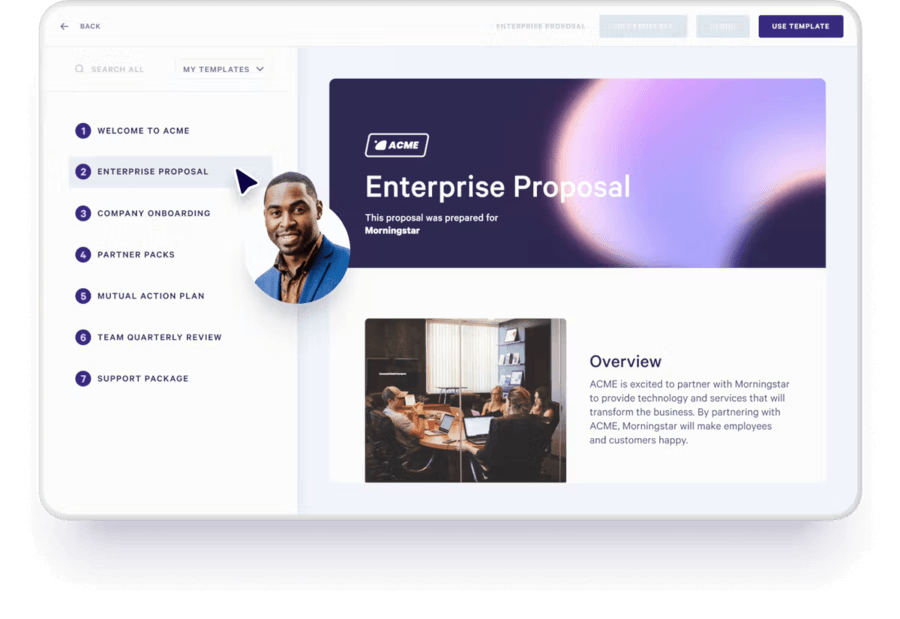
Instead of manually updating every document before sending it, sales reps can generate personalized sales proposals automatically using information that's already stored in their CRM.
The more personalization you can automate, the easier it becomes to scale without creating additional work for the sales team.
Integrations that eliminate manual work
Proposal automation is only as good as the systems behind it.
If your team still has to copy customer information from your CRM, manually update pricing, upload attachments, or send follow-up emails separately, you're not getting the full benefit of automation.
The best proposal automation tools connect directly to platforms your team already uses every day.
That might include Salesforce, HubSpot, Pipedrive, Microsoft Dynamics, Slack, Zoom, Stripe, DocuSign, Calendly, Zapier, Make, or your internal data sources.
These integrations allow proposal data to flow automatically between systems.
A sales rep updates an opportunity in the CRM, generates a personalized proposal, sends it to the prospect, receives engagement alerts when it's viewed, and records activity back into the CRM without manually moving information between tools.
The fewer systems your team has to update manually, the more time they can spend selling.
Analytics that show what buyers actually care about
Most proposals disappear into a black hole after they're sent.
A week passes. Then another. You're left wondering whether anyone opened the document at all.
Proposal analytics remove that guesswork.
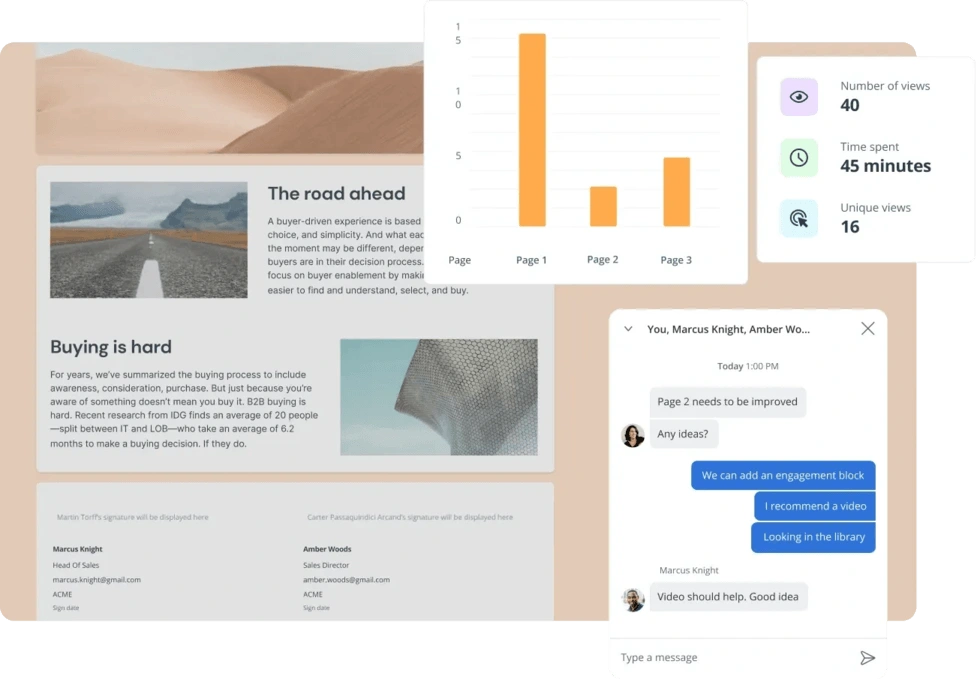
The best proposal automation tools show when a proposal was viewed, who viewed it, how much time they spent on each section, and whether they shared it with colleagues.
Those insights make follow-up conversations far more relevant because sales reps can respond to actual buyer behavior rather than assumptions.
Interactive pricing and package selection
Buyers increasingly expect self-service experiences.
Rather than requesting multiple revisions, they want to compare options, explore add-ons, and understand pricing on their own schedule.
Interactive pricing tables allow prospects to select services, compare packages, and update proposal values in real time.
That flexibility often reduces back-and-forth emails and helps buyers reach decisions faster.
Built-in approvals, signatures, and payments
Every additional step introduces friction.
Downloading a PDF, printing a contract, signing it, scanning it, emailing it back, and waiting for an invoice isn't anyone's favorite part of the buying process.
Many proposal automation tools now combine proposals, approvals, e-signatures, and payment collection into a single workflow.
Buyers can review the proposal, approve terms, sign the agreement, and pay a deposit without leaving the document.
AI that helps create proposals faster
Most proposal automation platforms now include AI in some form.
The question is whether it actually helps sales teams create proposals faster.
Some proposal automation tools simply help improve your writing.
Others can generate complete proposals, create layouts, personalize content, build visuals, and recommend messaging based on your previous documents.
The goal isn't to remove the sales rep from the process. It's to remove the repetitive work that slows proposal creation down.
Permissions that protect your best content
As sales teams grow, keeping proposals consistent becomes more difficult.
One rep updates pricing. Another edits legal language. Someone else uses a three-year-old case study they found buried in a folder.
Good proposal automation software gives administrators control over what can and can't be edited.
Sales reps still have flexibility to personalize proposals, but pricing structures, legal terms, branding, and approved content stay protected.
 Dominika Krukowska