Best 10+ Productivity Tools To Help Your Business Stay Organized

Explore the best productivity tools for businesses in 2026, including project management, automation, communication, time tracking, and AI-powered solutions.

Best productivity tools

helped business
professionals at:

WorkDay IHeart Meta Nice American Cancer Society Xerox

Short answer

What are the best productivity tools?

The best productivity tools are:

  1. Notion
  2. ClickUp
  3. Slack
  4. Zapier
  5. Claude
  6. Storydoc
  7. Timely
  8. ProofHub
  9. Filecamp
  10. Social Champ
  11. Slite
  12. actiTIME
  13. Kuberns
  14. Tmetric

What are productivity tools?

Let's be honest, there are never enough hours in the workday. Between managing tasks, responding to messages, and keeping projects on track, it's easy to feel like you're constantly catching up.

Productivity tools are apps that help individuals and teams stay organized, reduce busywork, and keep work moving.

They can help you manage tasks, automate repetitive processes, coordinate with colleagues, and bring everything you need into one place.

The challenge is that there are hundreds of options to choose from, and many promise more than they deliver.

To make things easier, we've rounded up the tools worth knowing about and explained what each one does best.

Types of productivity tools

No single productivity tool solves every problem. Most are built to solve a particular issue rather than improve every part of a workflow.

To help you navigate the options, we've grouped the most useful tools into several broad categories.

While there's plenty of overlap between them, this framework makes it easier to understand what each type is designed to do.


Main types of productivity tools:

  1. Task and project management

  2. Focus and time management

  3. Communication

  4. Note-taking and knowledge

  5. Automation

  6. AI-powered

What are the best productivity tools?

1. Notion

Best for: Centralizing knowledge, docs, and project planning in one workspace

Best productivity tools - Notion

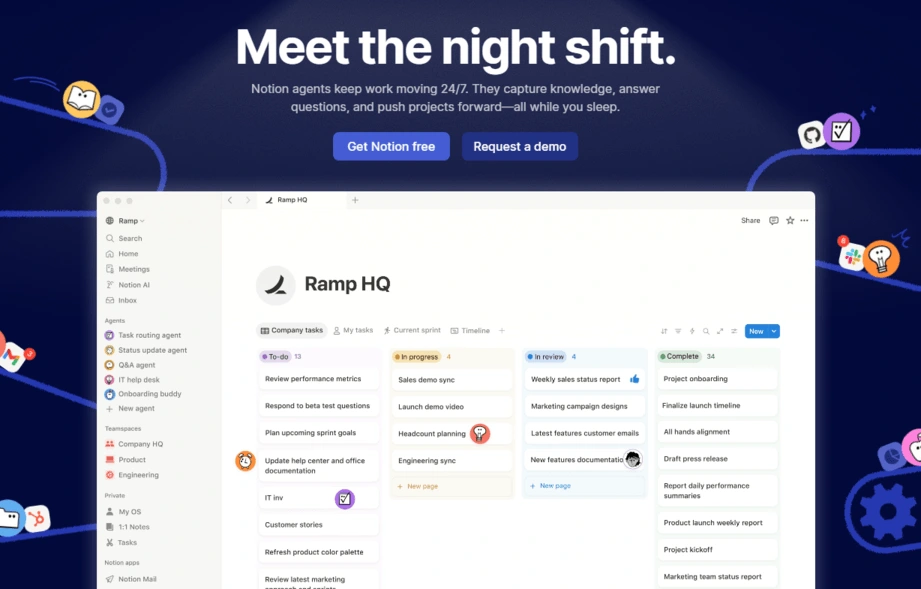
Notion is a flexible all-in-one workspace that adapts to how your team actually thinks. Whether you're building a company wiki page, managing a product roadmap, or drafting documentation, Notion gives you the blocks to build it your way.

What sets it apart is its database-first approach. Pages double as structured databases with filters, views, and relational links, making it easy to organize information and connect related projects, documents, and tasks.

Add Notion AI into the mix and you can summarize meeting notes, draft content, and pull insights from your workspace without ever switching tabs.


Pros

  • Highly flexible app with pages, databases, wikis, and boards all in one

  • Notion AI speeds up writing, summarizing, and content generation

  • Generous free plan for individuals and small teams

  • Clean interface that doesn't overwhelm


Cons

  • Offline access is limited compared to native apps

  • Advanced automations require third-party integrations


Pricing

  • Free

  • Plus: €9.50/member/month

  • Business: €19.50/member/month

  • Enterprise

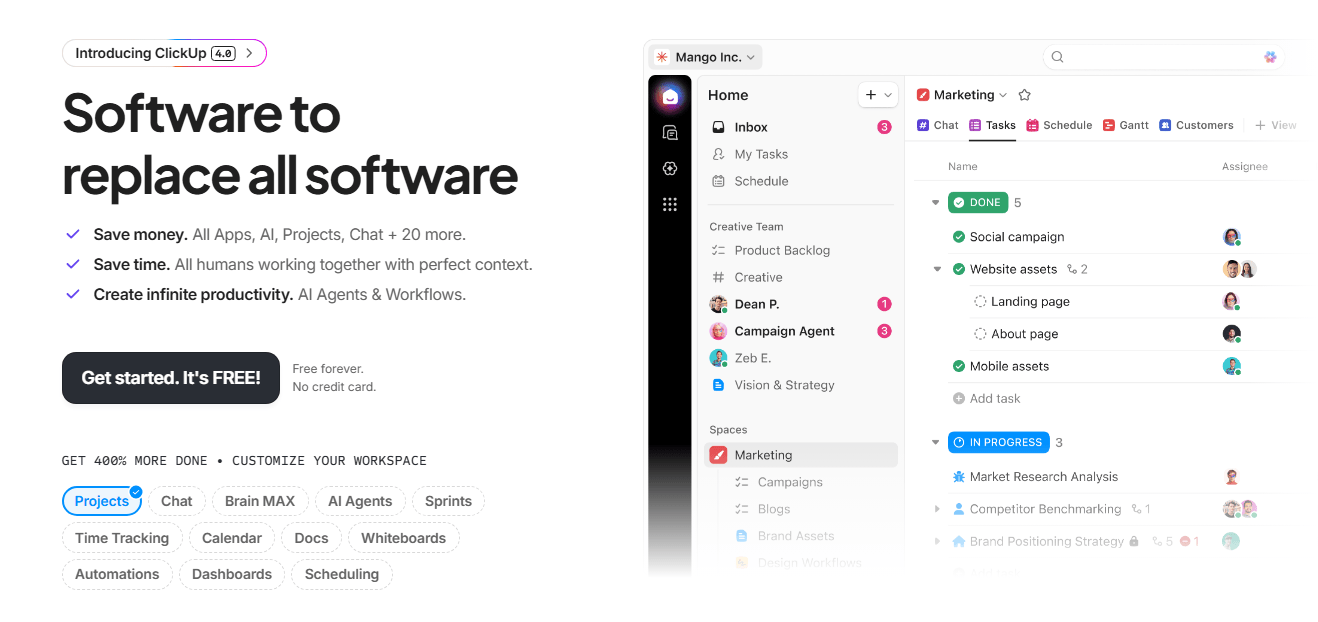
2. ClickUp

Best for: Managing tasks, projects, and team workflows in a single platform

Best productivity tools - ClickUp

ClickUp positions itself as the "one app to replace them all" and it comes closer than most.

It combines task management, docs, goals, time tracking, and dashboards into a single platform that teams can mold to fit almost any workflow.

The platform's depth is its superpower. You can manage sprints like a dev team, run client projects like an agency, and build internal SOPs like an ops team, all from the same workspace.

ClickUp AI layers on top to write task summaries, generate subtasks, and surface action items from your content automatically.


Pros

  • Very feature-rich, covering tasks, docs, goals, and reporting

  • Multiple view types suit every team's working style

  • ClickUp AI automates summaries, subtasks, and action items

  • Generous free plan with solid core functionality


Cons

  • The sheer number of features can be overwhelming to new users

  • Mobile app lags behind the desktop experience

  • Performance can slow down in very large workspaces


Pricing

  • Free

  • Unlimited: $7/user/month

  • Business: $12/user/month

  • Enterprise

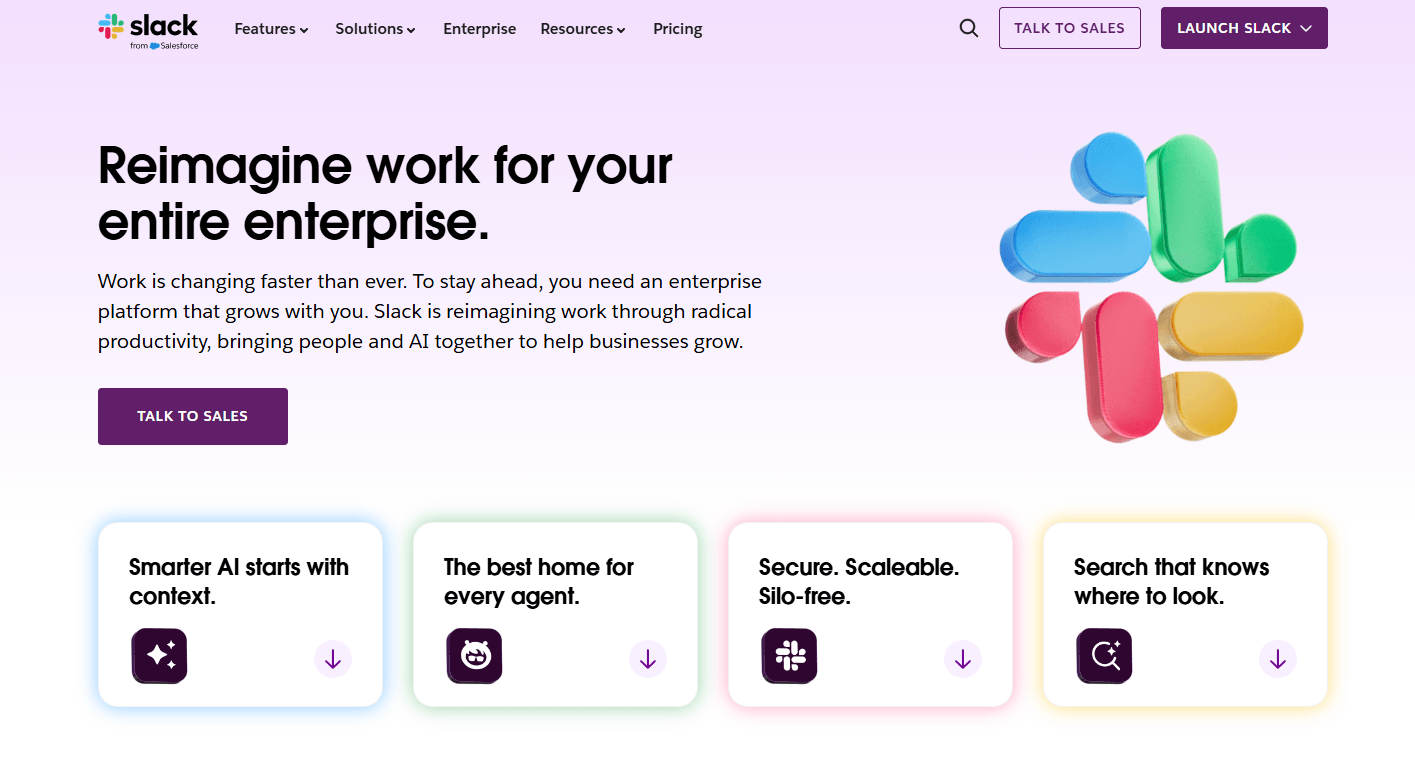
3. Slack

Best for: Keeping distributed teams connected with organized, searchable communication

Best productivity tools - Slack

Slack has become a central part of how many teams communicate. It brings discussions, updates, and collaboration into a single workspace, reducing the need to juggle long email threads and disconnected conversations.

Channels, threads, and direct messages help keep information organized, while search makes it easy to find past discussions, decisions, and shared files.

Slack also integrates with thousands of third-party tools, allowing teams to receive notifications, manage approvals, and automate routine tasks without leaving the platform.

Slack AI now builds on those capabilities by summarizing unread threads, recapping conversations you’ve missed, and helping you find information buried in months of chat history.


Pros

  • Channel-based structure keeps conversations organized and on-topic

  • Massive integration library connects virtually every tool your team uses

  • Slack AI summarizes threads and channels to cut through information overload

  • Workflow Builder automates routine processes without any code


Cons

  • Can become a distraction if channel discipline isn't maintained

  • Message history limits on the free plan make older content inaccessible

  • Costs scale quickly as team size grows


Pricing

  • Free

  • Pro: $7.25/person/month

  • Business: $15/person/month

  • Enterprise

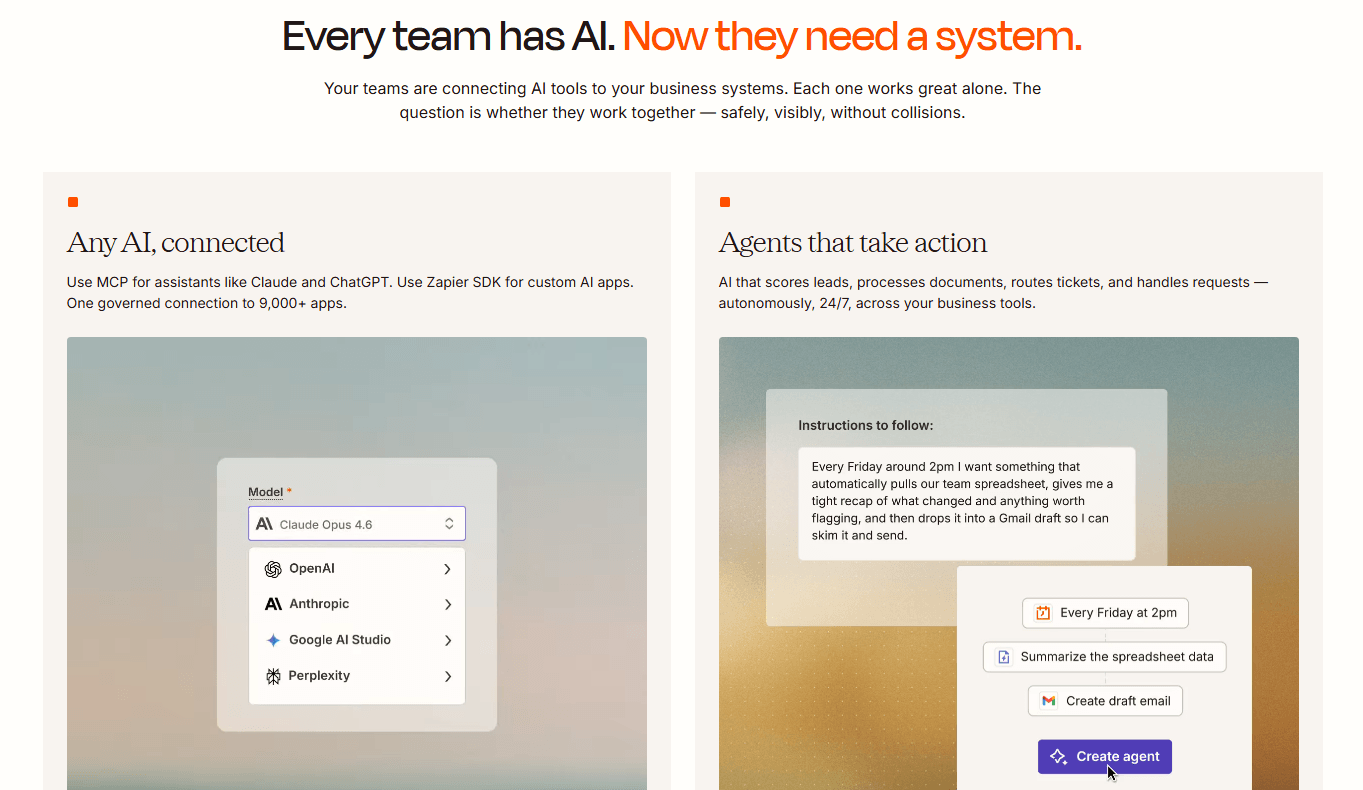
4. Zapier

Best for: Automating repetitive tasks and connecting apps without writing a line of code

Best productivity tools - Zapier

Zapier helps teams automate the repetitive tasks that happen between the apps they use every day.

It connects more than 7,000 tools and allows you to create workflows that trigger actions automatically when specific events occur.

Part of what makes Zapier so powerful is how simple the concept is: when X happens in one app, Zapier makes Y happen in another.

A new form submission, for example, can create a CRM contact, send a Slack notification, and update a spreadsheet automatically.

Once the workflow is in place, the process runs automatically in the background, with no need for ongoing maintenance or developer involvement.


Pros

  • Integrates with more than 7,000 apps, offering one of the largest integration libraries available

  • No-code interface makes automation accessible to teams without technical expertise

  • AI-assisted Zap creation helps users build workflows more quickly

  • Supports multi-step automations and conditional logic for more advanced use cases


Cons

  • Costs can increase quickly as usage volume and workflow complexity grow

  • Troubleshooting failed automations requires patience and some technical familiarity


Pricing

  • Free

  • Professional: $19.99/month

  • Team: $69/month

  • Enterprise

5. Claude

Best for: Thinking through complex work, writing, research, and building AI-powered workflows

Best productivity tools - Claude

Claude is Anthropic's AI assistant, designed for users who regularly work with complex information.

It's particularly strong at tasks that require careful reasoning, whether that's analyzing a document, reviewing code, exploring a research topic, or working through a business problem.

One of Claude's biggest strengths is its ability to work with large amounts of context at once.

Instead of breaking a project into smaller pieces, users can often provide entire documents, lengthy conversation histories, or substantial codebases and discuss them within a single chat.

The result is a more natural workflow, especially for tasks where understanding the full picture matters as much as generating an answer.


Pros

  • Strong at tasks that require careful reasoning and detailed analysis

  • Large context window allows users to work with lengthy documents, codebases, and conversation histories in a single chat

  • API access makes it a great option for teams building custom AI workflows

  • Produces responses that are generally well structured and context-aware


Cons

  • Needs to be connected to other tools before it can automate tasks or take actions on your behalf

  • Free tier may not provide enough usage for heavy day-to-day use


Pricing

  • Free

  • Pro: $20/user/month

  • Team: $25/user/month

  • Enterprise

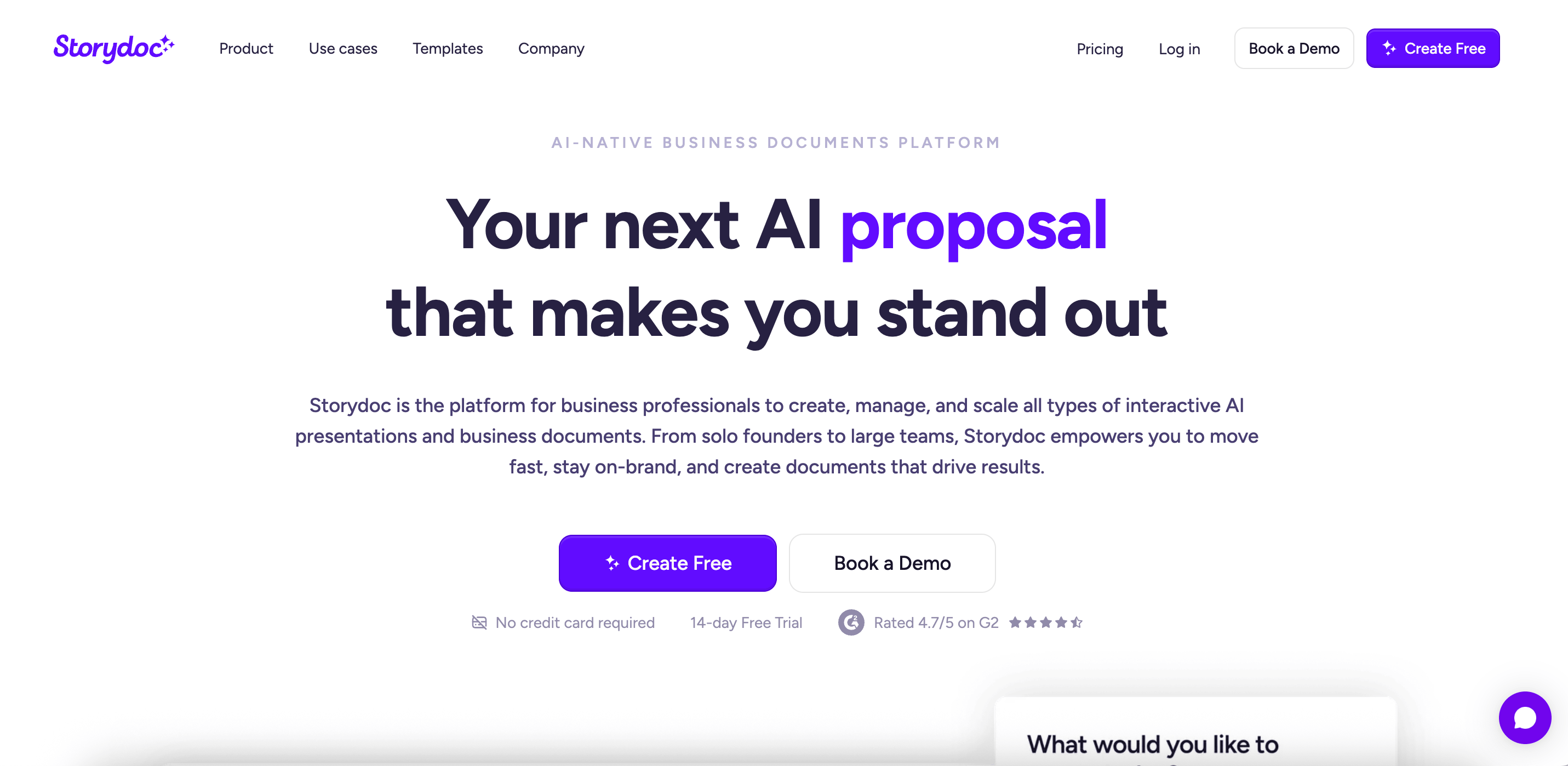
6. Storydoc

Best for: Creating personalized sales proposals, pitch decks, and client-facing documents at scale with AI and CRM integrations

Best productivity tools - Storydoc

Storydoc is designed to help sales teams create proposals, pitch decks, and other client-facing documents more efficiently.

Its AI capabilities and integrations with common sales and CRM platforms allow teams to pull in relevant information from the systems they already use, making it easier to create consistent, personalized documents at scale.

This is especially useful for larger sales organizations with established processes and workflows.

Organization admins can set workspace-wide defaults, such as fonts, design and AI knowledge, as well as assign different access levels to different members of the team.

Storydoc keeps sales and outbound teams focused, productive and effective, allowing them to spend more time on selling, and less on creating new docs for every stage of the sales process.


Pros

  • CRM-driven personalization at scale with Salesforce, HubSpot, and your tech stack to pull live data and generate fully personalized collateral for every lead or deal stage

  • AI-powered collateral creation allows for pitch decks, proposals, and one-pagers to be generated from prompts, templates, or your existing content library, with a content engine trained on your brand voice

  • Automated follow-up decks use AI and call insights to instantly build post-meeting decks capturing next steps, timelines, and key discussion points

  • Real-time engagement analytics track how prospects interact with your documents and trigger follow-ups based on real engagement signals


Cons

  • Built with scalability in mind, which may be more than some smaller teams need

  • Complex analytics and integrations only available for Pro and higher plans


Pricing

  • Starter: $19.80/month

  • Pro: $36/month

  • Teams: customizable

7. Timely

Best for: Accurate and automatic time tracking

Best productivity tools - Timely

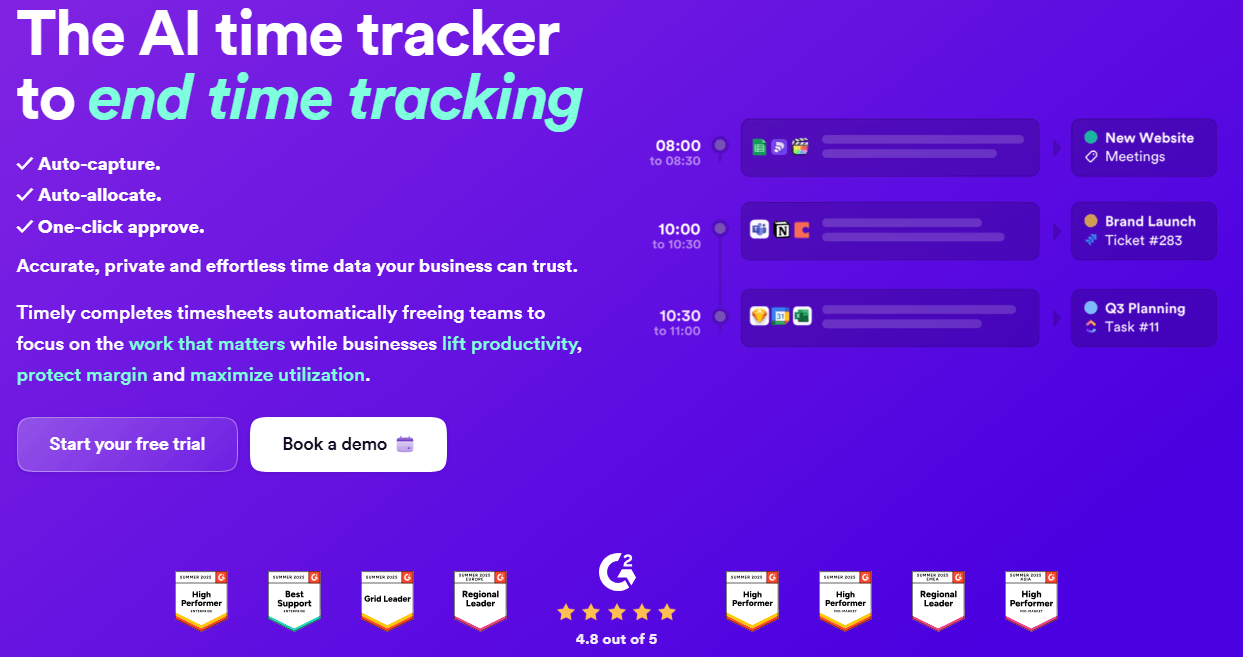
Timely is an automatic time tracking tool that helps teams capture work activity without relying on timers or constant manual input.

It records time spent across apps, websites, meetings, and projects, then turns that data into accurate timesheets and reports.

Managers get a clear view of project progress, billable hours, team capacity, and performance trends, while employees keep control over what gets shared.


Pros

  • Automatic time tracking that captures work in the background

  • Clean and user friendly interface that makes it easy for teams to review timesheets, projects, and billable hours

  • Detailed reports and project insights for tracking profitability, team capacity, and time spent across clients or tasks

  • Privacy focused approach where employees control what activity gets logged and shared

  • Strong integrations with tools like Asana, Trello, Jira, and Slack


Cons

  • Pricing can feel expensive for freelancers or very small teams compared to simpler time tracking tools

  • The automatic tracking occasionally miscategorizes activities, so some time entries still need manual review

  • Reporting customization is more limited than in some enterprise focused time tracking platforms


Pricing

  • Starter: $11 per user/month billed monthly, or $9 per user/month billed yearly.

  • Premium: $20 per user/month billed monthly, or $16 per user/month billed yearly.

  • Unlimited: $28 per user/month billed monthly, or $22 per user/month billed yearly.

  • Enterprise

8. ProofHub

Best for: Teams that want to replace multiple project management and collaboration tools with a single flat-rate platform

Best productivity tools - ProofHub

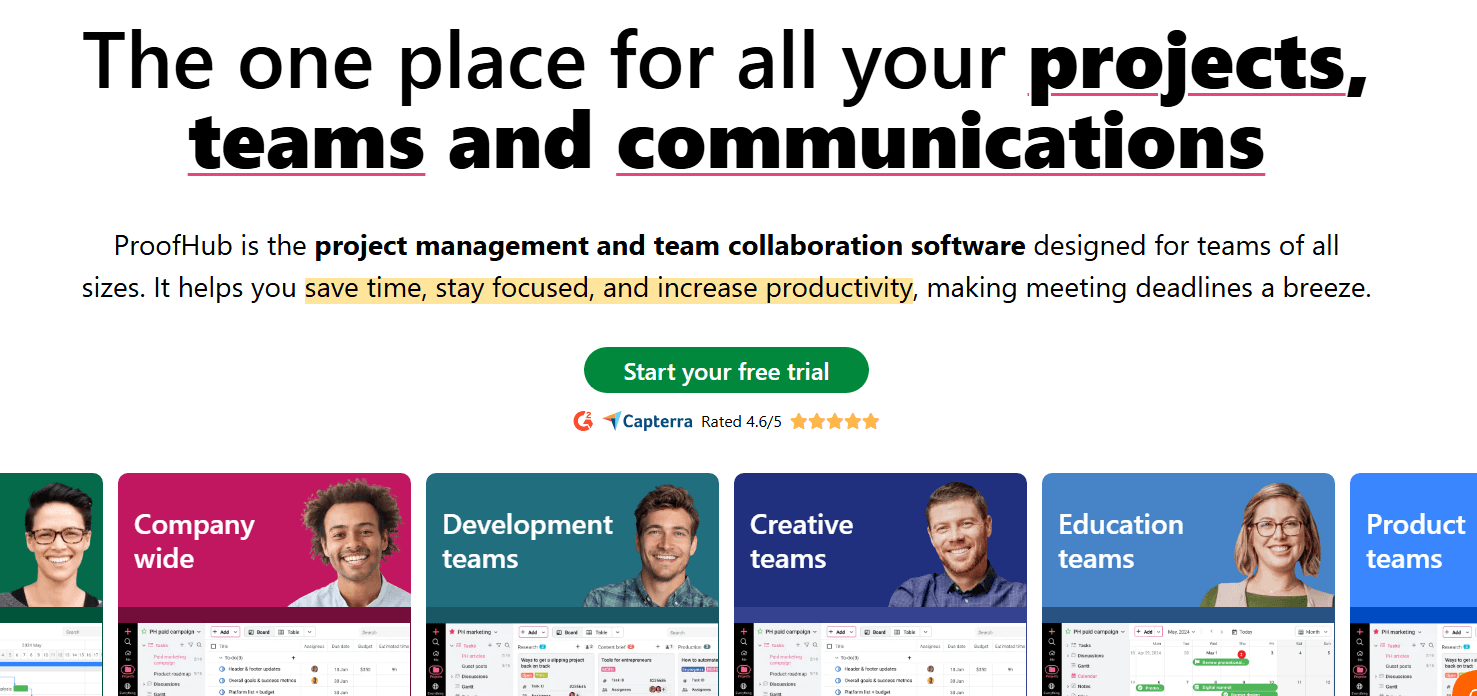
ProofHub is an all-in-one project management and team collaboration software designed for teams of all sizes to plan work, track progress, and communicate, all in one place.

It offers a centralized platform for managing tasks, timelines, files, discussions, and reporting, without having to shuffle between multiple tools.


Pros

  • Flat pricing for cost to stay predictable as your team grows

  • Built-in proofing tool lets teams review and annotate files directly inside the platform

  • Multiple project views (Gantt, board, table, calendar) so teams can work the way they prefer

  • Built-in chat, discussions, notes, and announcements reduce scattered communication across email threads

  • Time tracking, workload, and resource reports for full visibility into how team capacity and project progress


Cons

  • No free plan available for individual users

  • The mobile app experience is not as polished as the desktop version

  • Limited integrations in comparison to other project management tools


Pricing

  • Essential: Flat $45/month (billed annually) for unlimited users

  • Ultimate Control: Flat $89/month (billed annually) for unlimited users

9. Filecamp

Best for: Managing, sharing, and organizing branded digital assets with custom branding

Best productivity tools - Filecamp

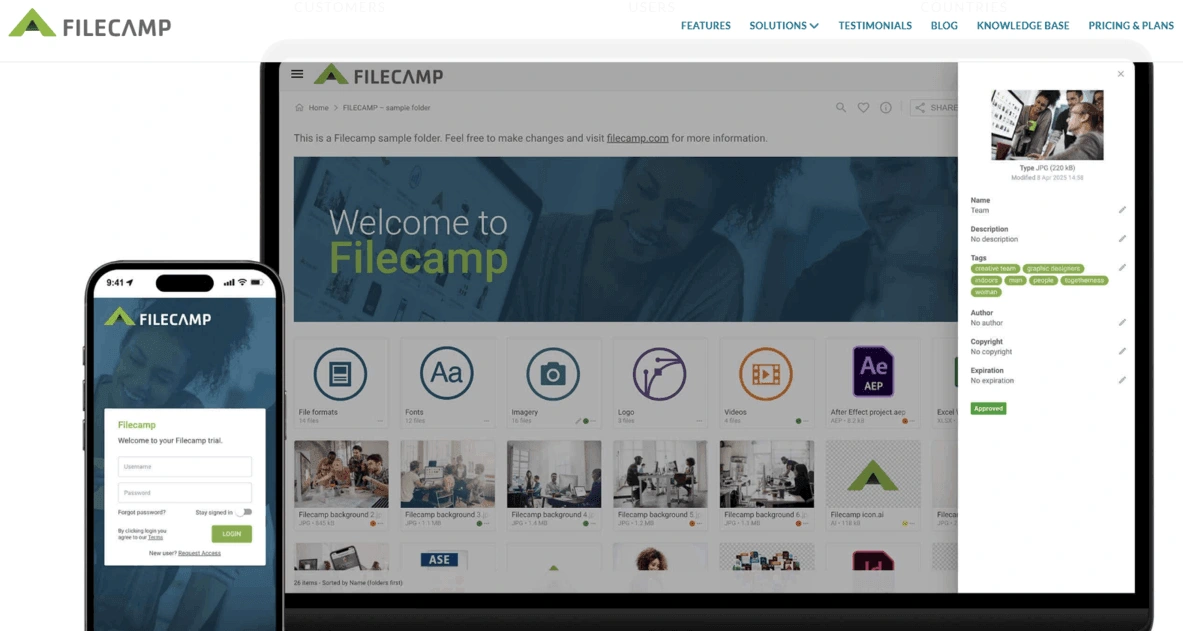
Filecamp is a cloud-based digital asset management platform that helps teams store, organize, find, and share images, videos, documents, brand assets, and other files.

It combines file sharing, permissions, tagging, search, custom branding, and client-facing portals in one simple platform.

All plans include unlimited users, making Filecamp a practical choice for marketing teams, creative agencies, nonprofits, and companies that need secure, branded access to their digital assets.


Pros

  • Unlimited users included in all plans

  • Custom branding and client-facing portals

  • Folder-level permissions and secure sharing

  • Tags, search, collections, and AI auto-tagging

  • Transparent pricing with no startup fees


Cons

  • No public API yet

  • SSO is not available yet


Pricing

  • Basic: $29/month

  • Advanced: $59/month

  • Professional: $89/month

10. Social Champ

Best for: Streamlining social media management with AI-powered scheduling, automation, collaboration, and analytics

Best productivity tools - Social Champ

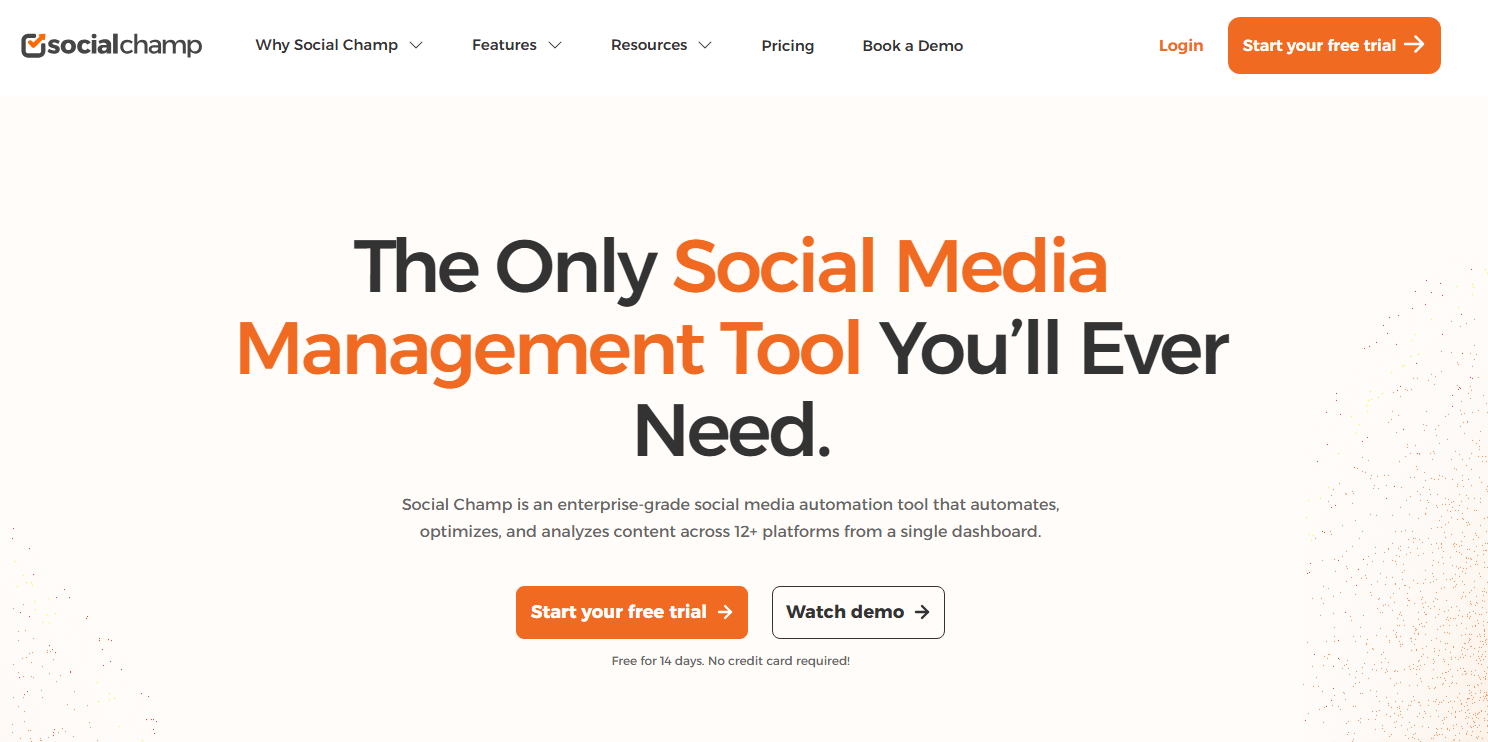
Social Champ is an all-in-one social media management platform that supports scheduling, analytics, engagement, and social listening.

It integrates with 12+ major networks, including Mastodon, Bluesky, and WhatsApp.

With team collaboration and multi-step approval workflows, it simplifies your entire social media workflow at a budget-friendly price point.


Pros

  • Publish and schedule content across 12+ social networks from a single dashboard, saving significant time on cross-platform management

  • Generate captions, content ideas, and images tailored to your brand identity for consistent, on-brand messaging

  • Manage all conversations in one place while preventing duplicate replies from team members

  • Set up approval workflows, assign user roles, and define permissions for seamless team-based content management

  • Access deep performance insights, Google Analytics 4 integration, and social listening to refine your strategy in real time


Cons

  • The breadth of features may require some onboarding time, though a one-on-one demo is available to help

  • Certain features may be restricted due to third-party social media platform API constraints beyond Social Champ's control

  • Teams needing full functionality will need to move beyond the free or starter plans


Pricing

  • Pay-Per-Profile Plans (from $4 to $8)

  • Flat-Rate Plans (free, or from $23 to $119)

  • Enterprise

11. Slite

Best for: Building and maintaining a reliable team knowledge base with AI-powered search and document verification

Best productivity tools - Slite

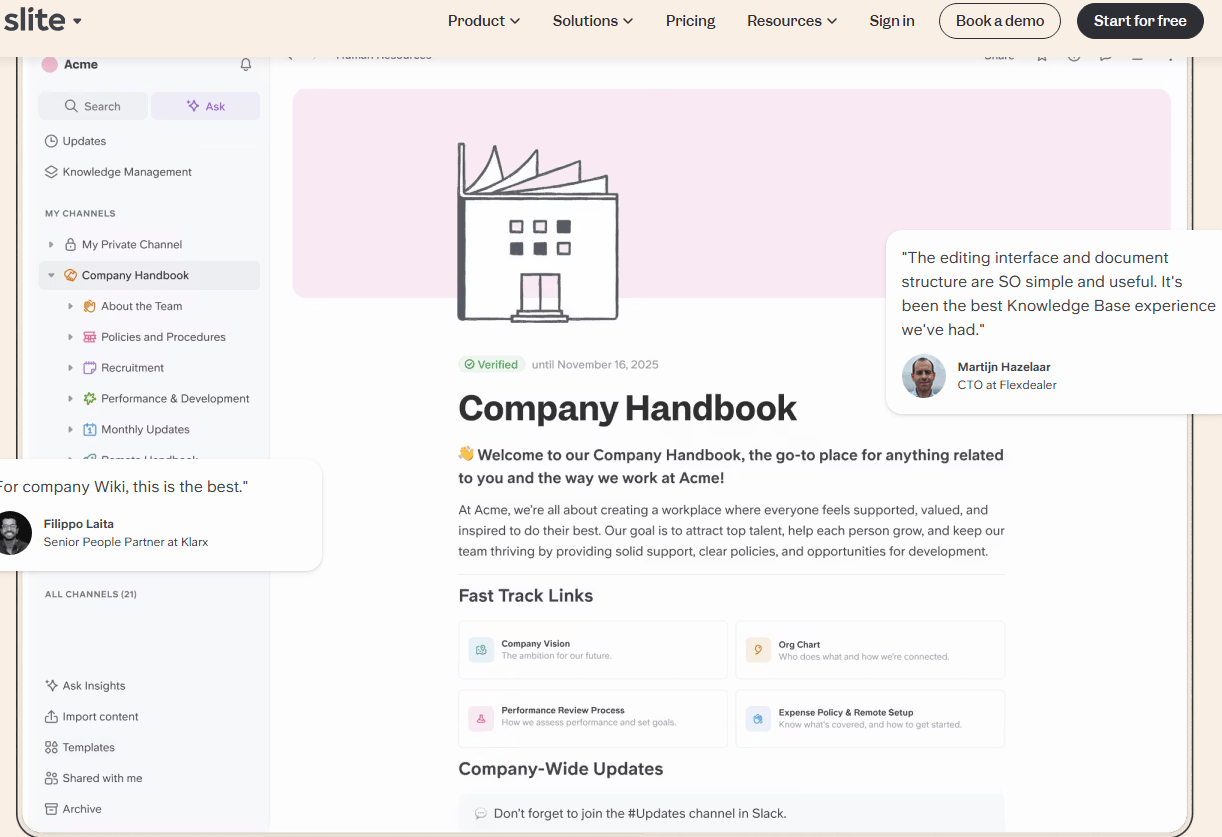
Slite is a purpose-built knowledge base that helps growing teams create, organize, and maintain company documentation.

Unlike general-purpose wikis, Slite is designed around knowledge accuracy: a built-in verification system keeps docs up to date, and AI-powered search (Ask) lets anyone get instant, sourced answers in natural language.

With an intuitive editor, granular permissions, and a knowledge management dashboard, Slite gives teams a single source of truth they can actually trust without the complexity of tools like Confluence or Notion.


Pros

  • AI search comes standard on every plan, so anyone can ask questions in plain language and get sourced answers from your knowledge base without paying extra

  • A dedicated knowledge management panel surfaces outdated, empty, and unverified pages in one place, because this is a tool built specifically for knowledge management, not a generalist trying to do everything

  • Reader seats run about a third of the cost of a writer seat, so broad access doesn't mean a bloated bill

  • For teams with compliance requirements, the platform is SOC 2 Type II, GDPR, and HIPAA certified, with EU-based hosting and a firm policy against training AI on customer data


Cons

  • No free plan

  • No on-premise or private cloud deployment option, which can be a blocker for organizations with strict data residency requirements

  • No Microsoft Teams integration


Pricing

  • Standard: $8/user/month

  • Suite: $20/user/month

  • Enterprise

12. actiTIME

Best for: Service businesses tracking billable hours, project profitability, and team labor cost allocation

Best productivity tools - actiTIME

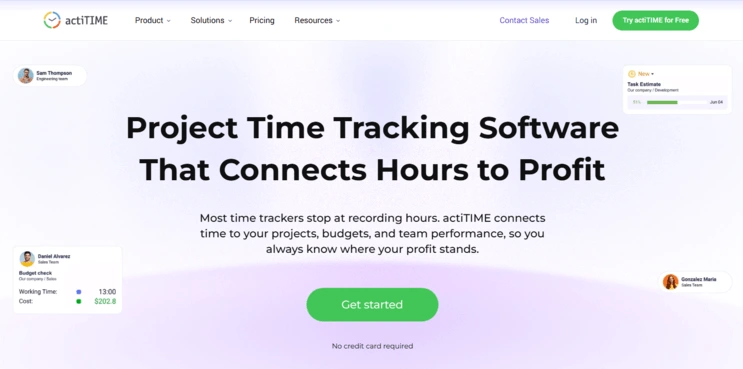
actiTIME is project time tracking software that helps businesses see where their working hours and project costs actually go.

Teams log time against the projects, tasks, and clients they're working on, and managers get a clear view of workload, billable hours, project budgets, and overall profitability.

The platform supports timesheet approvals, invoicing, leave management, and reporting, giving business owners the data they need to plan capacity, price work accurately, and improve operational efficiency.


Pros

  • Per-task billing rates, budget tracking, and estimate-vs-actual comparison

  • Custom fields and flexible project structure adaptable to most workflows

  • Exportable reports (PDF/CSV) with savable dashboard views

  • Integrates with actiPLANS for combined time tracking and leave management


Cons

  • Free plan limited to 3 users and a reduced feature set

  • No built-in screenshot or activity-monitoring features


Pricing

  • Starting from $5 per user per month

13. Kuberns

Best for: Enabling teams to deploy their products faster with AI agents

Best productivity tools - Kuberns

Kuberns is an agentic AI deployment platform that lets developers deploy apps in one click without managing DevOps or infrastructure.

AI agents automatically understand your application, configure environments, and handle deployment from start to production. Built for developers, startups, and teams, Kuberns also offers unlimited team collaboration with no per-user pricing.


Pros

  • Agentic AI handles the full deployment process automatically

  • Deploy apps in one click without DevOps complexity

  • No server setup or infrastructure management required

  • Unlimited team members with no per-user pricing

  • Faster, simpler, and more reliable app deployments


Cons

  • Advanced infrastructure customization may be limited for highly complex enterprise setups

  • Teams deeply tied to traditional DevOps workflows may need adjustment time

  • Currently focused mainly on simplifying cloud application deployments


Pricing

  • Free credits to get started, starting at just $7

  • Pay only for active compute and database usage

  • No per-user pricing, unlimited team members included

14. Tmetric

Best for: Time tracking connected to billing rates, and invoicing in one system

Best productivity tools - Tmetric

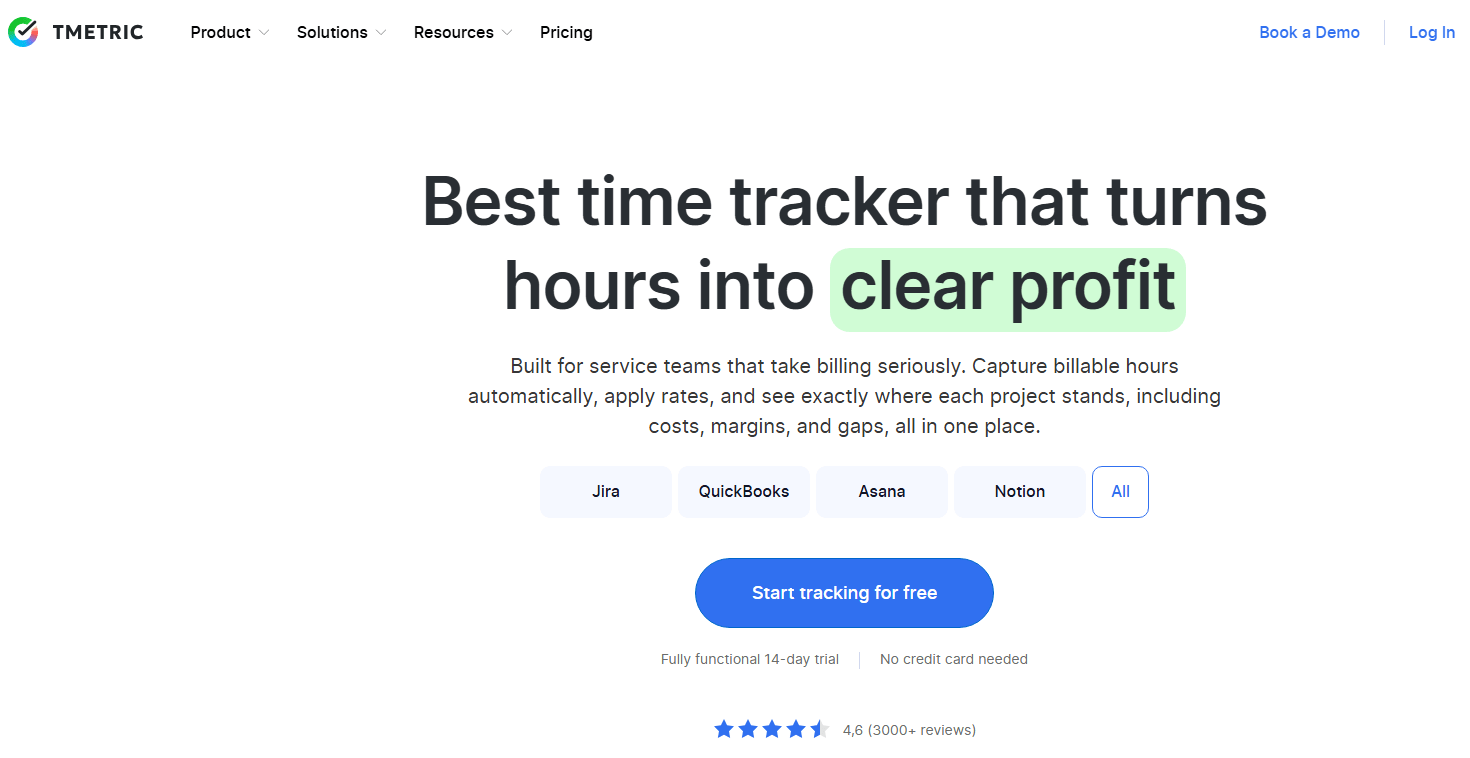
TMetric is a time tracking and productivity platform built for teams that need full visibility into where hours actually go, each project stands, including costs, margins, gaps, all in one place.

With the TMetric productivity tracker, teams can track progress, time spent, and team involvement across all tasks and projects.

It fits into existing workflows without friction with one-click timers, automatic activity capture, and integrations with 50+ tools, including Jira, Asana, Trello, and Slack.


Pros

  • Intuitive interface with near-zero learning curve

  • Project and task management with budget tracking and overage alerts

  • One-click invoice generation, automated timesheets, payroll exports, and PTO management

  • Free plan available, affordable paid tiers


Cons

  • Free plan limited to 2 users

  • Doesn’t support Kiosk and GPS tracking


Pricing

  • Professional: $5.83/seat/month

  • Business: $7.50/seat/month

How to choose the best productivity tool for your needs?

With so many productivity tools on the market, it's easy to focus on feature lists and pricing pages.

In reality, choosing the right tool usually comes down to understanding the problem you're trying to solve and how your team prefers to work.


A few things are worth keeping in mind:

  • Start with the problem: Most productivity tools are designed to solve a specific challenge. Some help teams stay organized, others improve communication, automate repetitive work, or make information easier to find. The clearer the problem, the easier it becomes to narrow down your options.

  • The best tool depends on how your team works: A platform that works brilliantly for a software company may feel unnecessary for a small agency, and vice versa. The goal isn't to find the most powerful tool, but the one that fits naturally into your existing workflows.

  • Look closely at the available integrations: Productivity tools rarely exist in isolation. The more easily a platform connects with the tools your team already relies on, the less manual work and context switching you'll deal with day to day.

  • Think beyond today's requirements: The needs of a 5-person team are very different from those of a 50-person team. A tool that works perfectly today may start to feel limiting as workflows become more complex and more people rely on it.

  • The best tool is the one people actually use: A long list of features doesn't matter much if the platform feels difficult or frustrating to use. In many cases, a simpler tool that the whole team adopts will deliver more value than a more advanced alternative that nobody fully embraces.

  • A trial will tell you more than a demo: Most platforms look impressive during a product walkthrough. Using a tool for a week as part of your normal workflow is often the fastest way to understand whether it's genuinely useful or simply sounds good on paper.


No single tool on this list will be the right fit for every business. The most useful one is usually the one that solves a specific problem and fits naturally into the way your team already works.

Dominika Krukowska
Hi, I'm Dominika, Content Specialist at Storydoc. As a creative professional with experience in fashion, I'm here to show you how to amplify your brand message through the power of storytelling and eye-catching visuals.

Engaging decks. Made easy

Create your best presentation to date.

Stop losing opportunities to ineffective presentations.
Your new amazing deck is one click away!