

17 Project Plan Templates: Simple & Quick to Use
Explore project plan templates for Word, Excel, PowerPoint, and more. Find examples for timelines, task tracking, and project management, with download links.
Set as Preferred Source
Creating a project plan takes a lot of work. You need to understand the project, set clear priorities, organize tasks, and make sure everyone knows what they’re responsible for. And on top of all that, you need to present everything in a way that’s easy to follow.
Luckily, you don’t have to start from scratch.
A good project plan template gives you a ready-made structure, so you can focus on filling in the details rather than spending hours figuring out the layout.
Of course, finding the right template can be a challenge in itself. There are hundreds of options out there, and not all of them will suit your project.
To save you the trouble, we’ve rounded up some of the best project plan templates available online, with options for different projects, formats, and planning needs.
Storydoc project plan templates
Starting out with our very own templates for project plans. What’s so special about them? They’re not just boring, static documents filled with rows of data. Storydoc templates are scroll-based and fully interactive, helping you add some flair and excitement to your project plans.
Just see this example:
Static
Interactive
Looking for other business document templates, too? See one of our dedicated guides:
- Pitch Deck Templates
- Free Google Slides Templates
- Professional Presentation Templates
- Infographic Templates
- Case Study Templates
- Business Plan Templates
- Project Proposal Templates
For “standard” project plan templates, read on!
The best project plan templates to download (Word, Excel, PowerPoint, and more)
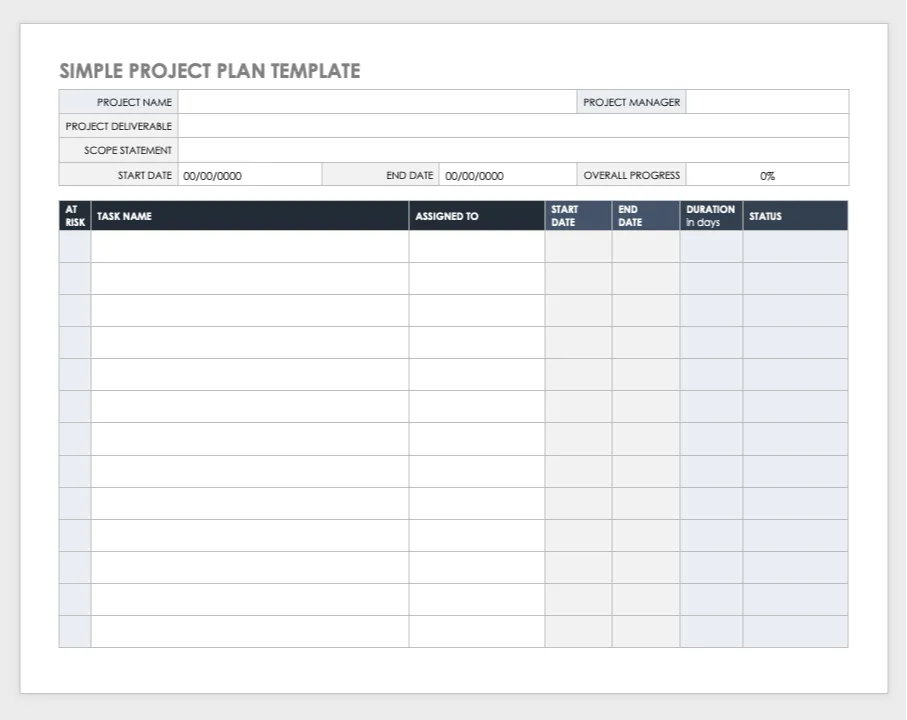
Simple project plan
A very straightforward Excel template for planning and tracking your projects in a spreadsheet. It allows you to conveniently break up a project into tasks, manage stakeholders, and monitor deadlines.
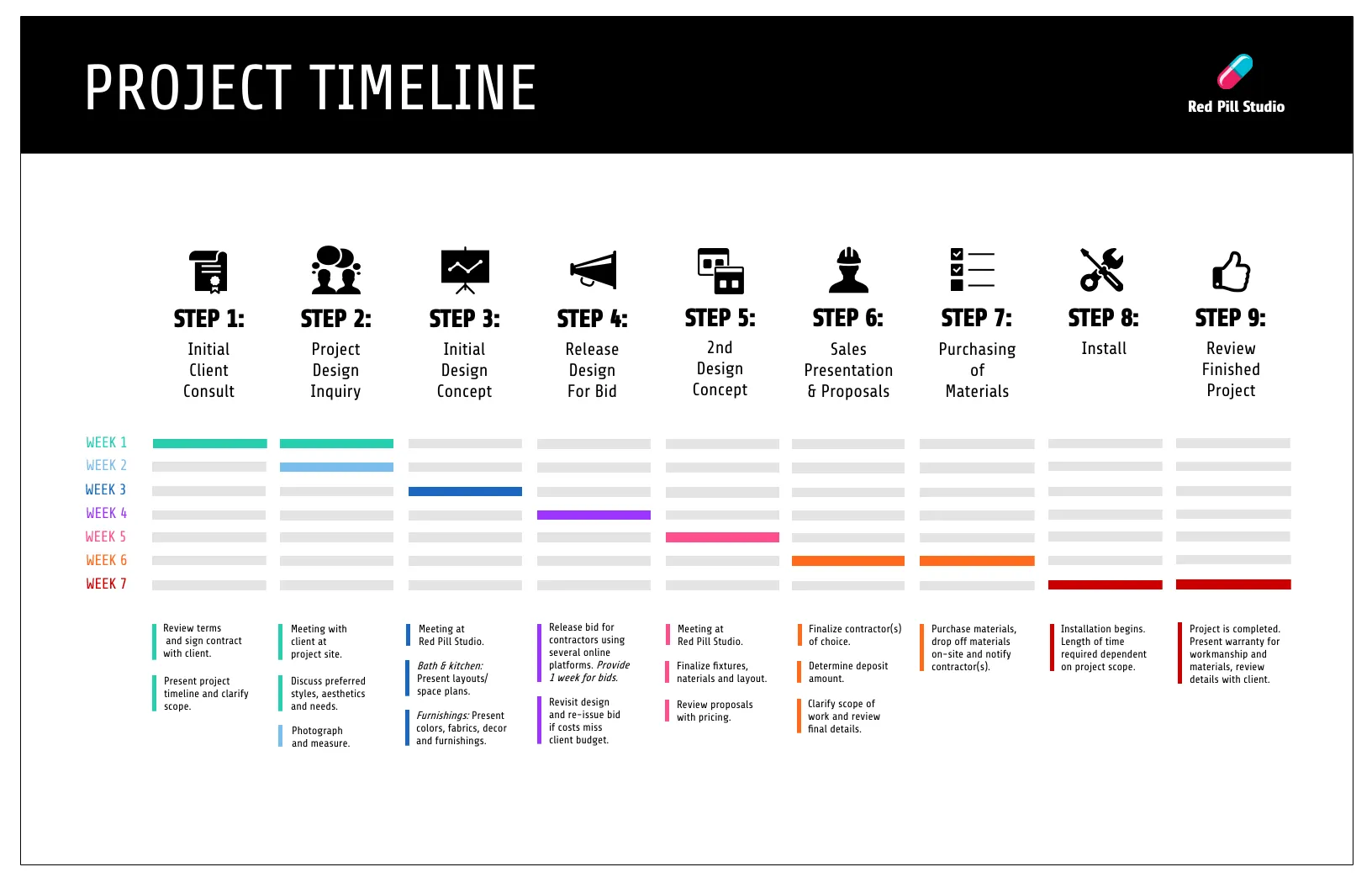
Project timeline
This process-oriented project plan template from Venngage emphasizes milestones needed for a successful project rollout. Based on a timeline, it easily lets you see if the project is progressing as it has been designed.
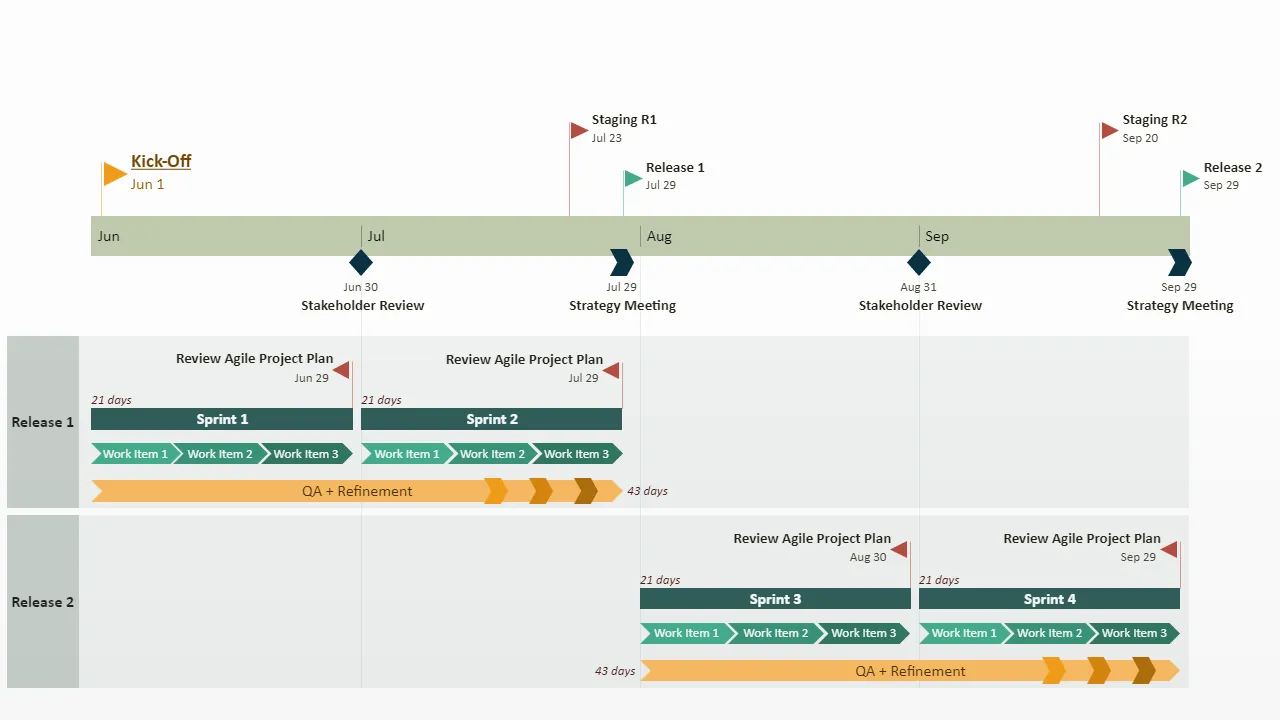
Agile
“Agile” is a more advanced template for a project plan, created with Dev teams in mind. A very good pick if you’re working in a Scrum environment, letting you easily integrate your team’s sprints with the overall project goal.
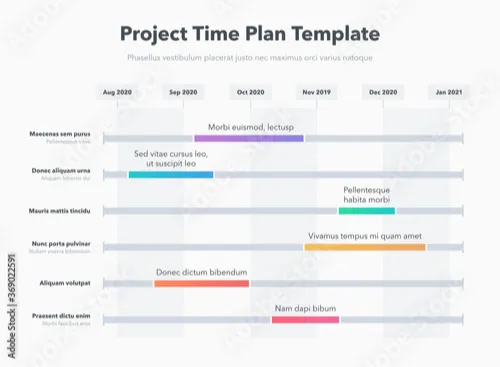
Time plan (free download available)
Available on Adobe Stock, this Illustrator project plan template will help you place tasks within a visually presented timeline. Clear, legible, and very easy to edit.
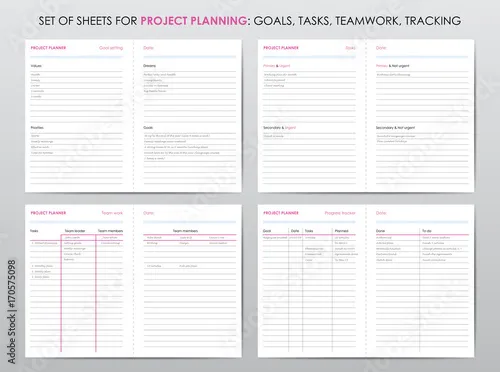
Tracker (free download available)
If you need an elegant printable project plan template, this one should work great for you. Makes tracking small, daily tasks for you and your team easy and will look great pinned to a corkboard.
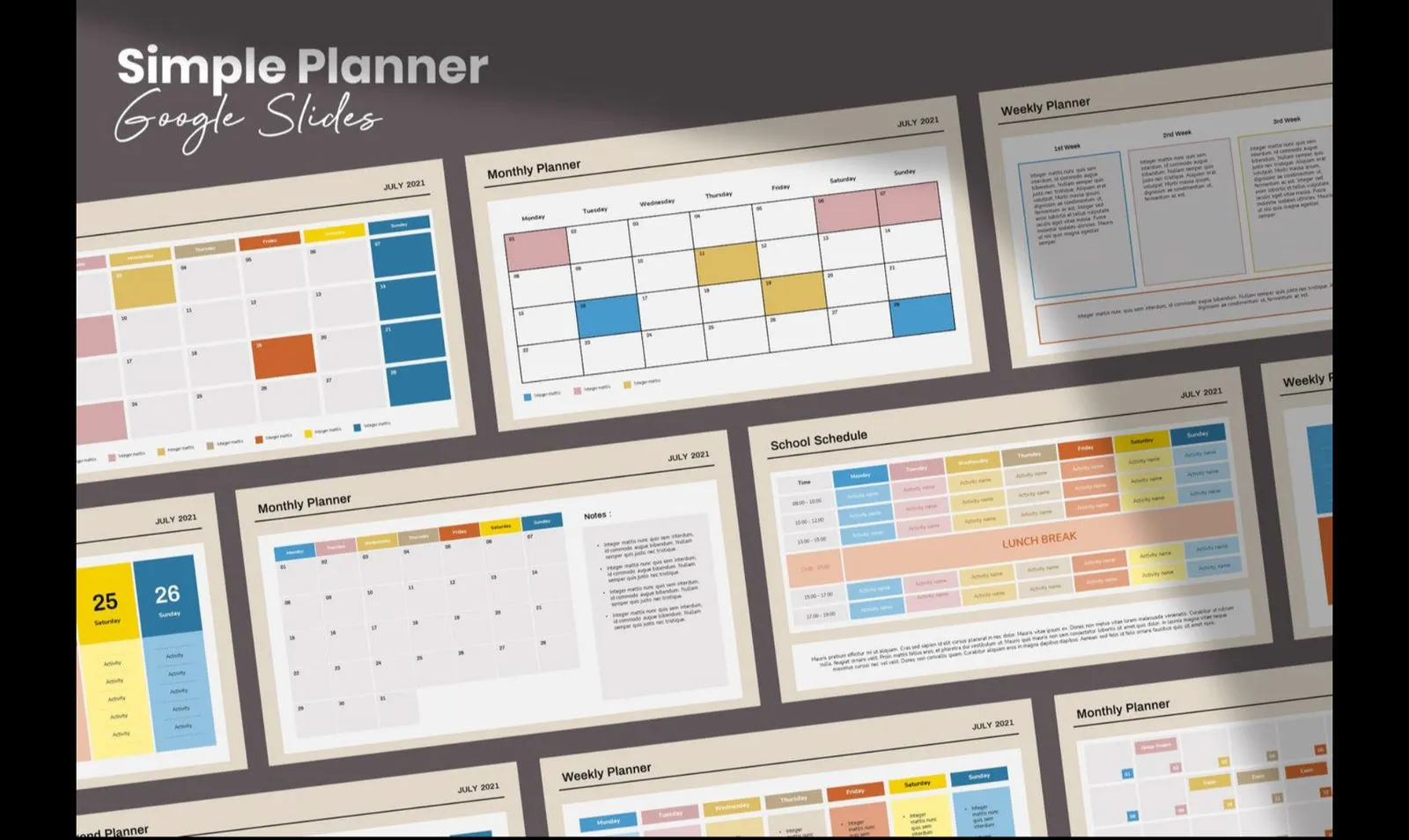
Simple planner
Cute, versatile, and very modern, this Google Slides and PowerPoint project planner is focused on following a calendar. Not great for advanced projects with complex dependency chains but a solid pick for a semi-personal project plan.
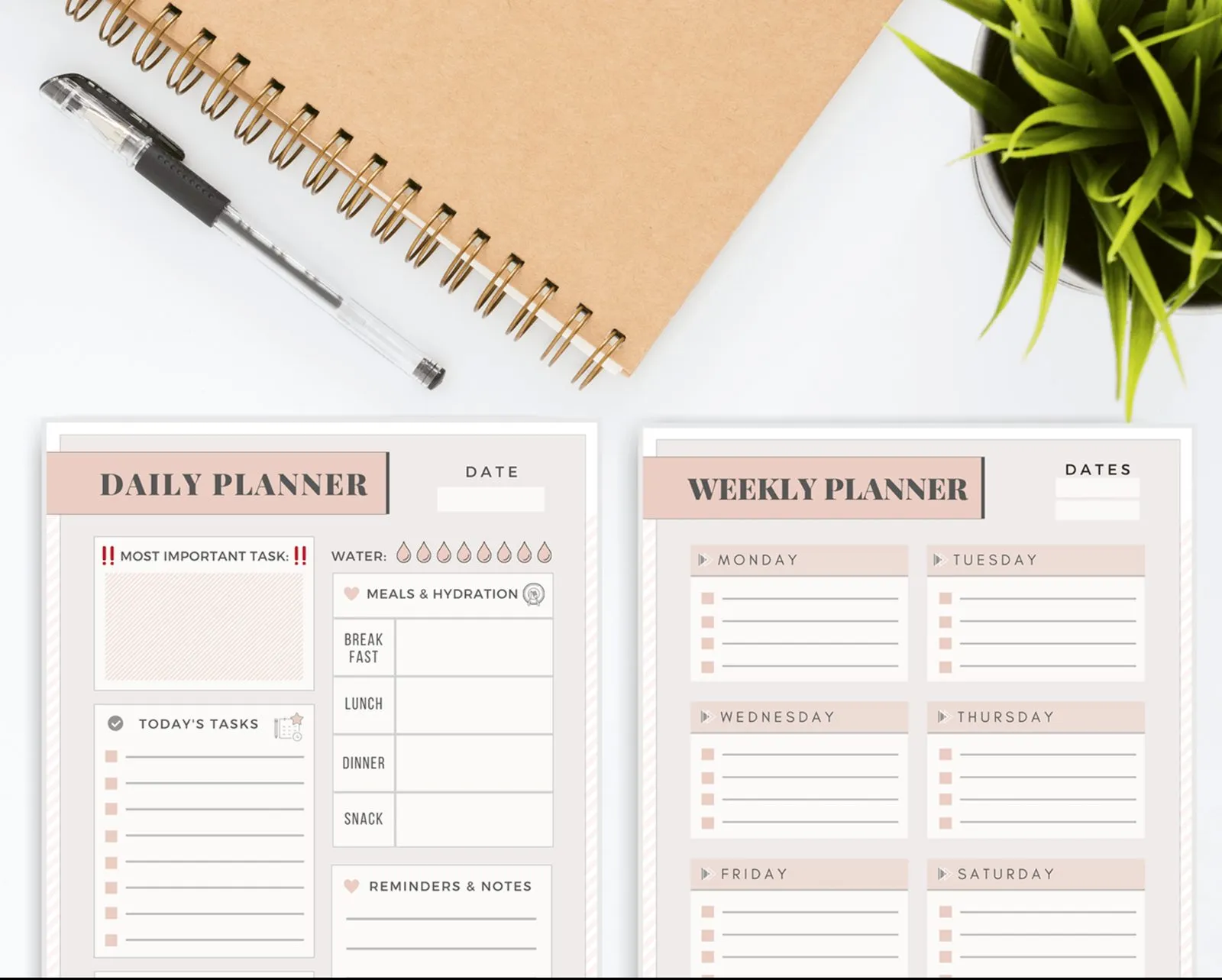
Personal planner
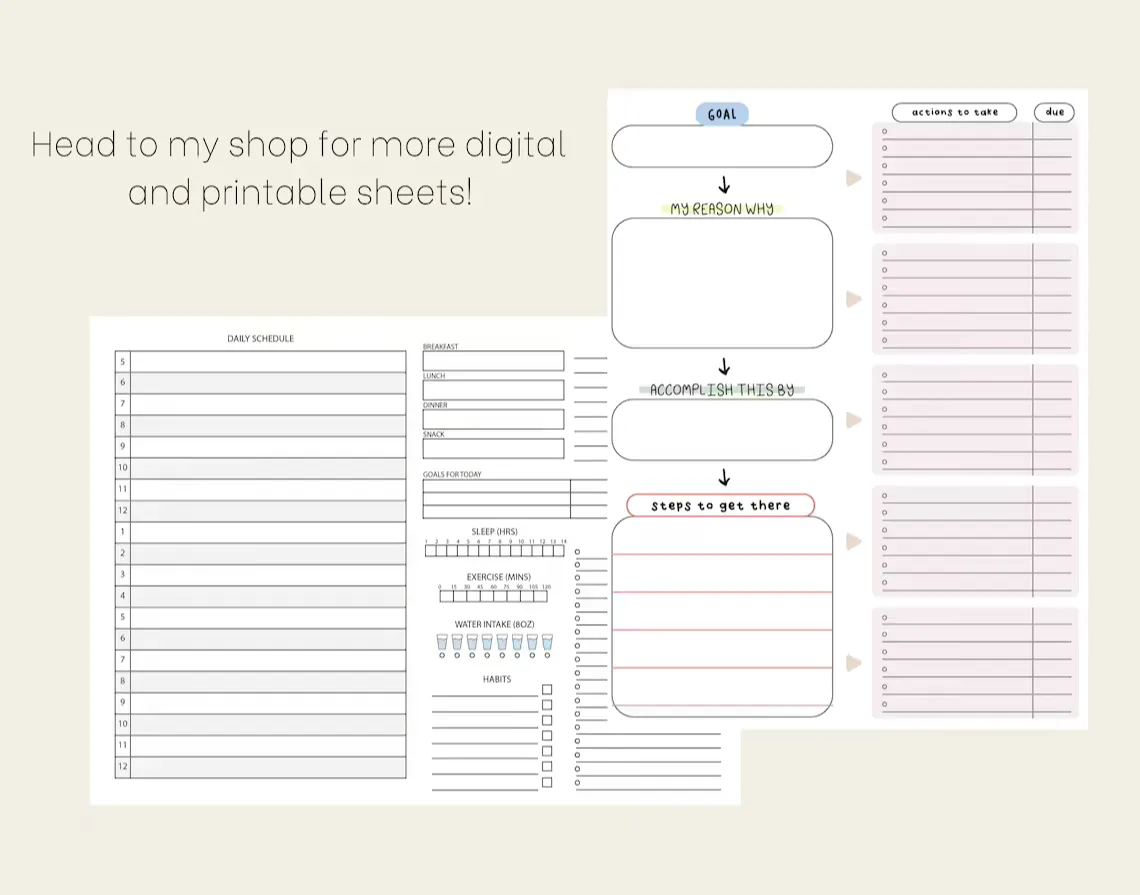
The only one on our list centered around your personal to-dos, rather than business needs. It’s a simple, printable project plan template that lets you monitor everyday tasks as well as weekly and monthly goals.
Printable
Another project plan template designed for analog, rather than digital use, created by Sophie Marie design studio. The cool thing about this one is that it lets you break each task down into smaller, digestible chunks. Oh, and it’s very reasonably priced!
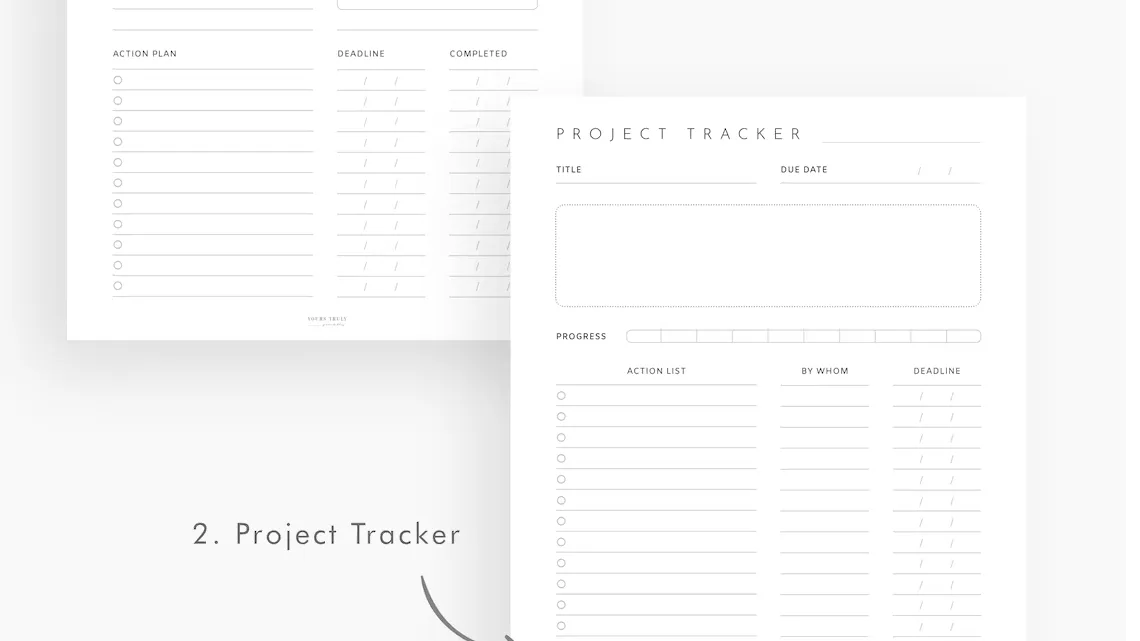
Tracker #2
A very neat project plan and tracker template brought to you by Yours Truly Printables. Available in PDF only so it’s not a perfect choice if you need digital access to your project plan. Will work great for printing, though.
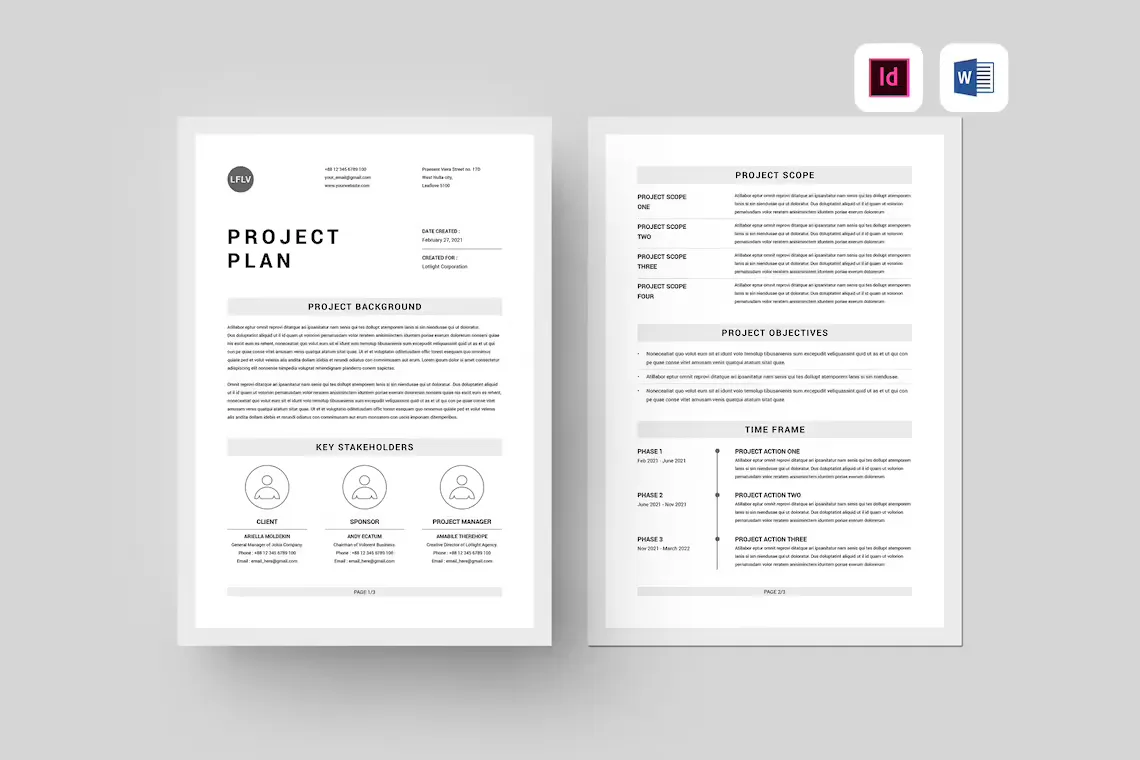
Classy
This one, designed by Leaflove Space, is a perfect project plan template for when you need to send over the description of your project to external stakeholders. It lets you tell a compelling story around your project, present the most important goals, and a timeline without overwhelming your reader with too much information.
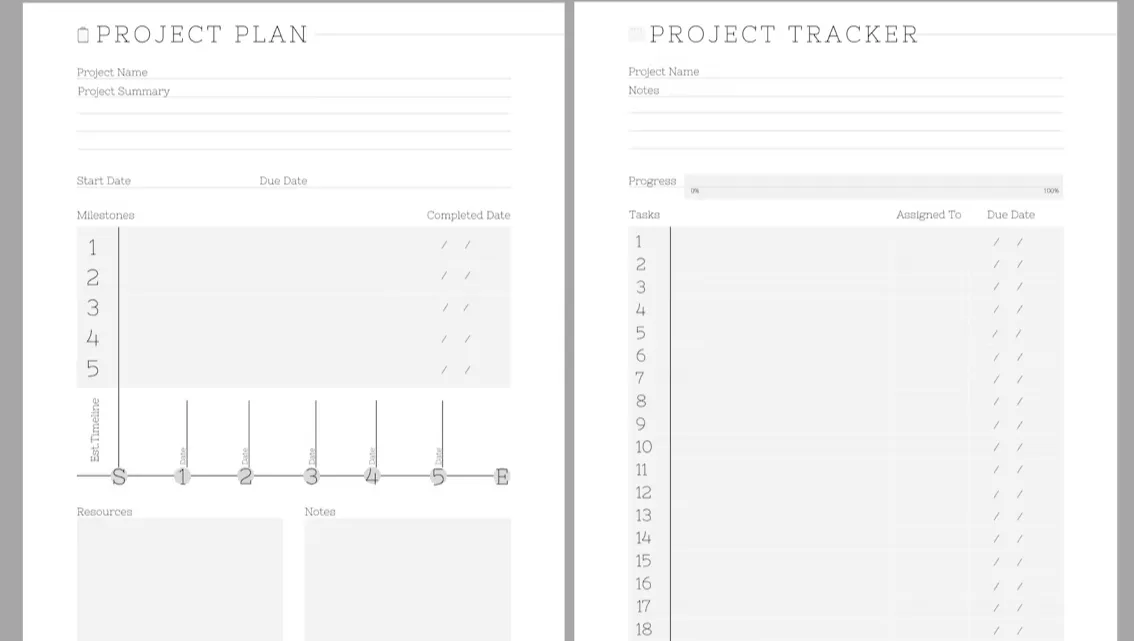
Minimal
Another project plan template created for printing, this one by the Wise And Wonder design studio comes with placeholders for various elements of your plan: the summary, task list, weekly calendar, and some space for meeting notes.
Gantt chart
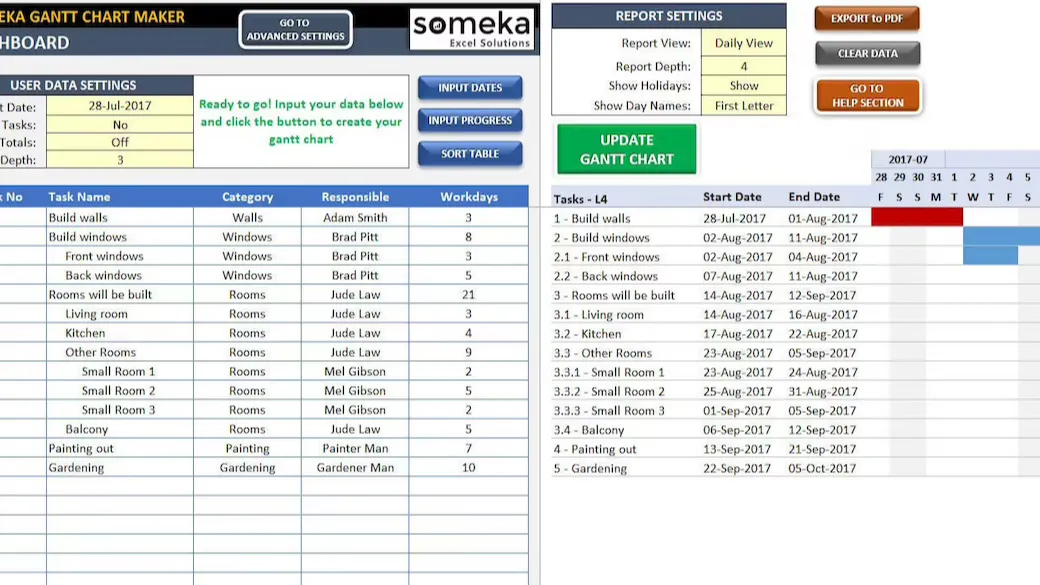
A fantastic project plan template for Excel created by Someka studio. It’s based on a Gantt chart but much, much easier to use than dedicated Gantt chart software such as Microsoft Project. A great template for managing complex workflows and long-term projects (plus, it has 2,000+ stellar customer reviews behind it).
To-do spreadsheet
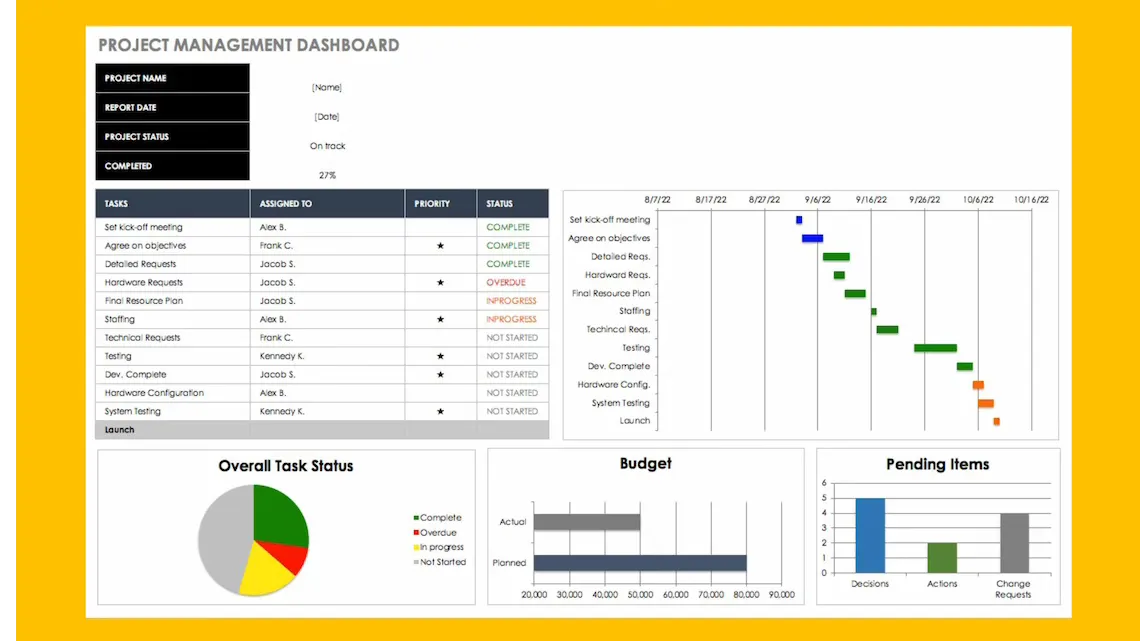
A simple one-page project plan template making it easy to monitor all that matters: the deadlines, task statuses, budget, backlog… Wrapped in a nice-looking layout with eye-catching colors, elegant fonts, and enough white space in between items to not overwhelm the viewer.
PM’s bundle
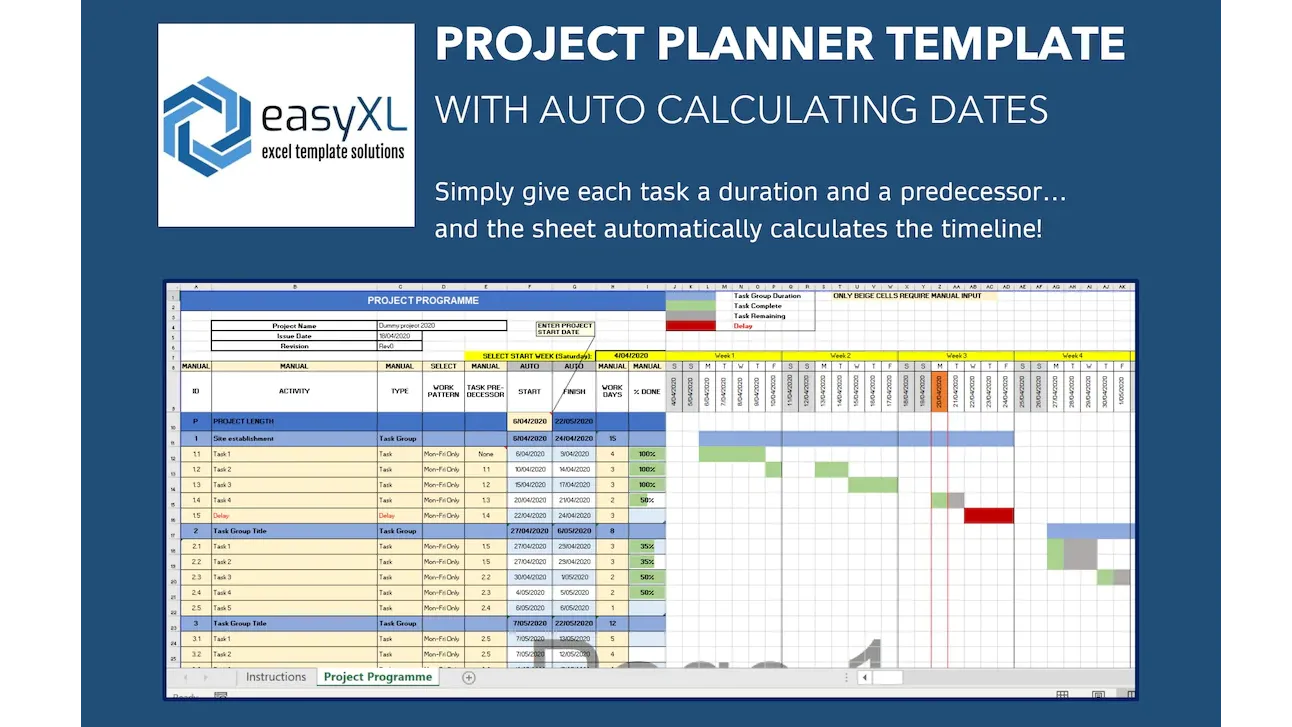
EasyXL created this impressive project planning bundle with some neat features such as automatic deadline calculator, week-to-week calendar, and delays tracking. It might not have the most modern look or feel to it but it’s highly functional and easy to use.
Action plan
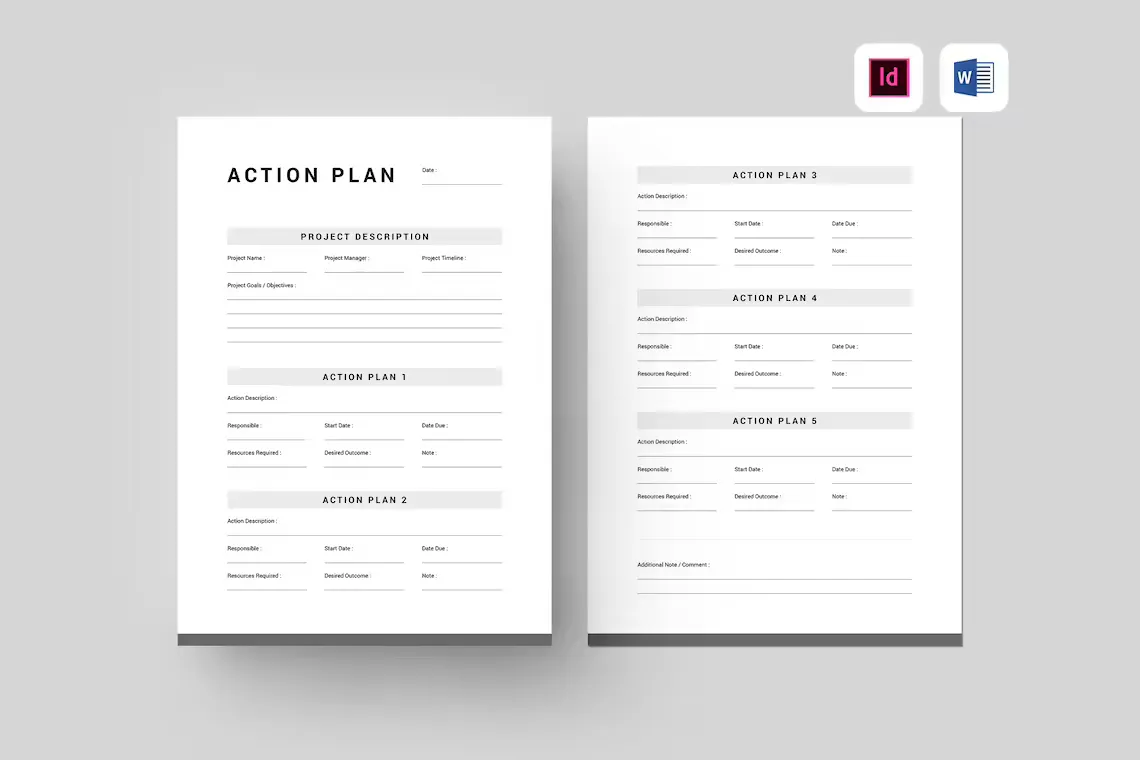
Another one designed by Leaflove Space, “Action plan” is a great MS Word project plan template ideal for the more advanced stages of a project execution. Its main purpose is to allow you to map out and describe specific tasks your team needs to complete to successfully deliver the project.
Project plan presentation
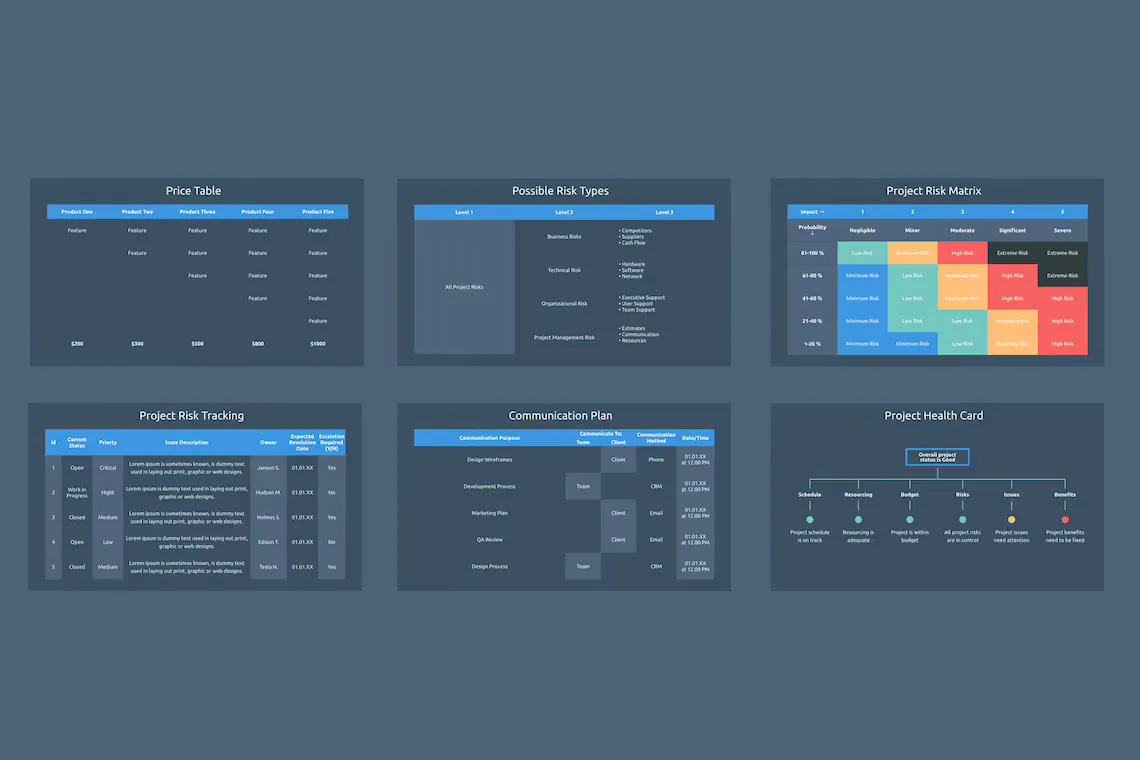
Last but not least, a PowerPoint template for a project plan presentation. A very good choice for sending over your project plan for acceptance by your higher-ups or external stakeholders.
It features 30+ well-designed slides for all typical parts of a project presentation: summary, team introduction, lifecycle, risk tracking, and so on. Plus, a lot of really nice data visualization options.
And that’s a wrap!
When picking a project plan template, always make sure to match it to your specific project requirements and make it only as complicated as it absolutely needs to be.
Good project planning and time tracking are about making complex processes easy to navigate through. Hopefully you’ve found a template that will allow your team to achieve just that!
Also, actually managing projects is oftentimes more complex than communicating the ideas behind them, but luckily there are tools like nTask to help.