
Storydoc + Outreach Meetings: Turn Storydoc interest into booked meetings
Add your Outreach calendar to Storydoc so prospects can choose an available time and book their next meeting directly from your document.

Add your Outreach calendar to Storydoc so prospects can choose an available time and book their next meeting directly from your document.
Trusted by 400,000+ users to automate their workflows


Make scheduling the next sales conversation easier, even when you're working with prospects across different time zones.
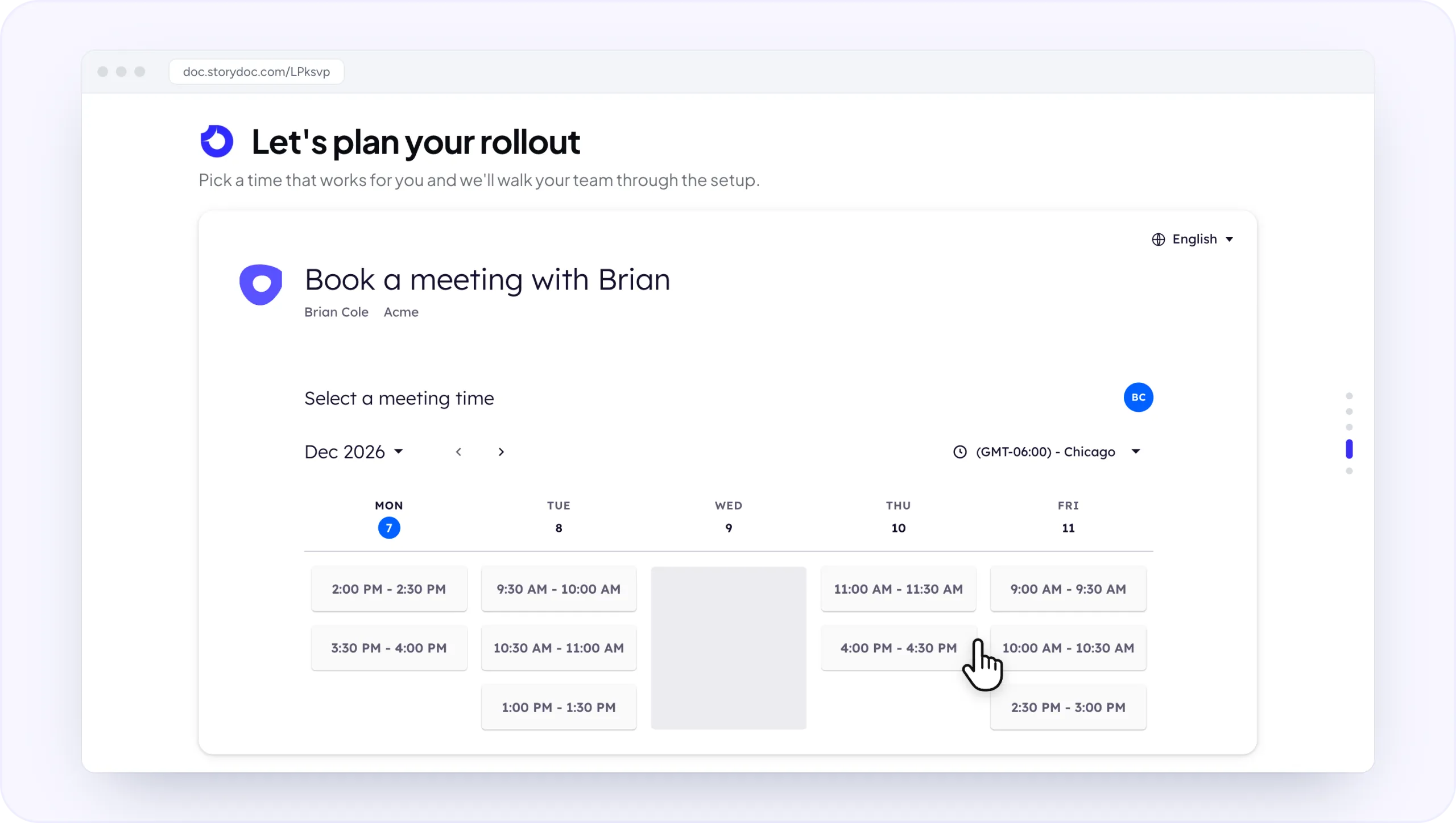
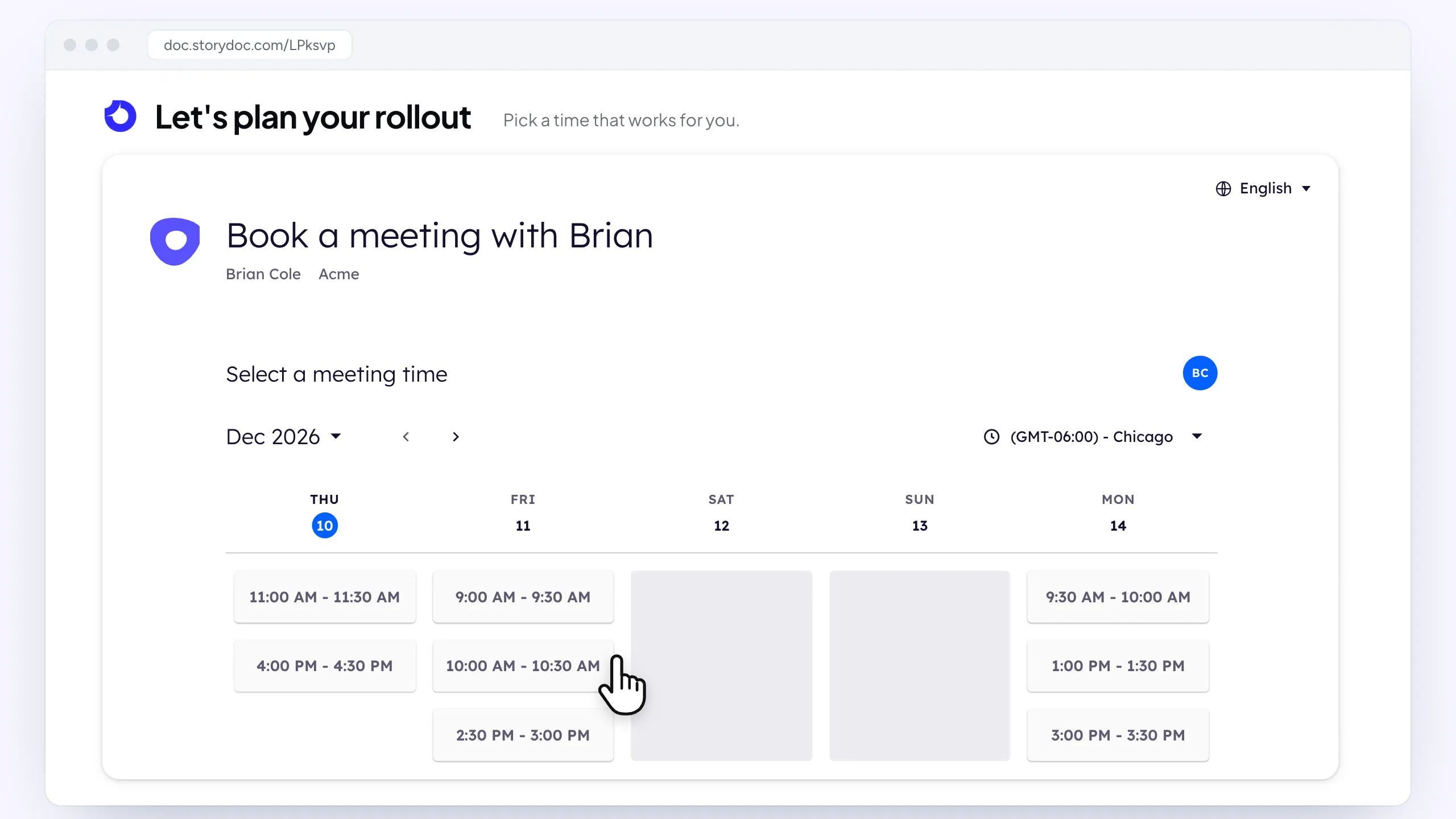
Add your Outreach calendar to a sales deck, proposal, or another Storydoc so readers can choose an available time while your content is still fresh in their minds.
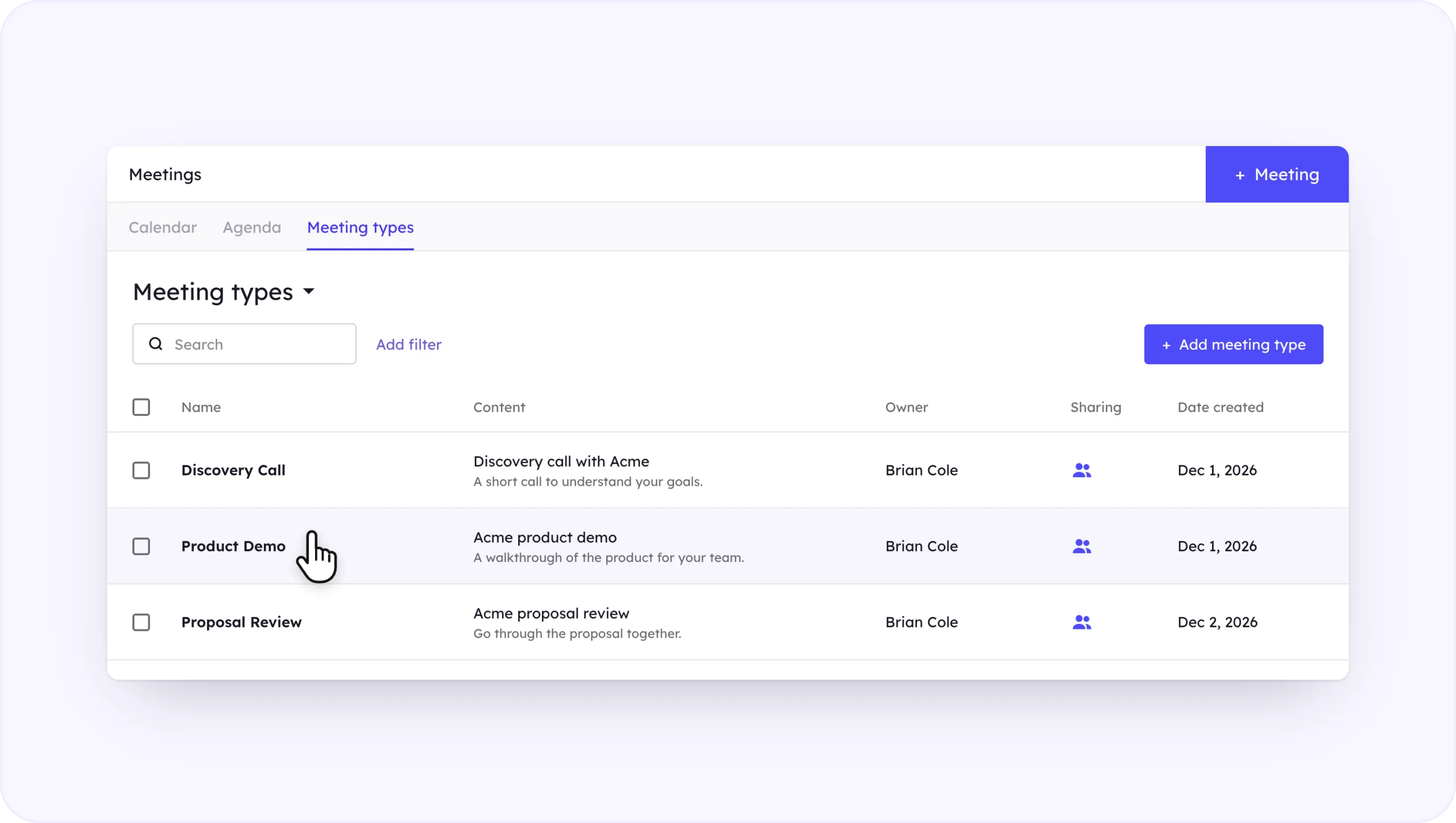
Use Outreach meeting types to set up different meetings for different stages of the sales process.
For example, an introductory deck could lead to a discovery call, while a personalized pitch could offer a demo and a proposal could lead to a review meeting.
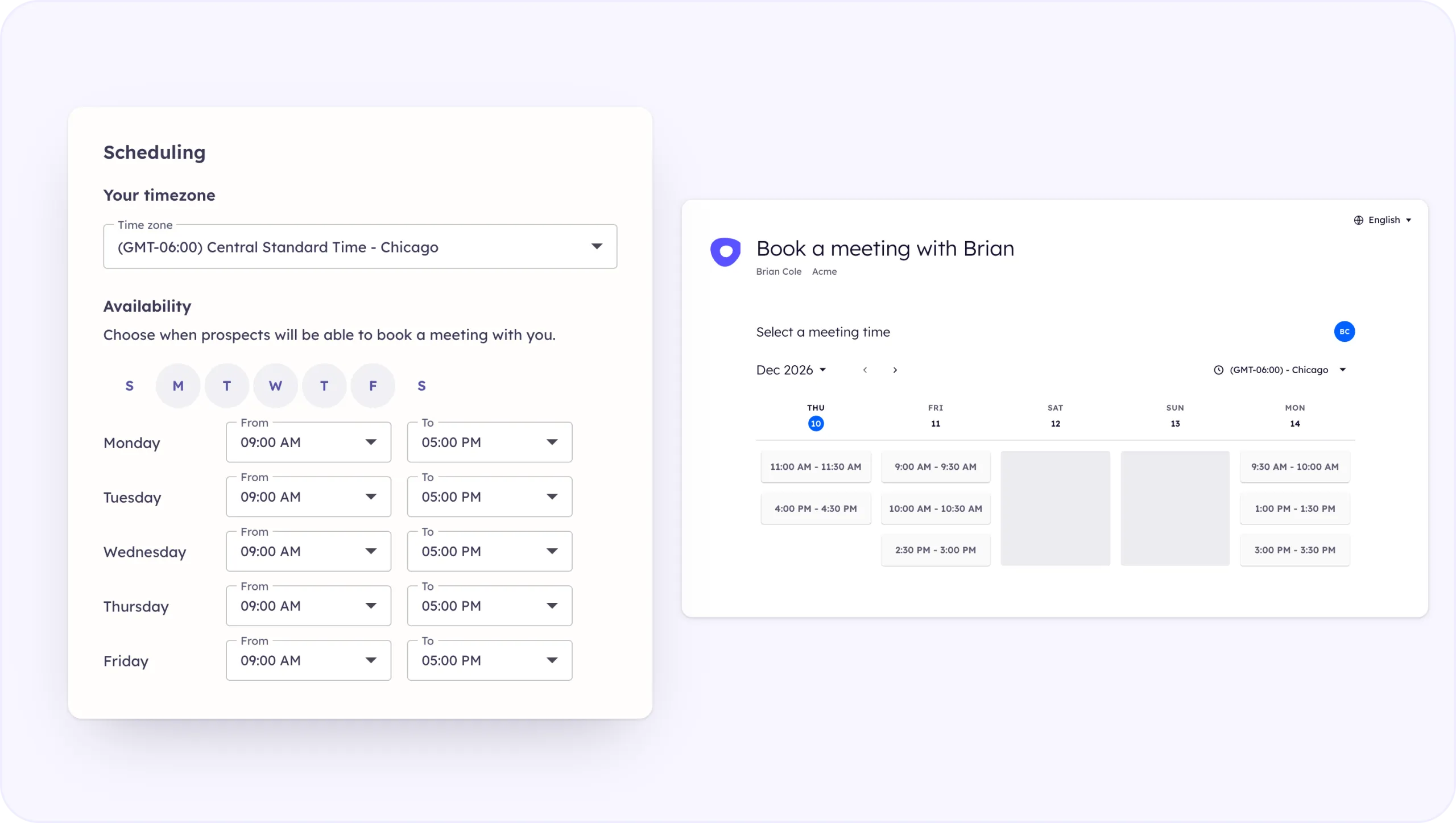
Connect your calendar to Outreach so prospects only see times when you’re available.
This means prospects can find a suitable time themselves without the usual back-and-forth.
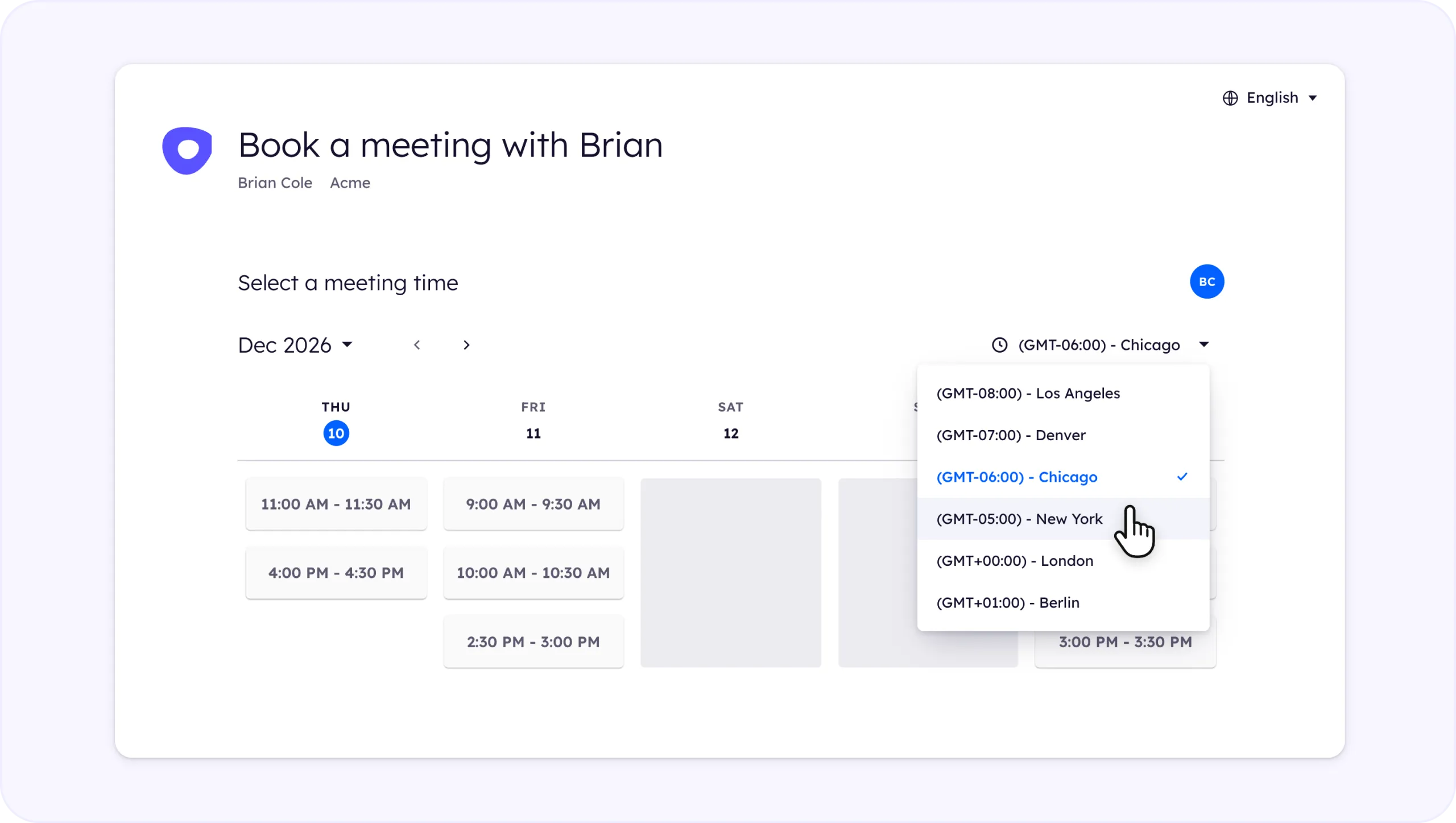
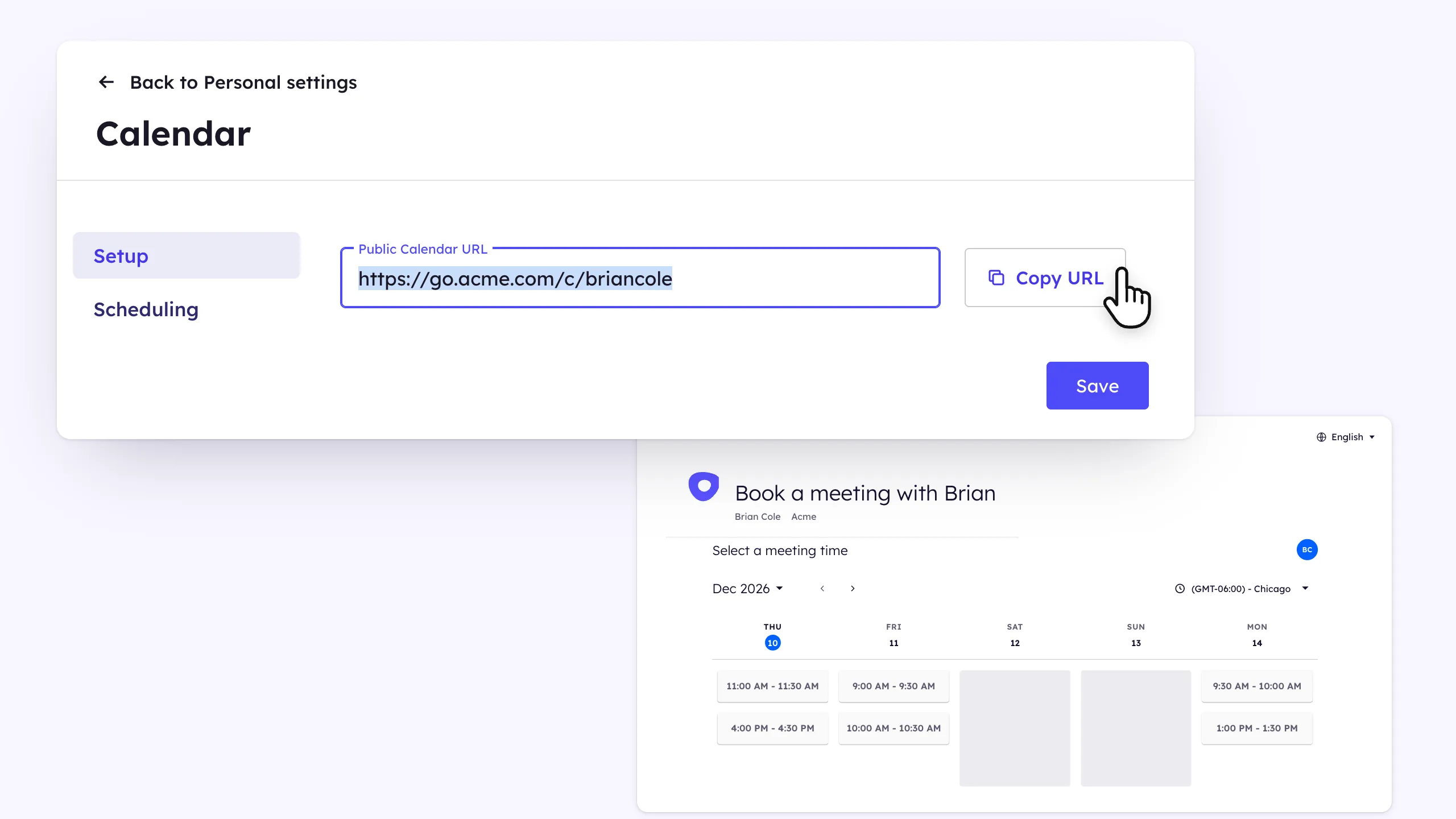
Outreach automatically displays your public calendar in the prospect’s browser time zone, making it easier to schedule meetings with people in different locations. Prospects can also change the time zone themselves.
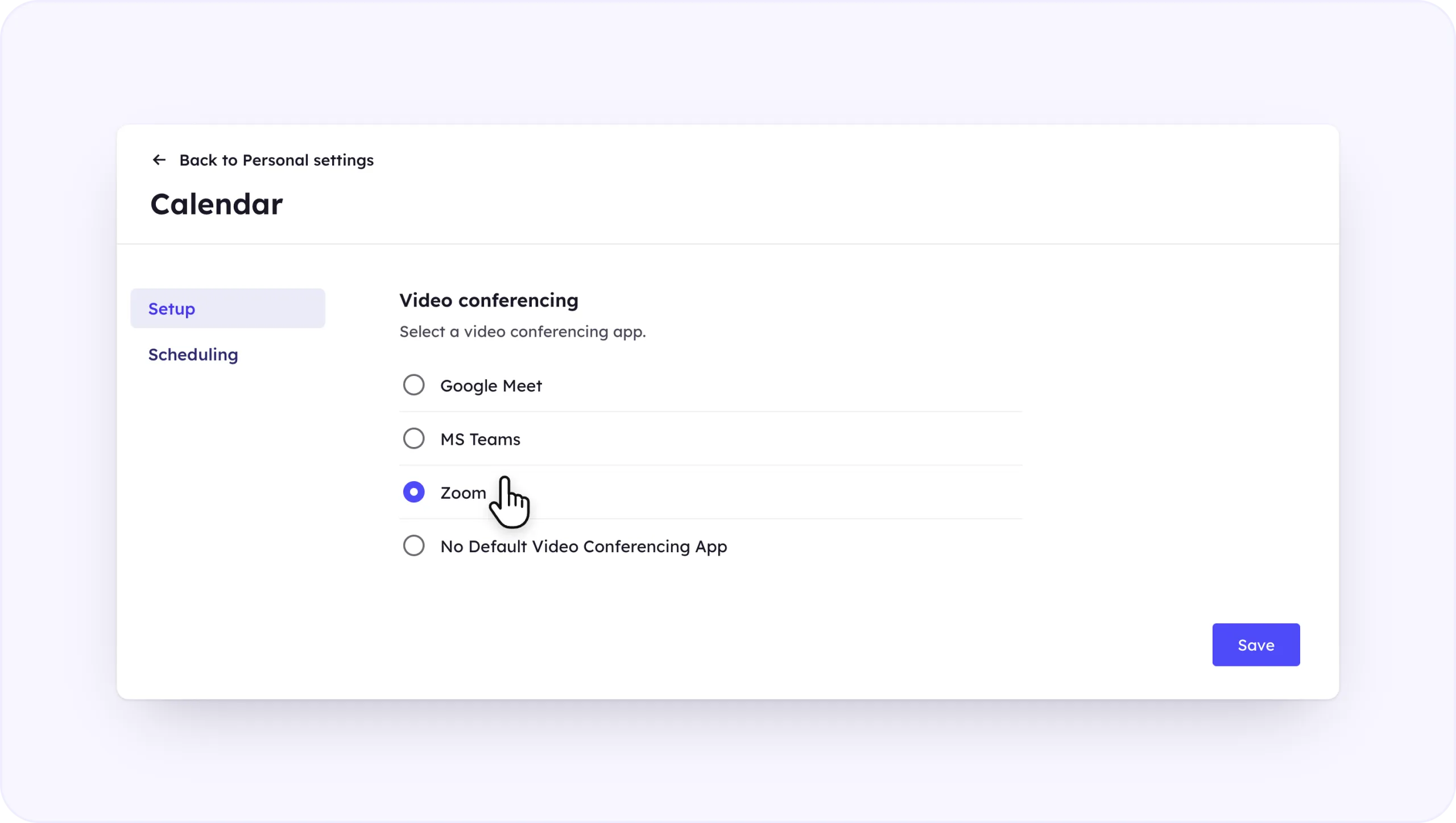
Set your preferred video conferencing tool as the default, and Outreach can automatically add the meeting link once a prospect books through your public calendar.
Add your Outreach public calendar link to Storydoc and give readers a simple way to choose a time that works for them.
1. Set up your meetings in Outreach
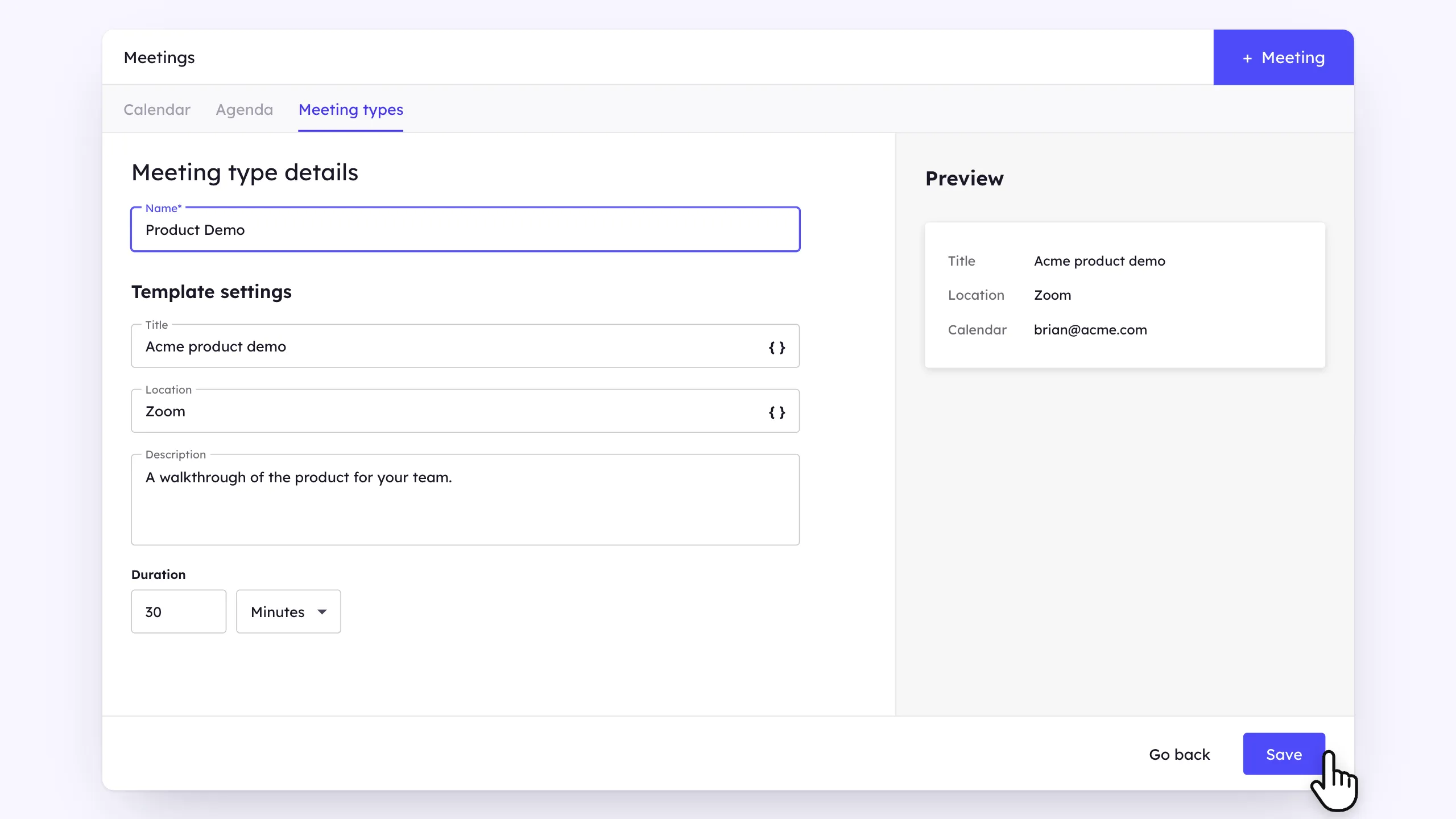
Set up the meeting you want prospects to book, including when you’re available and how long the meeting should be. You can create different meeting types for different conversations, such as discovery calls, demos, or proposal reviews.
2. Copy your public calendar link
Find your public calendar link in Outreach and copy the URL you want to add to your Storydoc. The link opens a calendar showing prospects the dates and times they can book.
3. Add Outreach to your Storydoc
Open your Storydoc and go to the slide where you want readers to book.
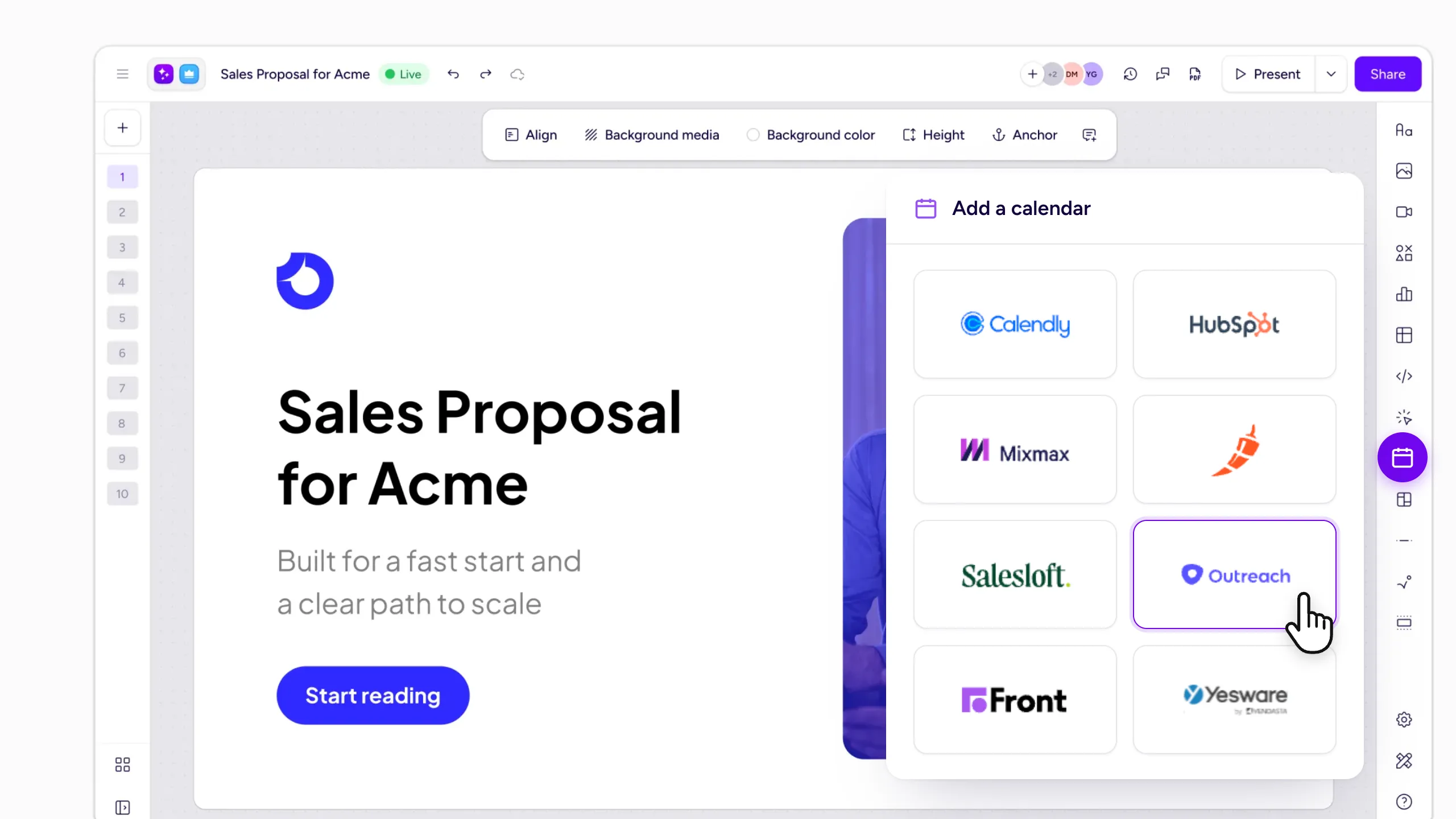
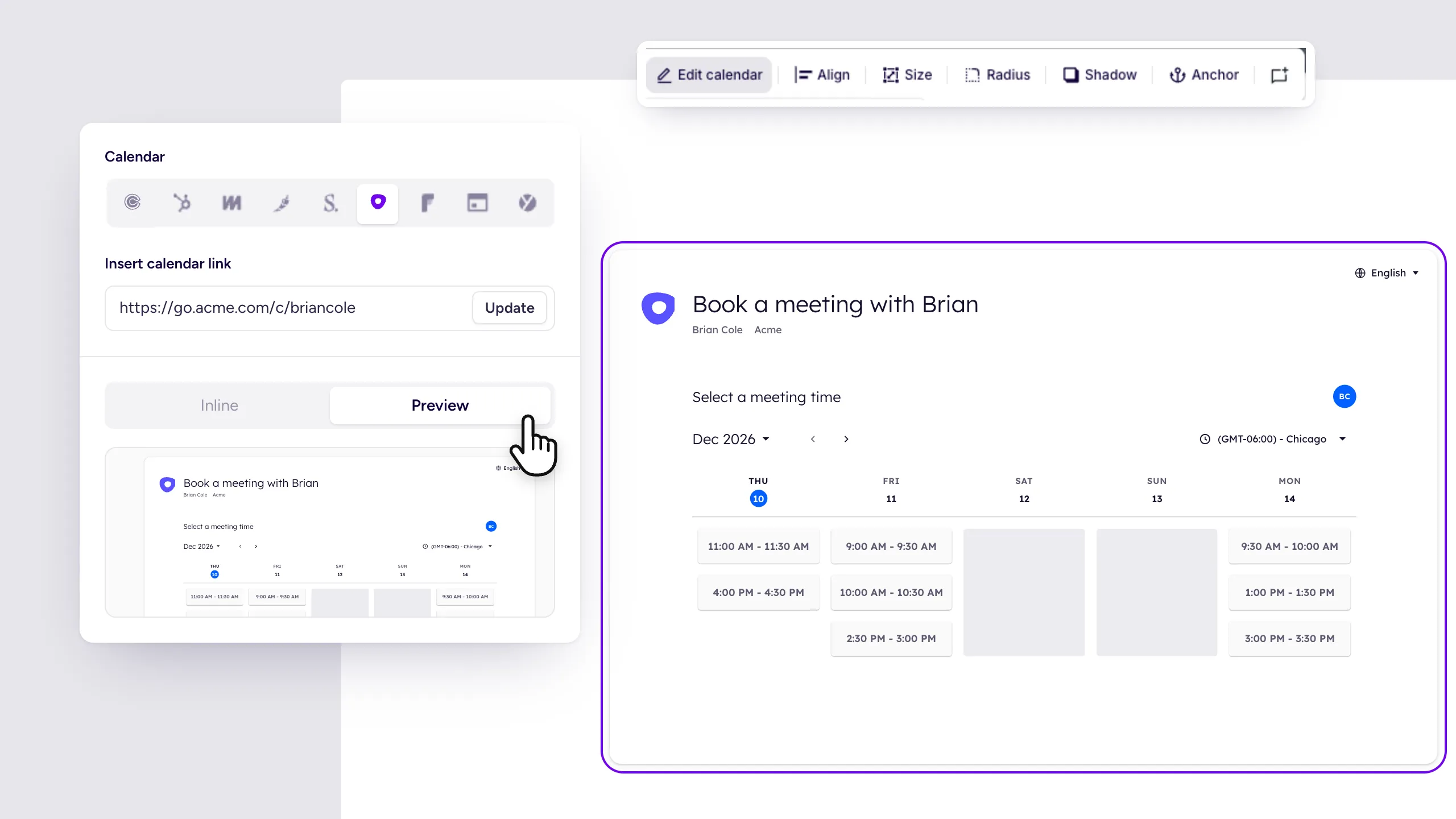
Select Calendars from the right-hand toolbar, add your Outreach calendar link, and click Update.
4. Adjust how the calendar looks
Use the Inline or Preview options to check how the calendar looks in your Storydoc, then adjust its size, alignment, and design to match the rest of your slide.
5. Publish and start taking bookings
Publish your Storydoc and let readers choose a time that works for them. Outreach will use your connected calendar to show your availability and add the meeting once they book.
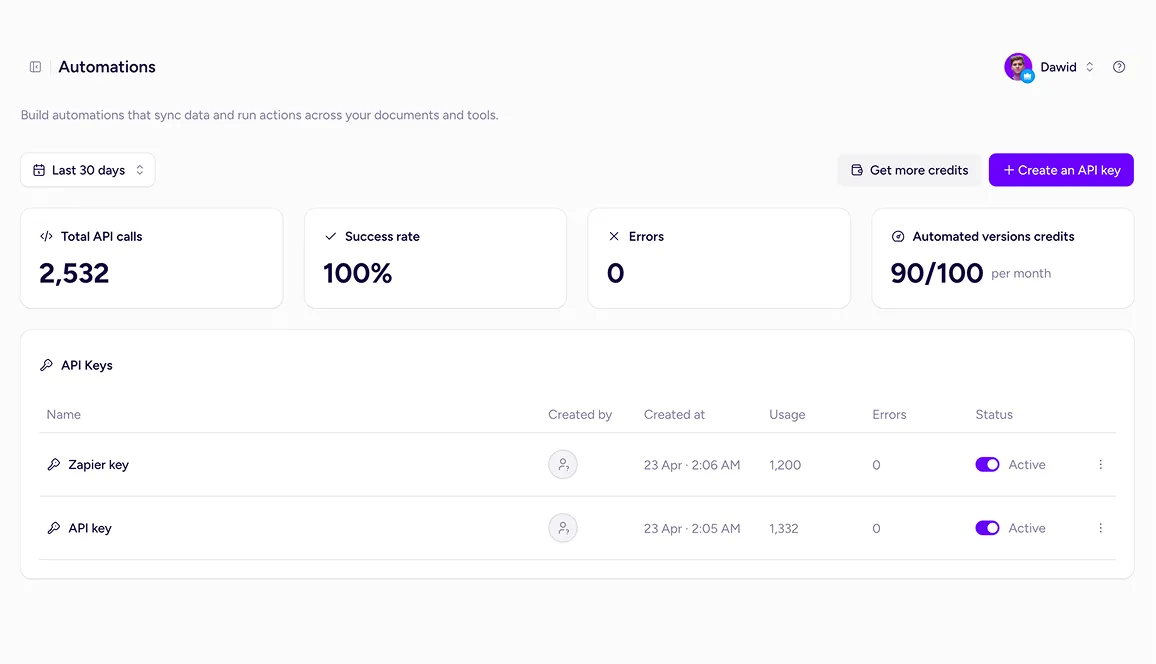
Go beyond native integrations with the Storydoc API.
Automatically generate personalized Storydocs, trigger follow-ups based on engagement, and connect everything to your go-to-market stack.
Build workflows that fit how your team works.
Yes. Add your Outreach public calendar link to Storydoc and prospects can use it to choose from your available meeting times.
Yes. Outreach requires a synced calendar to use its public calendar. It currently supports Google, Office 365, and Outlook Exchange calendars.
Yes. Outreach uses the prospect’s browser settings to display the calendar in their local time zone, and they can change the time zone if needed.
The Outreach.io calendar integration is available on the Starter plan and above.
Still have questions?
Add Outreach scheduling to your Storydocs and let interested prospects go straight from your document to a time on your calendar.