




How to Create a Facebook Advertising Proposal (+Templates)
Learn how to make a proposal for Facebook marketing that wins over potential clients. Get Facebook marketing proposal templates to make your deck easily.
Set as Preferred Source
When should you use a Facebook marketing proposal?
- For new clients – A proposal shows new clients exactly how you’ll help them reach their goals on Facebook, from strategy to results. It’s your moment to prove your value and set a strong foundation for working together.
- For existing clients – Proposals are perfect when you’re recommending new campaigns or bigger budgets, helping clients understand the extra value they’ll get. It’s a straightforward way to build confidence and get them excited about scaling up.
- For long-term projects – A proposal keeps everyone on the same page for ongoing projects. It lays out the steps, timelines, and goals so you both know what’s coming up and how success will look. It’s all about staying aligned and focused.
How to create a Facebook ad proposal?
Creating a proposal for Facebook marketing is about showing potential clients exactly how your approach will get real, measurable results for their brand.
The main thing is to stay focused on their needs, showing them you understand their goals and have a clear plan to reach them.
In this guide, I’ll walk you through building a winning proposal, slide by slide, so you can pitch your services with clarity and confidence.
What to include in a Facebook ad proposal?
- Title slide
- Introduction
- Objectives
- Services
- Target audience
- Ad strategy
- Timeline
- Pricing
- Expected results
- Case studies
- Terms and Conditions
- Approval
- Contact slide
1) Title slide
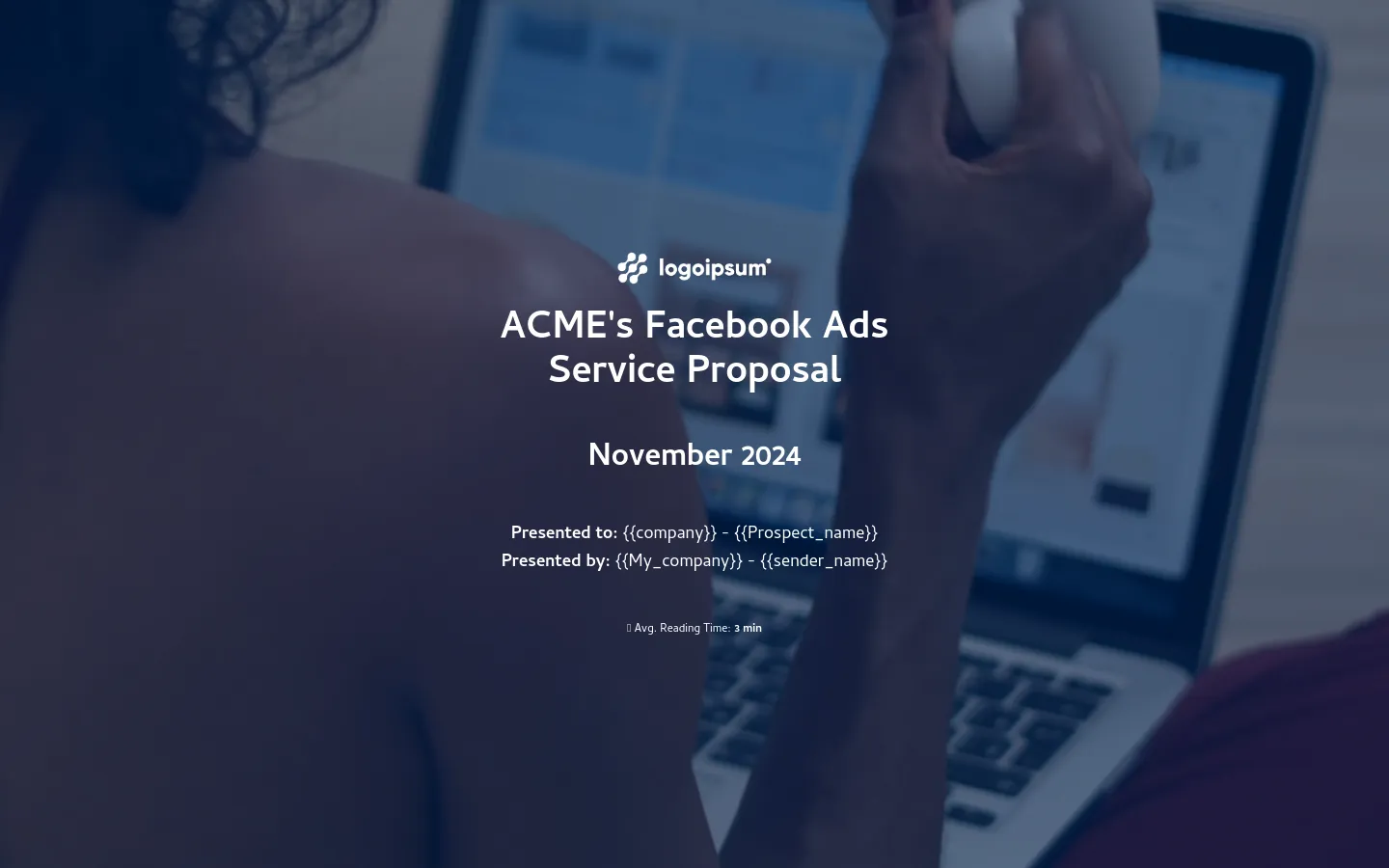
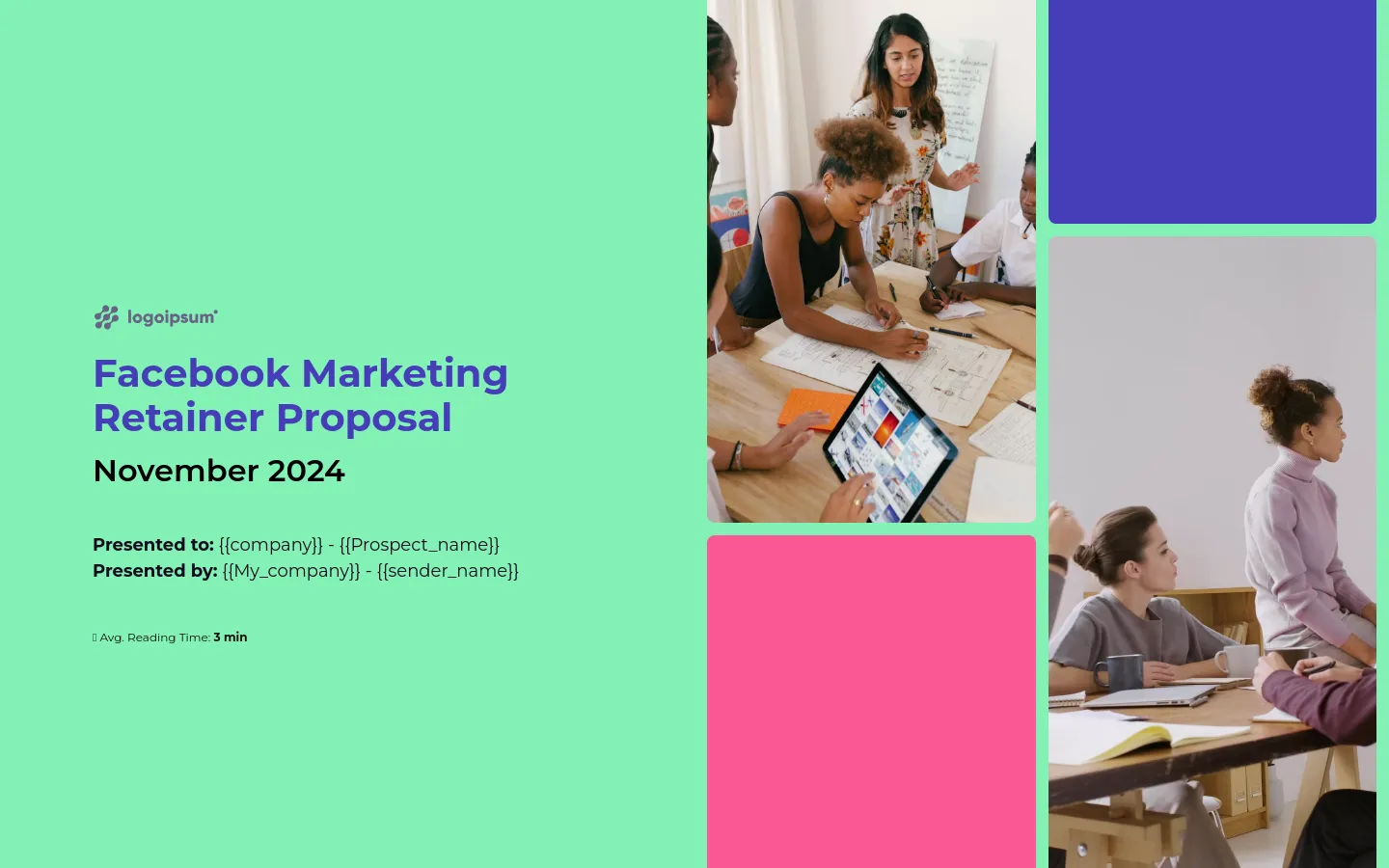
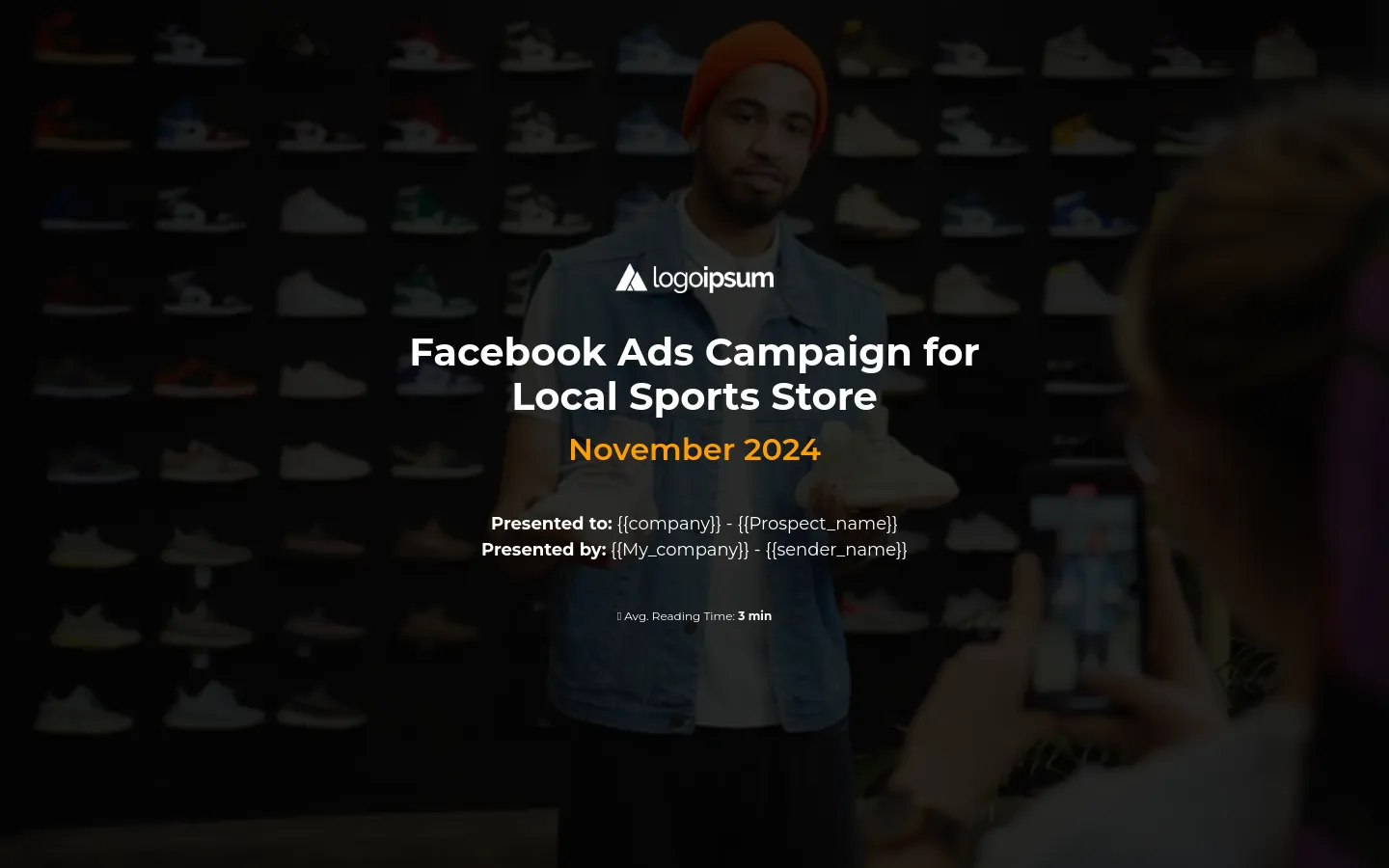
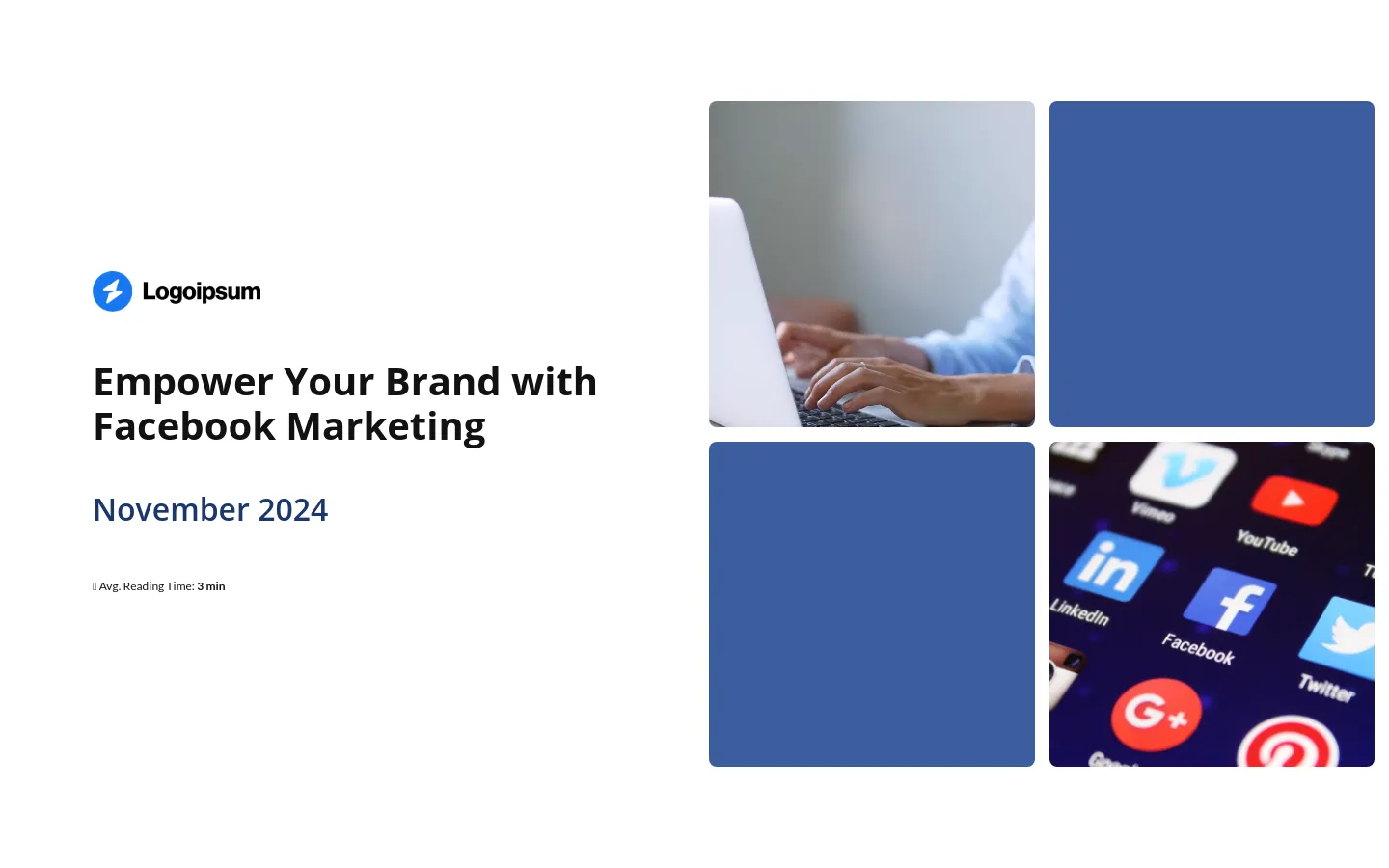
The title slide is where you show the client that this proposal is tailored just for them. Use a simple, direct title like “Facebook Ad Proposal for [Client’s Name]”—it’s clean, clear, and lets them know right away that this isn’t a generic pitch.
Below that, include both your name and the client’s name, along with each company’s logo. This simple layout makes it feel like a true partnership from the start.
This little bit of thought on the first slide goes a long way in making the client feel seen and valued from the very beginning.
2) Introduction
The Introduction slide is where you show the client you’re the perfect fit.
Keep it straightforward—share a bit about who you are and what you bring to the table. Highlight the skills and experience that make you exactly right for their goals.
Throw in a success story or a unique approach you’ve used before, so they feel their goals are in good hands.
These business owners aren’t just looking for a vendor—they’re looking for someone who truly gets them.
When you add those personal touches, like a standout win or a creative strategy, you start building the trust and connection that really matter.
3) Objectives
When you’re talking with a client, the goal is to show that you truly get what they’re dealing with.
Start by understanding the exact struggles they’re facing—maybe they’re trying to reach the right audience, scale up results, or just pouring money into ads that aren’t delivering.
After pinpointing their biggest challenges, lay out exactly how your solution will tackle each one and the impact it will have.
Each goal should be clear and measurable, so they can see the change as it happens and know that you’re hitting the mark every step of the way.
4) Services
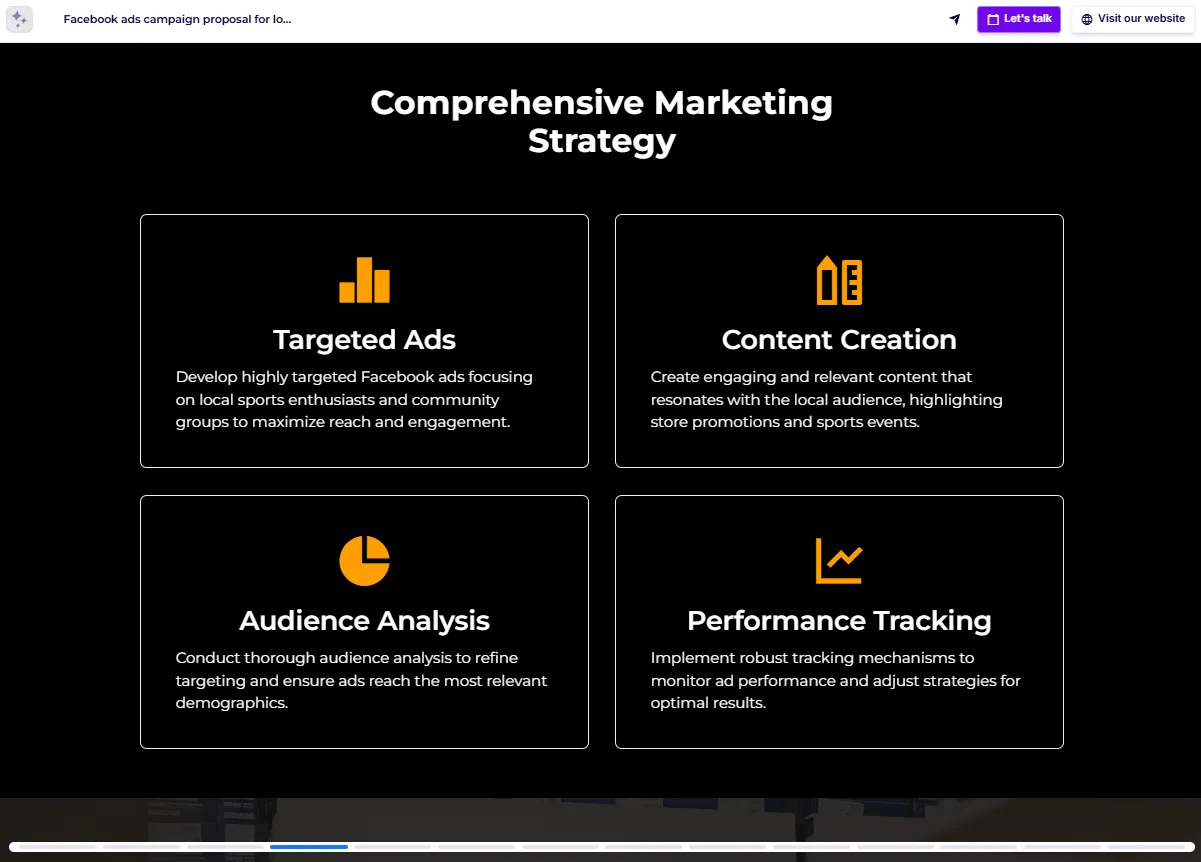
Explain each service in simple, clear language. The client doesn’t need to be a Facebook ads expert—that’s why they’re here!
Keep it free of jargon, so they understand exactly what they’re getting, from competitor research to ad spend optimization to performance tracking.
Show them what makes your approach different—whether it’s your unique strategy, tried-and-true methods, or the attention to detail you bring to every campaign.
This slide should leave them confident that you’re fully focused on their success and ready to deliver in ways others might miss.
5) Target audience
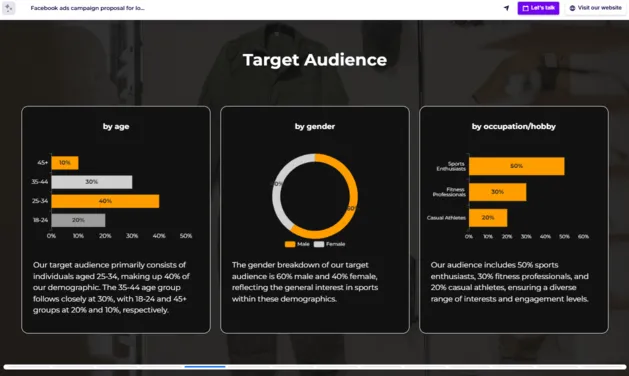
Give the client a clear picture of the ideal customer this campaign will reach. Show them you’ve done the homework—covering important details like age, interests, location, and buying habits.
This step is all about reaching people who genuinely fit their brand and are most likely to take action. A well-defined audience ensures that every ad dollar goes toward reaching those who matter most.
6) Ad strategy
On the ad strategy slide, walk the client through your plan to reach their goals.
Share the types of ads you’ll be using—images, videos, carousel posts, partnership ads—and why these formats are the best fit for their audience.
Include a quick breakdown of the budget allocation to show that every penny is strategically planned. Explain how you’re going to optimize ad spend based on performance data, so high-performing ads receive more support.
This gives the client a clear sense of how their resources will be used to create compelling, effective ads that get real results.
7) Timeline
The Timeline slide gives the client a clear view of what to expect at each stage of the campaign.
Rather than assuming they know the ins and outs of ad management, spell out each step—from preparation and testing to launch and ongoing optimisation—so they understand the work that goes into making the ads effective.
Show them that the campaign is an evolving effort, with regular adjustments to boost results as data comes in.
This way, they’ll feel confident knowing there’s a dedicated plan in place, and that their campaign isn’t left to run on autopilot but is actively managed for success.
8) Pricing
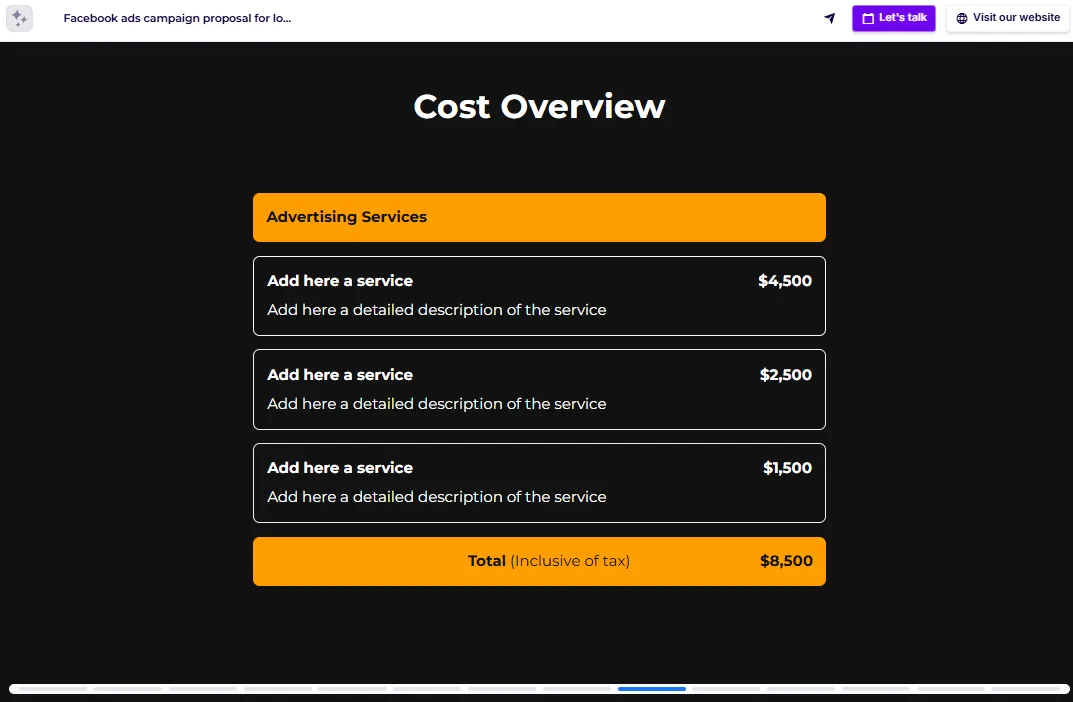
On the Pricing slide, explain how you’re compensated—whether it’s a monthly retainer for ongoing support with a setup fee for onboarding, a flat fee for the whole campaign, or an hourly rate for flexibility.
If performance-based pricing is an option, mention how it’s tied to specific results, which is great for clients who want measurable outcomes.
And if there are any upsell options, like extra ad creatives or more in-depth reporting, let them know so they can see what’s available to boost their campaign further.
9) Expected results
The expected results slide is where you show the client what they can anticipate from their campaign, with specific outcomes and key performance indicators (KPIs).
Make it clear how you’ll track success—whether it’s impressions, clicks, or return on ad spend—so they understand exactly what you’re measuring.
Let them know how often you’ll be providing updates—whether that’s weekly or monthly—and in what format they’ll receive them.
This keeps them in the loop at every stage, showing real progress and the impact their campaign is having, without them having to sift through complicated data.
10) Case studies
On the case studies slide, share real stories of how you’ve helped other clients reach their goals, focusing on the journey rather than just numbers.
Start with the challenge each client faced. Then, walk the client through how your strategy and dedication turned things around. Finish with tangible results: “We saw conversions double,” or “Engagement shot up by 75%.”
Concrete numbers make the impact clear, helping the client visualize similar success for their own business and feel confident in your expertise.
11) Terms and Conditions
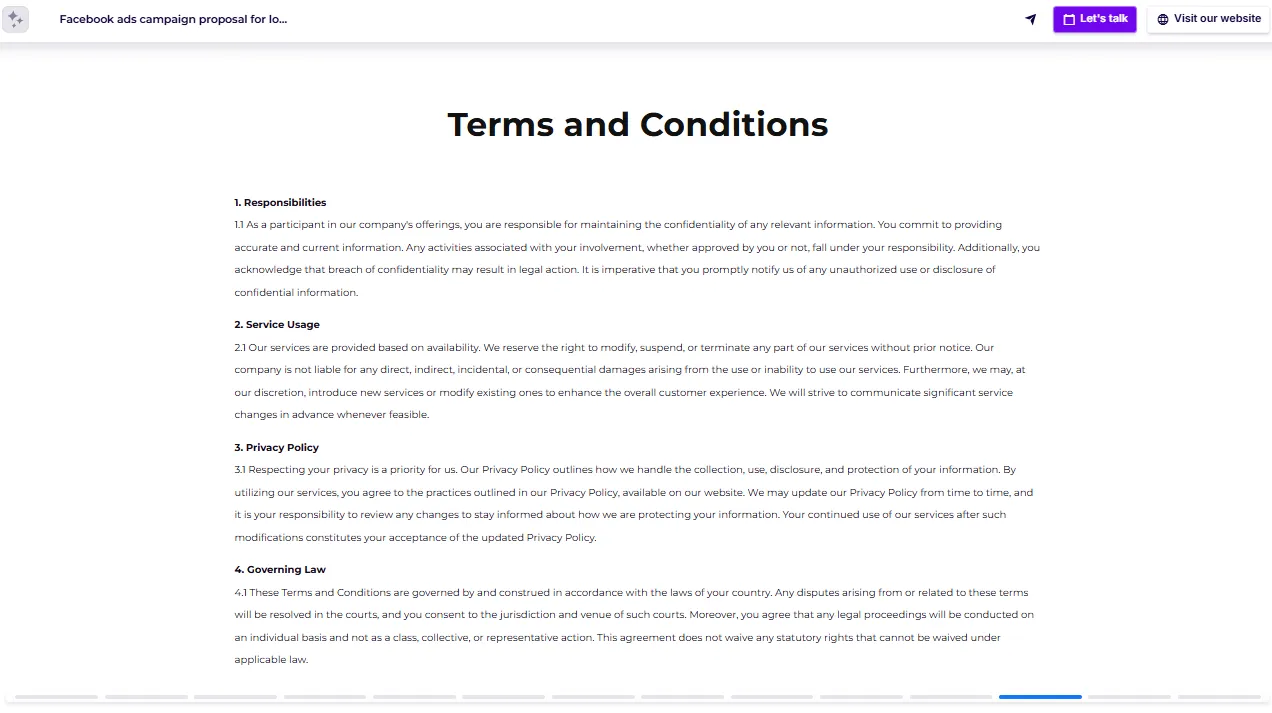
On the Terms and Conditions slide, cover the essentials that protect both sides and keep things clear from the start.
- Outline payment terms, due dates and methods, to avoid any confusion down the road.
- Address confidentiality agreements, reassuring the client that their information stays secure and won’t be shared.
- Be clear about ownership of materials, specifying that once the project is complete and payment is settled, they own the rights to the final assets, but you can display them in your promotional materials or case studies.
- Add a termination clause in case either side needs to end the agreement early.
- Include an indemnification clause to limit liability—explaining that while you’re committed to delivering results, you aren’t responsible for any losses or unforeseen outcomes the campaign might generate.
These terms build a solid foundation, so everyone understands their rights and responsibilities from the start.
12) Approval
The Approval slide is where the client can easily sign off on the proposal, turning it into a legally binding agreement with a simple e-signature.
This approach is quick and convenient, sparing both sides from the hassle of printing, signing, and scanning physical documents.
This option isn’t essential, but it makes everything simpler and more efficient, so you can both focus on what really matters: getting the campaign up and running successfully.
13) Contact slide
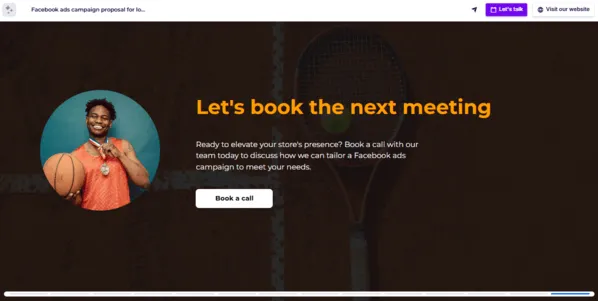
If you’re using an e-signature, simply add your contact details here and embed a calendar link. This way, if they need to talk anything out, they can set up a quick chat without ever leaving the deck.
If there’s no e-signature, just outline what happens next and how they can reach you. The simpler you make it, the easier it is for them to move forward—and the more likely they are to get started right away.
Interactive Facebook ad proposal templates
With so many dull, cookie-cutter proposals out there, you need something that really stands out to win clients.
Interactive Facebook ad proposal templates are designed to keep people engaged, using what’s proven to work. Just drop in your details, and you’ll already be a step ahead of the competition.
Go ahead, grab one and get started!