







Winning RFP Response Examples to Get Contracts (+Templates)
Learn what makes a good RFP response and how to respond to RFPs with confidence. See winning request for proposal response examples, usable as templates.
Set as Preferred Source
How to respond to RFPs to increase your win rate
Many companies are puzzled by their low win rates on RFPs, despite investing a lot of resources into creating an RFP response.
This is often due to either poor planning or overwhelming clients with data rather than writing a response that addresses their unique needs and resonates on a personal level.
Here are some tips to increase your chances of success:
- Qualify each opportunity: Really look into whether an RFP suits your company before diving in. Check if it plays to your strengths, what you could gain from it, and whether you have the right resources. If it’s not a good fit, focus your efforts on better opportunities.
- Understand client needs: Carefully read the RFP to fully understand the client’s challenges and what they want to achieve. This knowledge is key to customizing your response to clearly address their specific issues and how your services or products provide the solution.
- Personalize your response: Customize your proposal to reflect the client’s terminology, priorities, and the specific requirements outlined in the RFP. Use direct references to their goals and demonstrate how your past successes are relevant to their needs.
- Highlight your unique value: Explain why your solution is the best choice, especially since the client might be entering a long-term contract. Show how choosing you is not just a good decision for now, but for the future as well.
- Tell a compelling story: Although clients consider facts, their final choice often leans on emotional appeal. Shape your proposal to not just list facts but also connect on a personal level, making your solution feel right for them emotionally.
Successful RFP response examples that win bids
Now that you know how to prepare your RFP response, let’s look at some real examples.
I’ve chosen a variety of winning RFP response examples for different situations. Each one is based on a structure that has worked well for other companies and can be easily tailored to fit your specific needs.
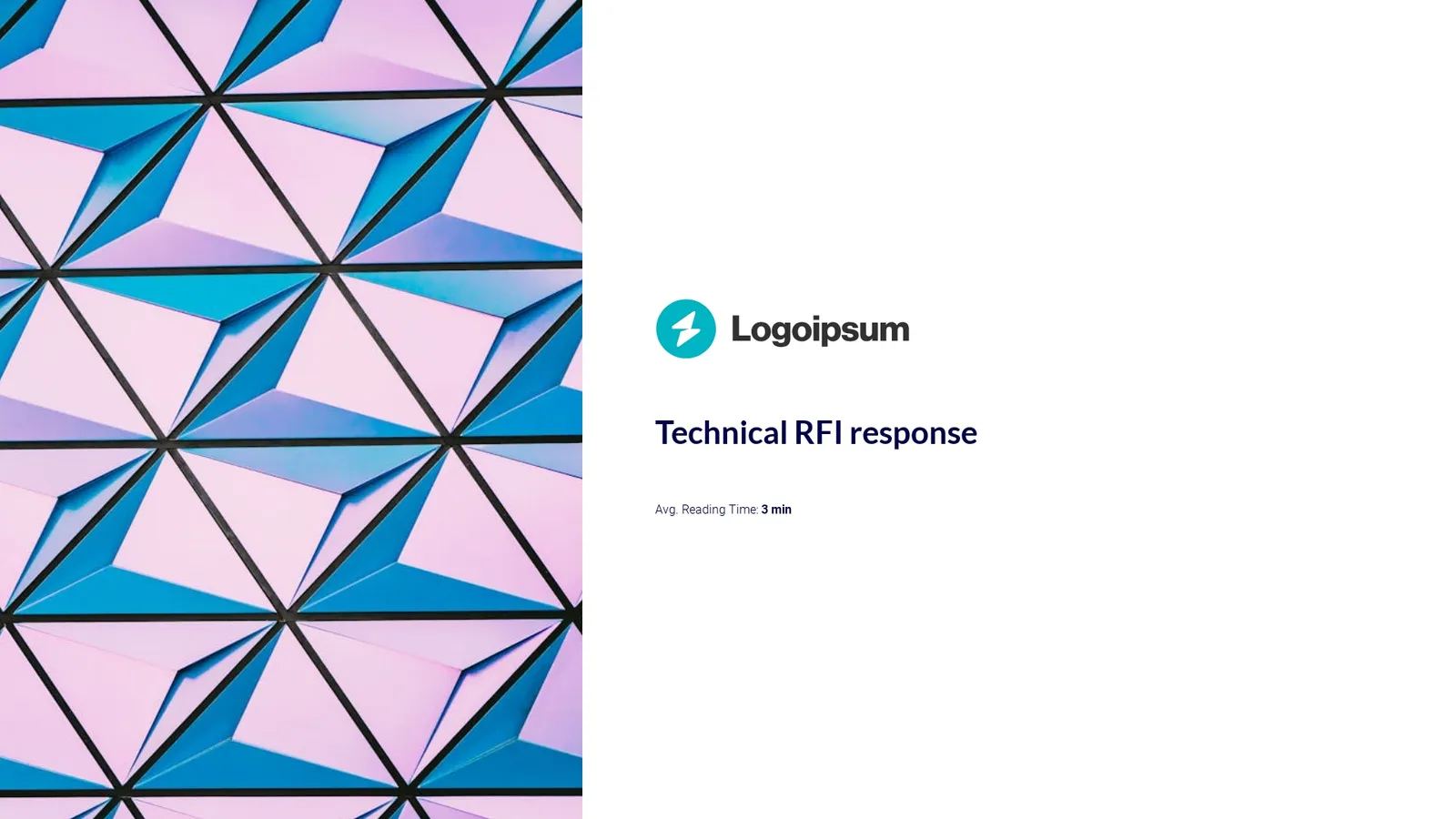
Technical RFP response
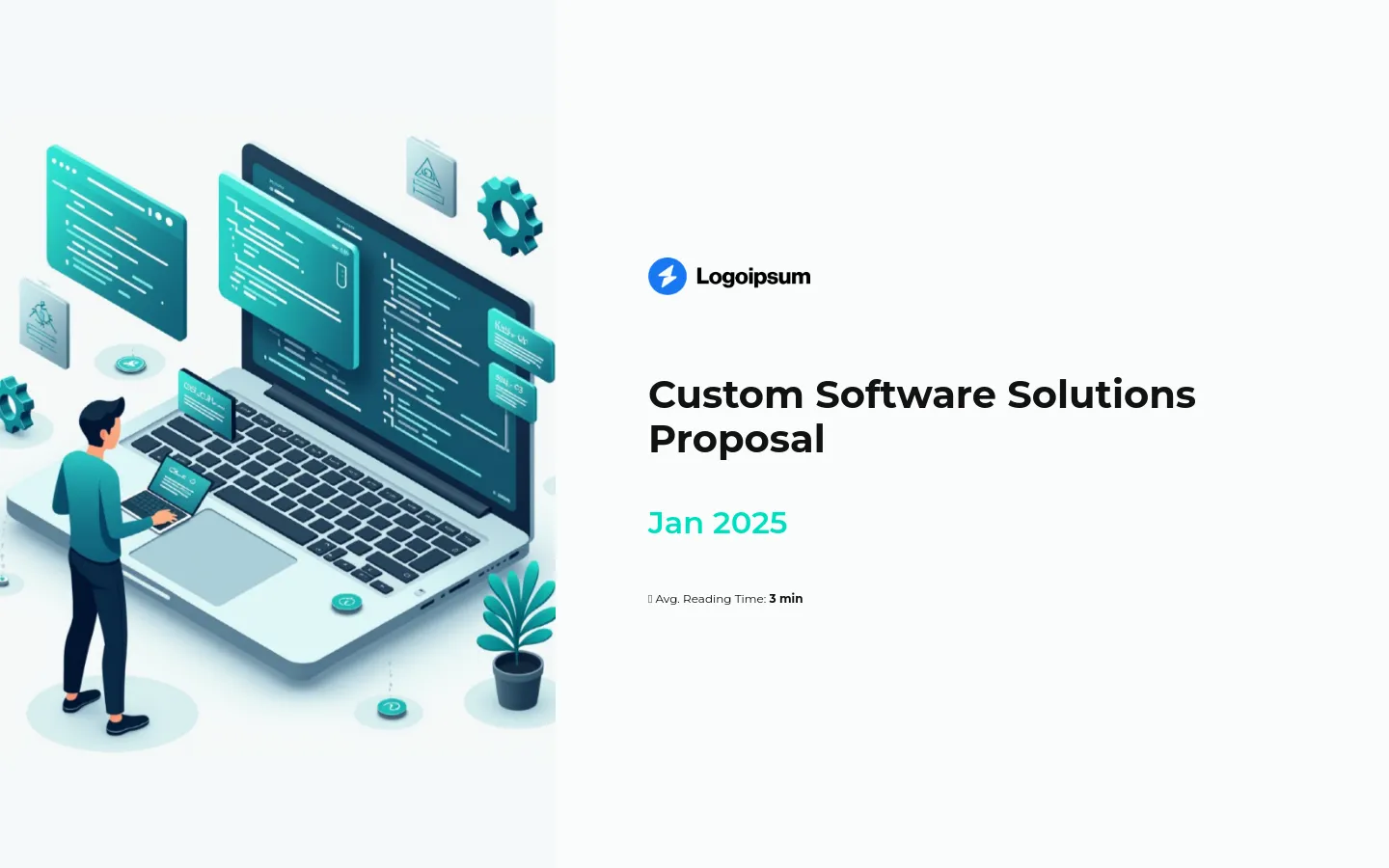
The reason I decided to start with this technical RFP response is because it’s a prime example of how to handle an RFP.
Even though it has ‘technical’ in the title, I wondered if it would be easy to understand for someone outside the industry or if it would be bogged down with jargon.
Thankfully, every slide is designed for clear understanding, starting with the table of contents that lays out what to expect.
But, my favorite part is the scope of work slide. As I scrolled through, it seamlessly moved from one phase to the next, directing my focus to the most important details. I wish all technical decks were as easy to navigate as this one!
Scroll to preview
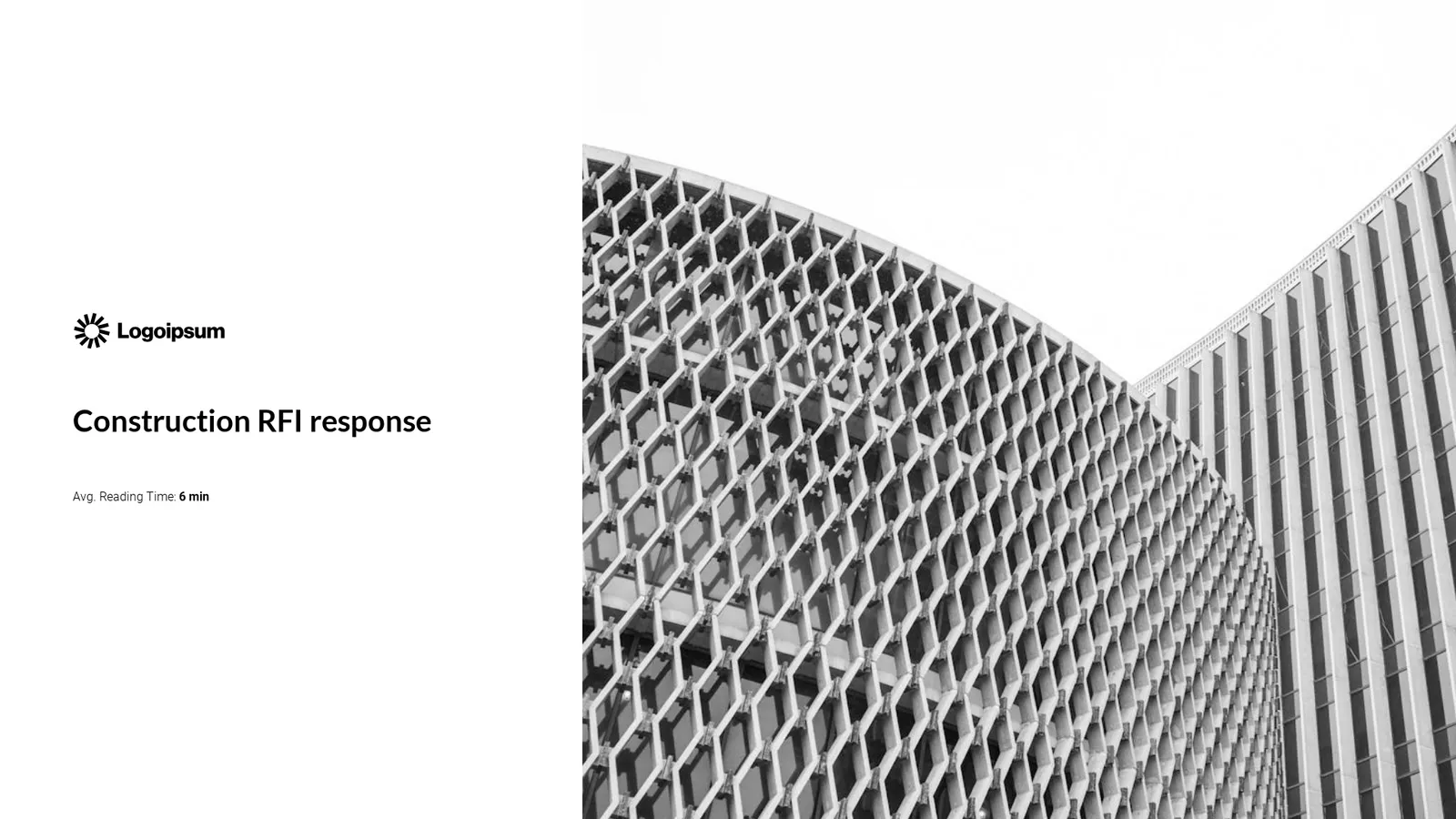
Construction RFP response
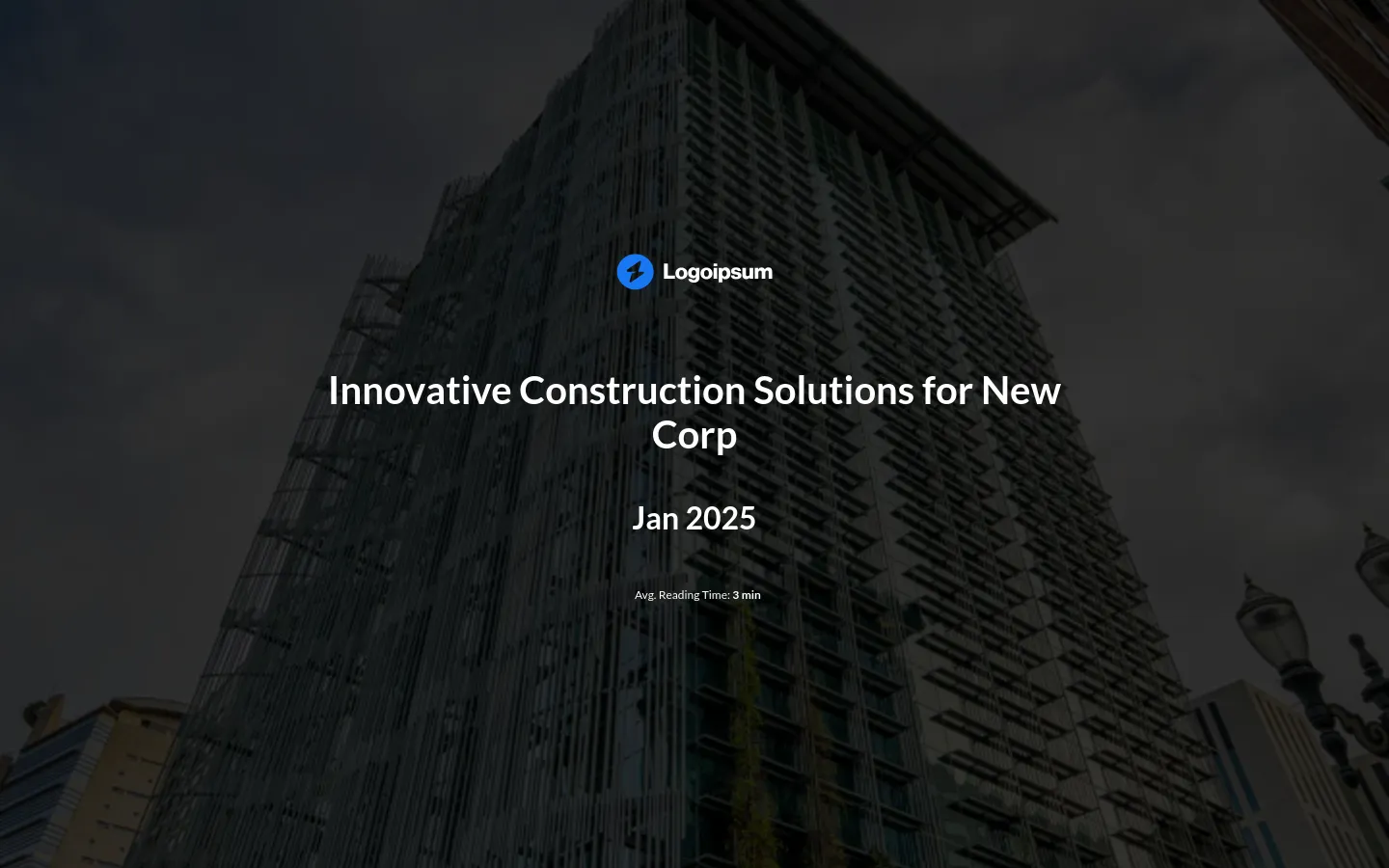
Living in a country known for delays in construction projects has made me cautious, so I always approach these construction proposals with a healthy dose of skepticism.
If you’re in a similar boat, I’d suggest really focusing on what sets you apart and your experience with similar projects. The slides in this RFP response deck are ideal for highlighting these points.
What I also really appreciated in this RFP response was the slide dedicated to terms and conditions. It’s a great way to immediately start building trust with potential clients.
Scroll to preview
Government RFP response
Government RFPs are a completely different ballgame compared to commercial RFPs, as they typically have tighter rules, need more details, and have to stick to specific budgets.
That’s why I’m happy this RFP proposal response includes the official terms and conditions. Plus, you can add an attachments slide to include all the needed documents.
What I liked the most, though, was the pricing slide. It clearly lists each item, and you can even include expandable sections where you can give more details without cluttering the main view.

Scroll to preview
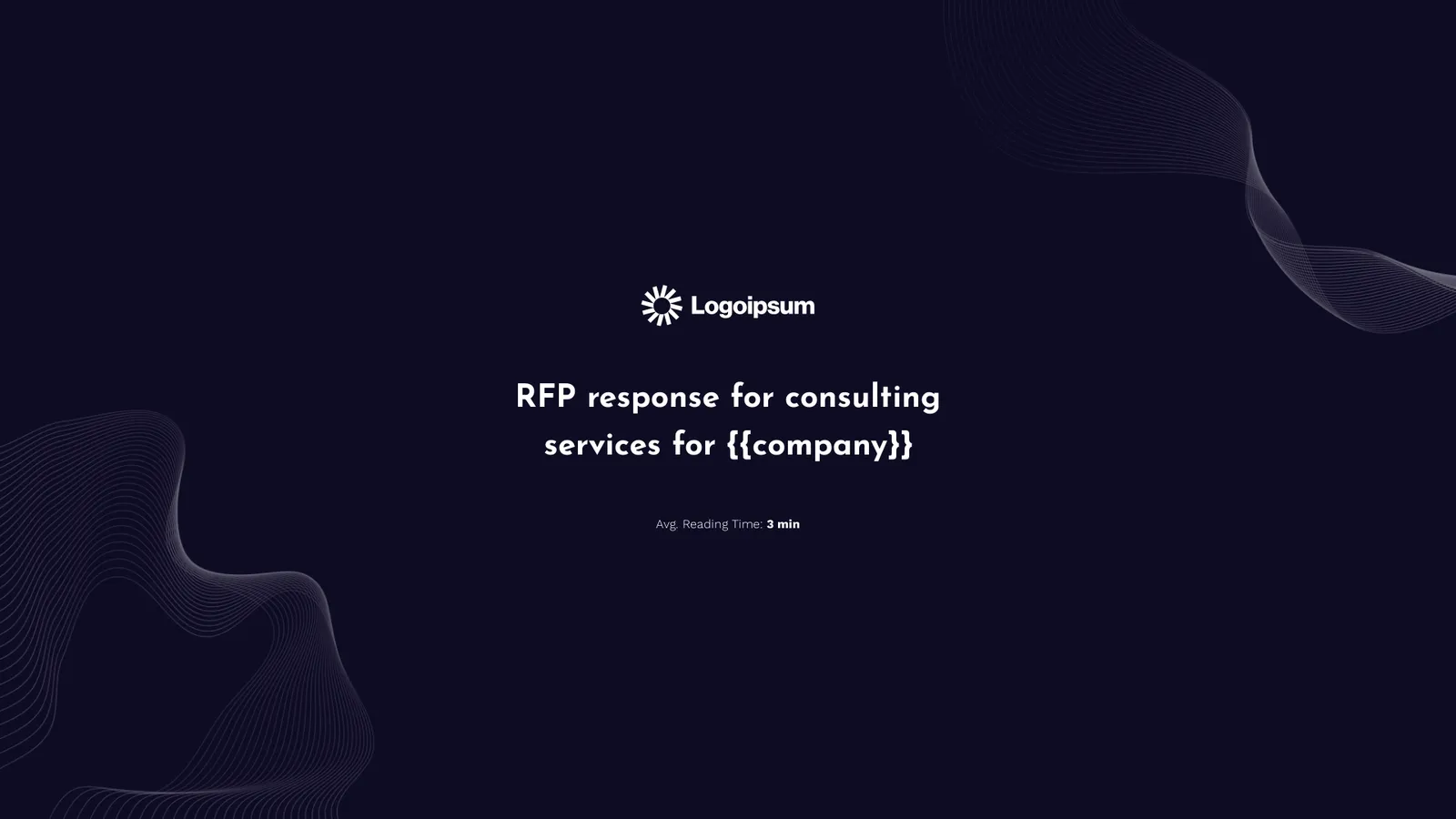
RFP response for consulting services
When I opened this RFP response, the first thing that caught my eye was how personalized it was right from the start.
You’ve got the {{company}} tag, followed by {{first_name}} in the cover letter. If you link the editor to your CRM, you can automatically fill in these details, making the proposal feel custom-made.
When companies have to sift through dozens of detailed RFP responses, feeling like you’re directly speaking to them and their needs can be what sets you apart and helps you secure that contract.
Scroll to preview
RFP response for software development
Continuing with the theme of personalizing your proposal responses, I was really impressed by how simple it was to customize the presentation to make it my own.
All I had to do to swap out the logo placeholders for my logo or the potential client’s was enter the website URL. The editor then automatically pulled all the assets for me, including the branding colors.
For someone who hates hunting down the right logo version, only to find out it doesn’t have a transparent background, this feature is a huge time-saver!

Scroll to preview
Interactive RFP response templates
Putting together your RFP response is one of the most time-consuming tasks you’ll ever manage.
Considering the average RFP has about 77 questions, you need to cover all the bases while ensuring it’s personalized and highlights your unique value in a way that keeps readers engaged from start to finish.
Interactive RFP response templates simplify this whole process. They offer a proven structure that’s designed to keep readers interested.
All you need to do is fill in the blanks to tailor it to your needs, giving you more time to focus on other tasks or more RFPs.
Just grab one!