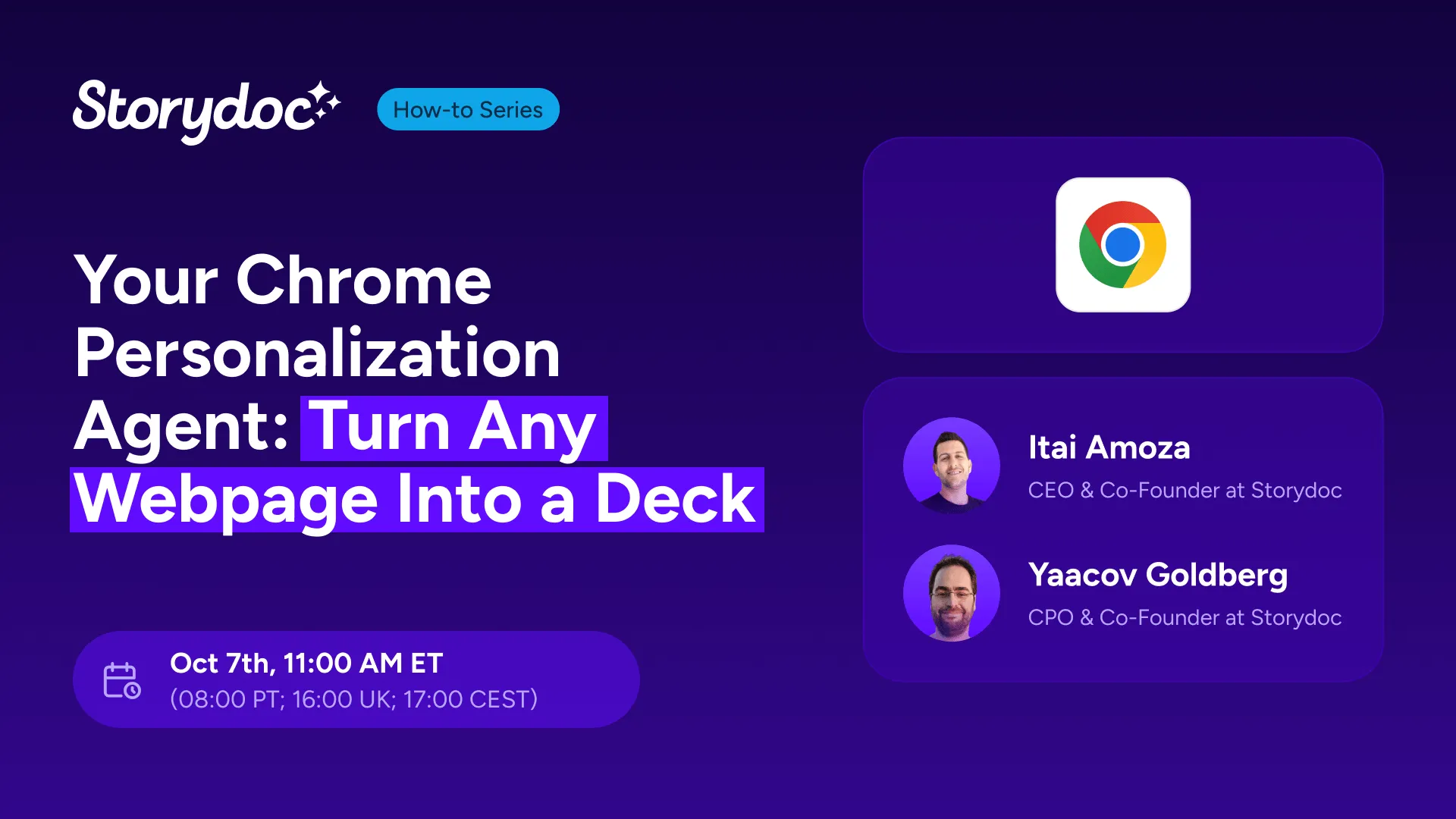
Your Chrome Personalization Agent: Turn Any Webpage Into a Deck
You find the right prospect. You open their LinkedIn profile, CRM record, or company website. Then comes the tedious part: copying their details, switching between tabs, and manually personalizing your deck.
With the Storydoc Chrome extension, you can skip all of that.
In this live session, we’ll show you how to turn practically any prospect page in Chrome into a personalized Storydoc in seconds.
You’ll see how the Storydoc Chrome extension reads the page you’re already viewing, identifies relevant prospect and company information, and uses it to automatically fill your presentation variables.
That means you can go from a LinkedIn profile, CRM record, email, prospecting tool, or company website to a ready-to-send personalized deck without copying and pasting data between tools.
We’ll take you through the complete workflow, from installing the extension and choosing an existing Storydoc to reviewing the auto-enriched information, creating your personalized version, and sharing it with your prospect.
In this session, you’ll see:
-
How the Storydoc Chrome extension works
-
How to personalize a deck from virtually any webpage
-
How Storydoc identifies and auto-fills prospect and company information
-
How to create personalized versions from LinkedIn, your CRM, email, prospecting tools, and company websites
-
How to review and edit auto-enriched data before creating your deck
-
How to share your personalized Storydoc without leaving your browser
-
Practical ways to use the extension in your day-to-day sales workflow
Meet your speakers

Itai Amoza - CEO and Co-Founder of Storydoc
With over 15 years of experience in B2B SaaS, Itai has helped companies grow revenue, scale go-to-market operations, and improve how they connect with buyers. He is particularly interested in data and using data-backed insights to drive better decisions and improve performance.

Yaacov Goldberg - CPO and Co-Founder of Storydoc
Passionate about product innovation and the practical applications of AI, Yaacov focuses on building solutions that simplify work and improve efficiency. His experience spans product strategy, content design, and workflow optimization, with a strong focus on helping teams automate repetitive tasks and create better customer experiences at scale.