







Build a Social Media Pitch Deck to Win Clients (+Templates)
Learn how to create a social media pitch deck to attract new clients, with tips on what to include in a social media pitch deck and customizable examples.
Set as Preferred Source
What is a social media pitch deck?
A social media pitch deck is a presentation that social media agencies use to attract new clients. It shows how the agency manages social media, highlights successful projects, and presents important statistics.
The deck demonstrates the agency’s skills and how they can help potential clients achieve their goals.
How do you build a social media pitch deck?
Nailing a social media pitch deck is all about striking that sweet spot between hard numbers and scroll-stopping visuals.
Your deck needs to show potential clients exactly how your social strategy will turn their brand into the one everyone’s talking about, whether it’s at the water cooler or in the Twitter spaces.
Here’s how you can build your deck slide by slide:
1) Title page
When it comes to title pages, forget the bland company logo slapped on a white background; that’s a snoozefest waiting to happen.
Instead, think of your title page as a movie trailer for your pitch. Got a killer campaign tagline? Slap that punchy one-liner front and center. Or better yet, embed a short, snappy video that showcases your best work.
Remember, this is your chance to grab their attention before they’ve even sipped their coffee. Make it pop, make it relevant, and make sure it doesn’t look like every other deck they’ve seen this week.
Here’s an example of a title slide:
2) Introduction
Your introduction is your chance to hook your readers before they start thinking about their next meeting.
Start with a quick, “Hey, we’re [Agency name], and we turn social media headaches into marketing highs.”
Then, hit them with the problem they’re losing sleep over: “In a world where tweets live and die faster than a TikTok trend, how do you make your brand stick?” That’s your cue to tease your unique approach.
Keep it snappy, though – you’ve got about 15 seconds before their eyes glaze over.
Remember, you’re not reciting your company history; you’re positioning yourself as the answer to their digital prayers. Make every word count, and leave them hungry for more.
An example of an introduction slide:
3) Your Unique Selling Proposition
Now, let’s talk about your USP – this is where you separate yourself from the “we deliver results” crowd.
Newsflash: everyone and their intern promises results. What you need is the “how” and “why” that’ll make clients sit up and take notice.
Maybe you’ve cracked the code on turning boring B2B content into TikTok gold, or you’ve got a track record of rescuing dead Facebook pages faster than you can say “algorithm change.”
Give them something they can’t get anywhere else. That’s the added value that’ll have them thinking, “These folks aren’t just talking the talk.” Make them feel like they’d be crazy to go with anyone else.
An example of a USP slide:
4) Team
Alright, let’s talk about presenting your dream team – because let’s face it, your people are the secret ingredient in your social media sauce.
This isn’t the time for boring bios that read like LinkedIn threw up. Ditch the “passionate about synergy” nonsense.
Instead, spotlight what makes your crew the Special Forces of social media. Maybe your content writer used to pen speeches for tech CEOs, or your designer’s memes once crashed a popular subreddit.
Remember, clients aren’t hiring a bunch of resumes – they’re investing in a squad that can make their brand the talk of the internet.
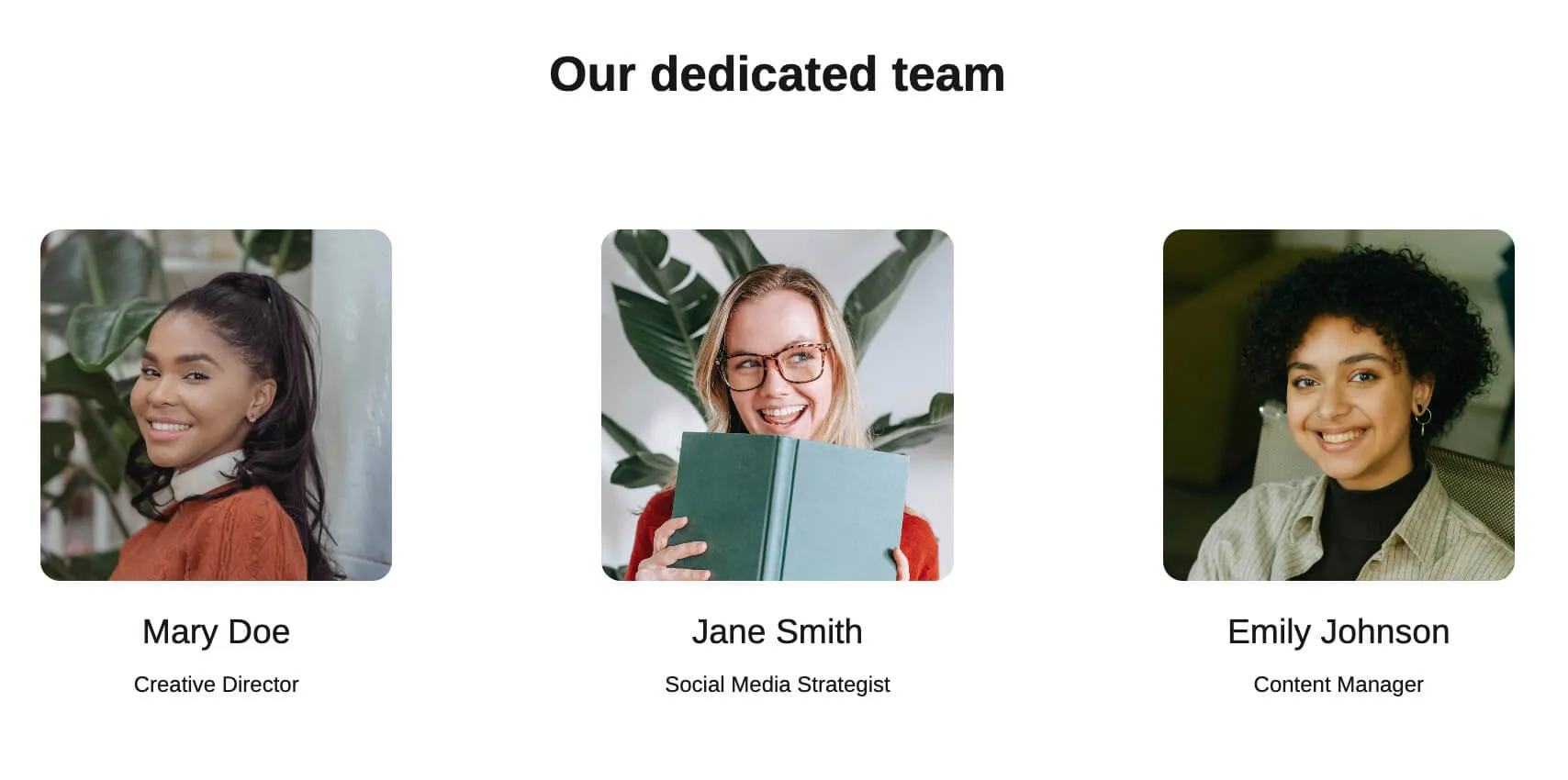
Team slide example:
5) Breakdown of services
In this section, you should break down the services you offer – and those that you don’t.
Don’t assume your client knows a Facebook pixel from a Pinterest carousel ad. For each service, break it down like you’re explaining it to your tech-challenged uncle. What exactly are you doing? Posting daily? Running ads? Sliding into DMs?
And more importantly, what’s in it for them? Maybe your content creation turns followers into superfans, or your community management keeps their mentions cleaner than a surgeon’s hands.
Services slide example:
6) How you work
When outlining how you work, give potential clients a clear roadmap of your process.
- Break down your communication strategy. Be specific – do you have weekly video calls? Daily Slack updates? Monthly in-person meetings? Clients want to know they’ll be kept in the loop without feeling overwhelmed.
- Next, dive into your content creation process. Mention your content calendar system and how you ensure it aligns with the client’s broader marketing goals.
- Address the approval workflow. Detail how and when you’ll submit content for review.
- Don’t skimp on explaining your analytics and reporting. Describe how you measure success, the types of metrics you track, and how often you deliver insights. Highlight how these reports translate into actionable strategies.
The key is to strike a balance – give them enough detail to understand your process, sprinkle in some personality to keep it engaging, but above all, demonstrate the value and expertise you bring to the partnership.
An example of a workflow slide:
7) Examples of past work
In your examples of past work section, showcase your victories with a mix of hard data and relatable storytelling. Group them in a way that potential clients can easily find relevant examples.
For each case study, paint a clear before-and-after picture. Begin with the client’s initial situation – perhaps their social media presence was minimal or ineffective. Then, highlight how your strategies transformed their online presence.
Now, let’s talk numbers – because in this game, metrics are king. For instance:
“We revamped a B2B software company’s LinkedIn strategy, turning it into a lead generation powerhouse. Results? Engagement up 200%, qualified leads increased by 150%, and their sales team saw a 75% boost in demo requests.”
The goal is to leave potential clients thinking, “If they achieved this for similar businesses, imagine what they could do for us.”
Past work slide example:
8) Pricing
When you’re laying out your pricing, think of it like a menu at your favorite restaurant.
You want your clients to know exactly what they’re ordering and what it’ll cost them. No hidden fees, no surprise “market price” shock when the bill comes.
For each option, spell out what they’re getting. We’re talking number of posts, which platforms you’re tackling, whether you’re handling their ad spend, how often you’re serving up analytics reports.
Be straight up about the costs. If your prices might wiggle around based on the size of their company or what industry they’re in, just say so. But always give them a ballpark figure to work with.
Nobody likes feeling like they’re playing “Guess the price” with their marketing budget.
An example of a pricing slide:
9) Social proof
When you’re building your pitch deck, don’t just toot your own horn. Let your happy clients do the shouting for you.
Sprinkle in some quotes from clients singing your praises. Maybe the CEO of that startup you turned into a LinkedIn sensation, or the marketing manager whose inbox is now flooded with partnership requests.
Being transparent with potential clients builds trust like nothing else. When they see success stories similar to their own situation, they’re more likely to picture themselves as your next big win.
Example of a social proof slide:
10) Next steps slide
After you’ve knocked their socks off with your pitch, don’t fumble at the finish line with a bland “Thank you” slide.
Instead, tell them exactly what you want them to do next. Book a call? Fill out a questionnaire? Visit your website? Whatever it is, spell it out clearly.
Better yet, make it ridiculously easy for them to take action. Embed a calendar right there in your deck so they can book a meeting while you’re still fresh in their minds.
Or drop in some QR codes that’ll take them straight to your contact page or a custom landing site.
Remember, your pitch deck isn’t the end of the conversation – it’s the beginning. Make sure your next steps slide is so clear and compelling that moving on to another agency’s deck feels like a step backward.
Next steps slide example:
Best practices for building a social media pitch deck
Now that you know how to build a social media pitch deck slide by slide, let’s look at some general practices that can take your presentation to the next level:
- Know your audience: Spend some time understanding the company you’re pitching to. Get familiar with their brand, goals, and values so your pitch hits the mark.
- Do your homework: Research the client’s market and their competitors thoroughly. This insight allows you to offer strategies that set them apart.
- Tell a story: Make your data and facts part of an engaging story that shows how your services can transform their situation.
- Make it personal: Use the client’s colors and fonts in your deck. It’s a small touch, but it shows you pay attention to detail and helps them see how your ideas fit their brand.
- Incorporate interactivity: Spice up your deck with interactive elements such as clickable links or animations to keep the audience engaged and make your points memorable.
Scroll to preview
Instagram campaign pitch deck
The next deck we’re looking at is laid out much like the others but focuses on Instagram services.
I really appreciate the data visualization components – they make complex metrics easy to digest while keeping everything up to date in real time. No more worrying about outdated stats.
Plus, there’s a dedicated terms and conditions slide with an embedded e-signature, so confident clients can move forward instantly without any extra steps.

Scroll to preview
Social media marketing pitch deck
This social media marketing pitch deck might just be my favorite. It’s a bit more general but does an excellent job outlining the range of services provided.
It’s important because clients don’t always know exactly what they need—they rely on your expertise. This deck smartly uses expandable text sections, so if someone wants more detail, they can get it without feeling overwhelmed.
It’s an effective way to demonstrate your knowledge and build trust with potential clients.

Scroll to preview
Social media influencer marketing pitch deck
This presentation is more focused on influencer marketing services.
One thing that caught my attention as I was playing around with this deck was the case studies section.
Instead of bogging you down with details, it offers quick quotes. Then, you can add external links to full case studies for deeper reads.
Another smart touch is the pricing slide. Each plan has a clear “Get this plan” button underneath, which subtly encourages action right from the deck.
It’s a smooth, low-pressure way to help potential clients take the next step while the value is still fresh in their minds.

Scroll to preview
Social media advertising pitch deck
For the final deck, there were 2 things that I liked the most. First up, the number of multimedia placeholders to balance out the text.
This is key because people usually decide in about 15 seconds whether they’ll stick around. Including a video right off the bat can increase interaction by 32%—that’s a third more engagement!
And secondly, the deck maintains interest all the way through, wrapping up with an embedded calendar to book your next meeting or a link to more resources. It’s a clever way to nudge prospects towards taking action.

Scroll to preview


Social media pitch deck examples that land you clients
So, now that you know what goes into a social media pitch deck, here are some ready social media pitch deck examples.
They were all built with these best practices in mind, and they’re 100% replicable so you can use them to build your own deck.
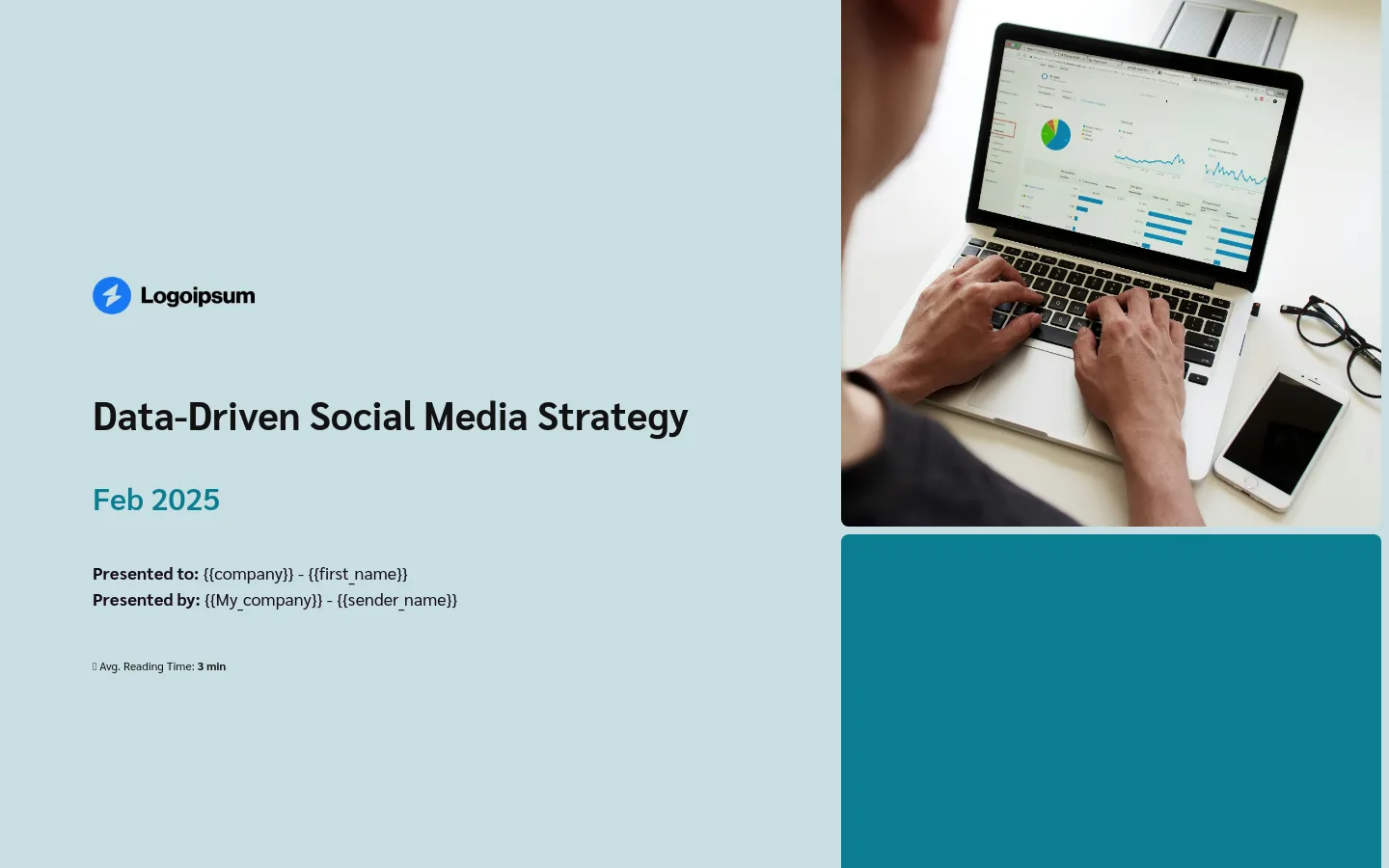
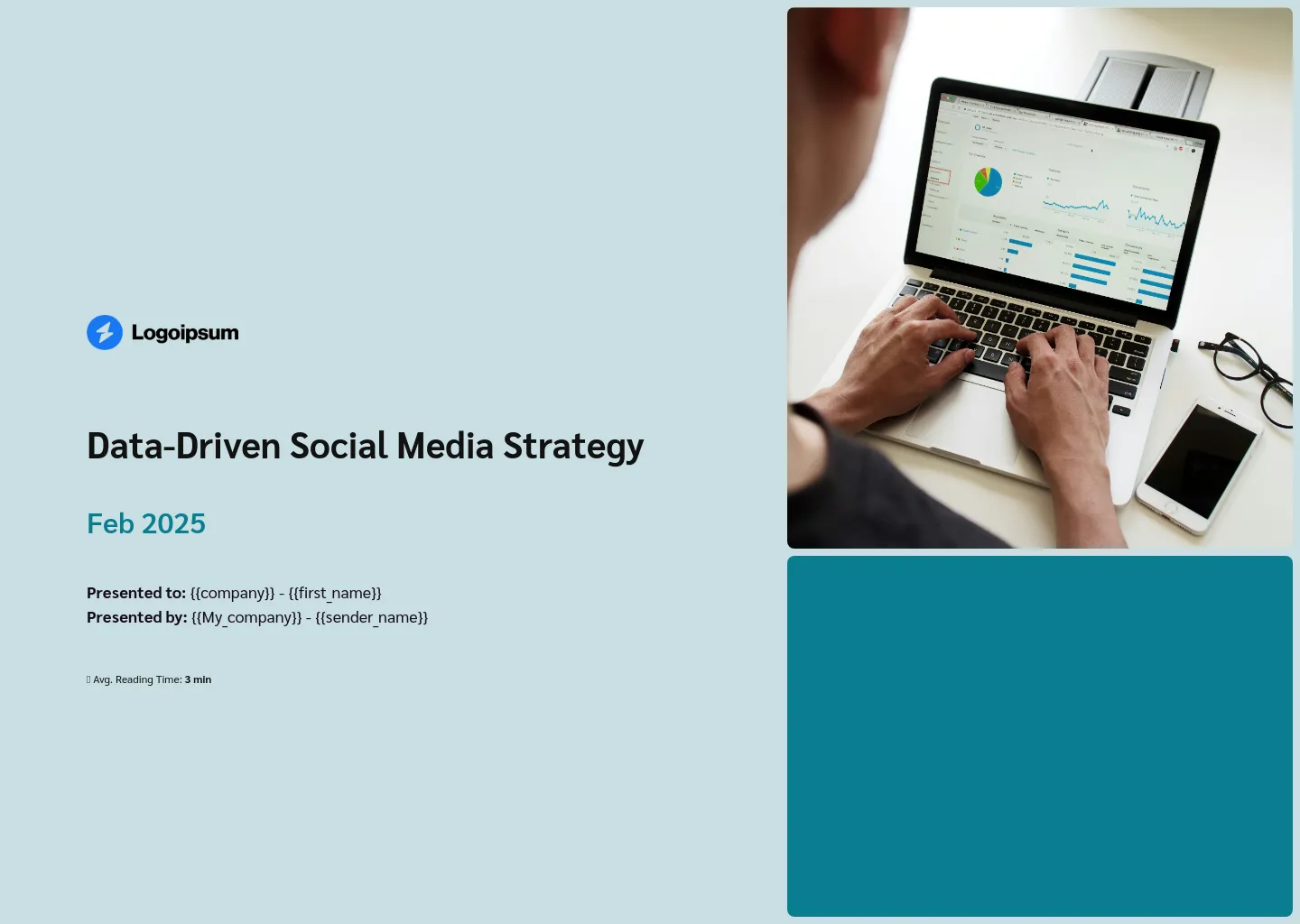
Social media strategy pitch deck
I picked this social media strategy pitch deck because it’s super customizable right from the start.
The first slide has placeholders like {{company}} that you can quickly swap with your prospective clients’ names once you link up your CRM.
This personalized approach really draws people in—it can increase the full read-through rate of your deck by 68%. This small detail might be just what you need to edge out the competition and close the deal.